







Question: PHP Exercise 1-4 Create a new document in your text editor. Be sure to include all the appropriate html tags for a basic document. Add
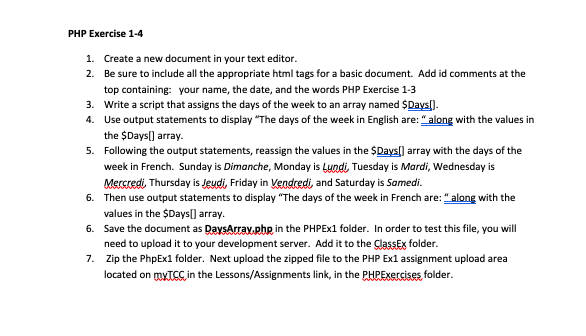
PHP Exercise 1-4
- Create a new document in your text editor.
- Be sure to include all the appropriate html tags for a basic document. Add id comments at the top containing: your name, the date, and the words PHP Exercise 1-3
- Write a script that assigns the days of the week to an array named $Days[].
- Use output statements to display The days of the week in English are: along with the values in the $Days[] array.
- Following the output statements, reassign the values in the $Days[] array with the days of the week in French. Sunday is Dimanche, Monday is Lundi, Tuesday is Mardi, Wednesday is Mercredi, Thursday is Jeudi, Friday in Vendredi, and Saturday is Samedi.
- Then use output statements to display The days of the week in French are: along with the values in the $Days[] array.
- Save the document as DaysArray.php in the PHPEx1 folder. In order to test this file, you will need to upload it to your development server. Add it to the ClassEx folder.
Zip the PhpEx1 folder. Next upload the zipped file to the PHP Ex1 assignment upload area located on myTCC in the Lessons/Assignments link, in the PHPExercises folder
PHP Exercise 1-4 1. Create a new document in your text editor. 2. Be sure to include all the appropriate html tags for a basic document. Add id comments at the top containing your name, the date, and the words PHP Exercise 1-3 3. Write a script that assigns the days of the week to an array named Days!). 4. Use output statements to display "The days of the week in English are: " along with the values in the $Days() array. 5. Following the output statements, reassign the values in the $Days[] array with the days of the week in French. Sunday is Dimanche, Monday is Lundi, Tuesday is Mardi, Wednesday is Mercredi, Thursday is Jeudi, Friday in Vendredi and Saturday is Samedi. 6. Then use output statements to display "The days of the week in French are: " along with the values in the $Days() array. 6. Save the document as DaysArray.php in the PHPEx1 folder. In order to test this file, you will need to upload it to your development server. Add it to the ClassEx folder. 7. Zip the PhpEx1 folder. Next upload the zipped file to the PHP Exl assignment upload area located on mxts in the Lessons/Assignments link, in the PHPExercises folder
Step by Step Solution
There are 3 Steps involved in it

Get step-by-step solutions from verified subject matter experts
 Study Help