







Question: Pivot Tables - Application Exercise The data provided for this exercise contains sales transactions from a retail store that sells furniture and office supplies. In
Pivot Tables Application Exercise
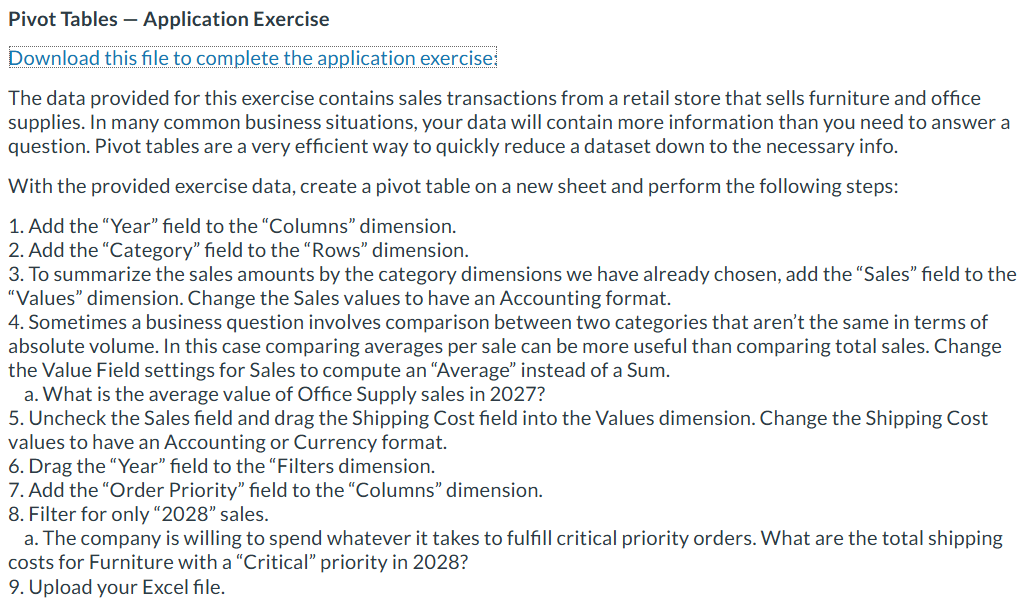
The data provided for this exercise contains sales transactions from a retail store that sells furniture and office supplies. In many common business situations, your data will contain more information than you need to answer a question. Pivot tables are a very efficient way to quickly reduce a dataset down to the necessary info.
With the provided exercise data, create a pivot table on a new sheet and perform the following steps:
Add the "Year" field to the "Columns" dimension.
Add the "Category" field to the "Rows" dimension.
To summarize the sales amounts by the category dimensions we have already chosen, add the "Sales" field to the "Values" dimension. Change the Sales values to have an Accounting format.
Sometimes a business question involves comparison between two categories that aren't the same in terms of absolute volume. In this case comparing averages per sale can be more useful than comparing total sales. Change the Value Field settings for Sales to compute an "Average" instead of a Sum.
a What is the average value of Office Supply sales in
Uncheck the Sales field and drag the Shipping Cost field into the Values dimension. Change the Shipping Cost values to have an Accounting or Currency format.
Drag the "Year" field to the "Filters dimension.
Add the "Order Priority" field to the "Columns" dimension.
Filter for only sales.
a The company is willing to spend whatever it takes to fulfill critical priority orders. What are the total shipping costs for Furniture with a "Critical" priority in
Upload you Excel file.
Step by Step Solution
There are 3 Steps involved in it
1 Expert Approved Answer
Step: 1 Unlock

Question Has Been Solved by an Expert!
Get step-by-step solutions from verified subject matter experts
Step: 2 Unlock
Step: 3 Unlock
 Study Help