







Question: Please answer the following question. I just need the code using imagesc function, so you can use any jpg. Make use again of the file
Please answer the following question.
I just need the code using imagesc function, so you can use any jpg.
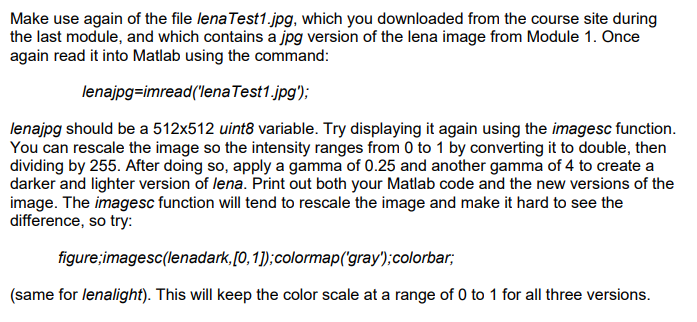
Make use again of the file lenaTest1.jpg, which you downloaded from the course site during the last module, and which contains a jpg version of the lena image from Module 1. Once again read it into Matlab using the command: lenajpg-imread(lena Test1.jpg): lenajpg should be a 512x512 uint8 variable. Try displaying it again using the imagesc function. You can rescale the image so the intensity ranges from 0 to 1 by converting it to double, then dividing by 255. After doing so, apply a gamma of 0.25 and another gamma of 4 to create a darker and lighter version of lena. Print out both your Matlab code and the new versions of the image. The imagesc function will tend to rescale the image and make it hard to see the difference, so try: figure imagesc(lenadark,[0, 1):colormap(gray);colorbar; (same for lenalight). This will keep the color scale at a range of O to 1 for all three versions
Step by Step Solution
There are 3 Steps involved in it

Get step-by-step solutions from verified subject matter experts
 Study Help