



Question: Please complete in eclipse and show a screenshot of the program running! Thank you in advance! Objectives: JavaFX Concurrency Task: Create an app to read
Please complete in eclipse and show a screenshot of the program running! Thank you in advance!
Objectives:
JavaFX
Concurrency
Task: Create an app to read short stories
Too lazy to watch a full movie? (I mean, who has 2 hours anyway??) Use the data provided to create an app that will show a short story to the user in flipbook format - one image at a time. Warning: spoilers ahead!
Getting Started
To begin this lab, create a new JavaFX project named abc123-lab8, and create the following packages, classes, and FXML files:
application.Main
application.controller.MainController
application.controller.StoryController
application.model.Story
Main.fxml
Story.fxml
Note that you may need additional classes, depending on your own implementation. If you decide to add an additional fxml file (another view), remember that you must have a separate controller for that new view as well.
App Design
Your program will show a view similar to the one shown below when the app is run: 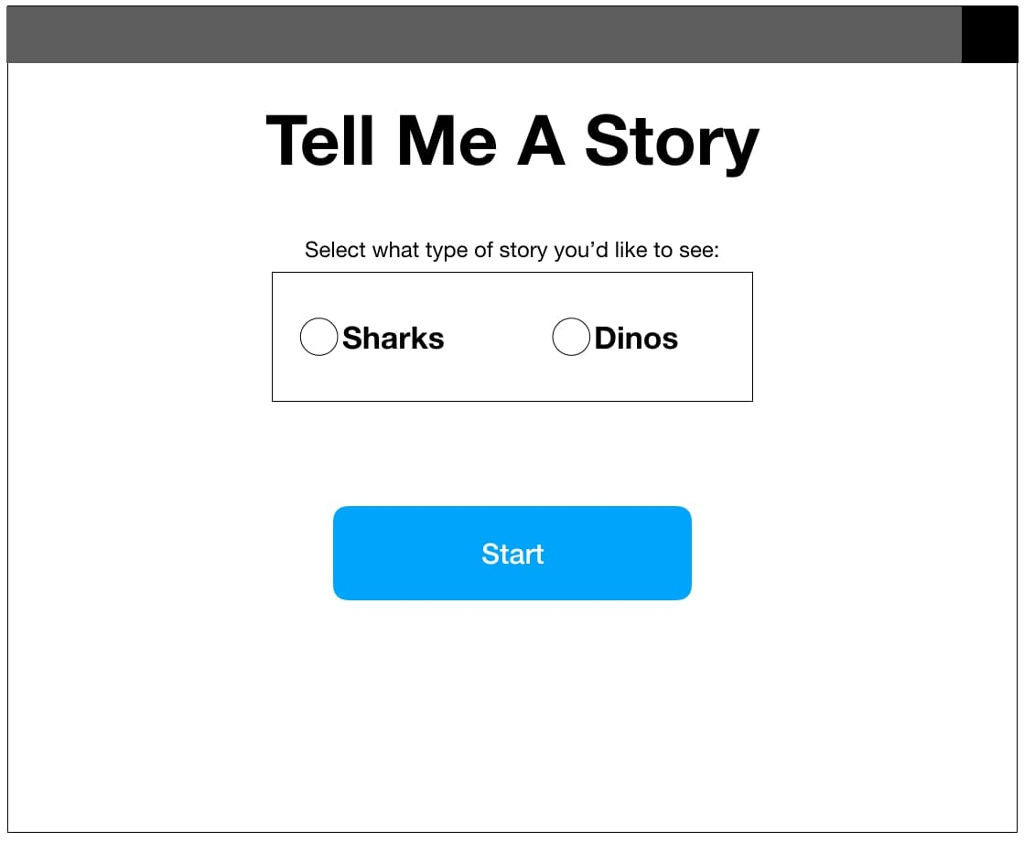 This view will be the Main.fxml. The user will have a choice between two (or more) stories. You may choose to use the data provided, or add your own in the same format. Once the user selects a story, the following view will show them the story, one "page" at a time. It will automatically "flip" to the next page, showing each one for at least 2 seconds (or enough time to read the text). During the length of the story, the view will display the amount of time remaining in the story, and the progress of the user (i.e. what page they are on). Each story consists of a series of 9 or more pages.
 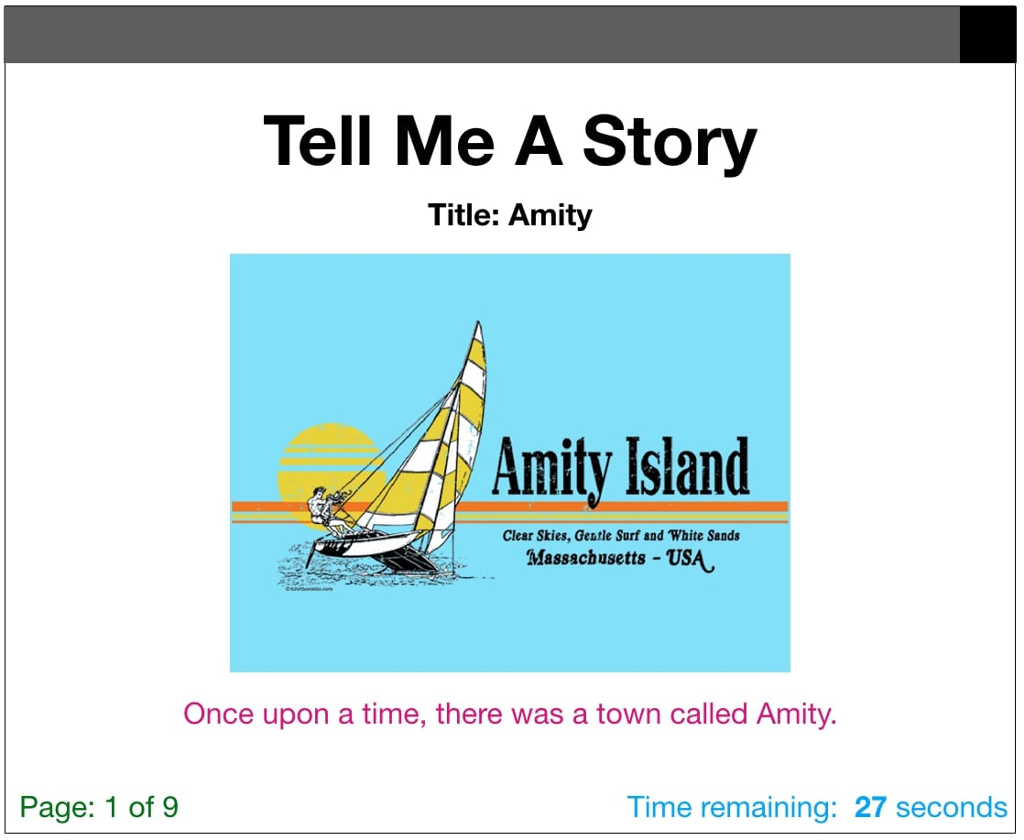 This view will be the Story.fxml. When the story has finished, the user should be given a button to return to the home screen, as below. The Choose another story button should take the user back to the main page.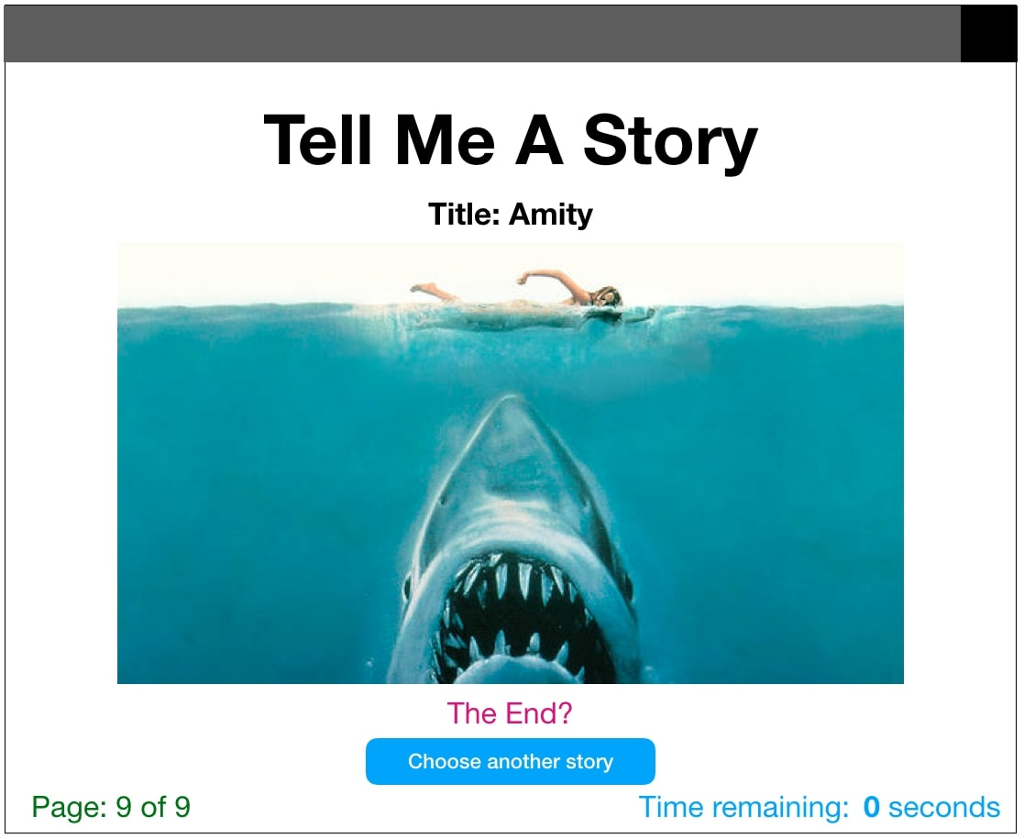
Two simple stories have been provided: story1 and story2 for convenience. Unzip these and place each folder at the top of your Eclipse project. Each story folder contains 9 ordered images and 1 story.txt file. This txt file contains the text to be shown with each image provided. For example, in the second screenshot above, the image shown is 1.png from story1, and the text shown is from the following line in story1/story.txt: 1: Once upon a time, there was a town called Amity. If you choose to use your own stories, they must be in the same format as these given stories. You may choose the stories, images, images, fonts, colors, app size, and other style features. Each view must have the GUI components minimally shown in the example views above.
Making it Work
Main.java will launch the application and show Main.fxml. MainController.java will be the EventHandler for this fxml, and should handle loading the next view, given the user's choice.
Threads
While it is possible to implement this app without the use of threads, it does not make for a good user experience. To get started, create the basic functionality of the full app - all views, the controllers, adding only a label or two to the Story.fxml for now. When that is complete, consider threads and tasks in JavaFX. See the example code from lecture, on the course website. Your submission must leverage threads to show the images and text, at minimum. It is recommended an additional thread is used to help keep time.
The Model
The model of this application will be Story.java, and you may add any other classes as necessary. Th
Step by Step Solution
There are 3 Steps involved in it

Get step-by-step solutions from verified subject matter experts