







Question: Please do on linux terminal and use gedit as editor. Zoom in for visible view CpSc 1111 Lab 9 Arrays Overview This weck, you will
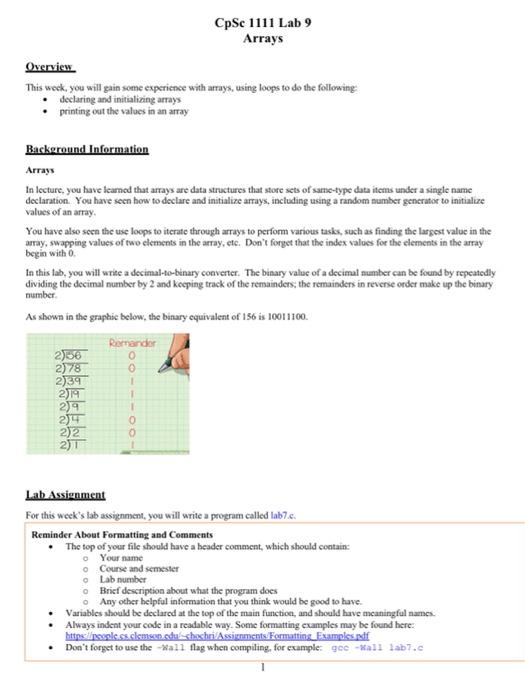
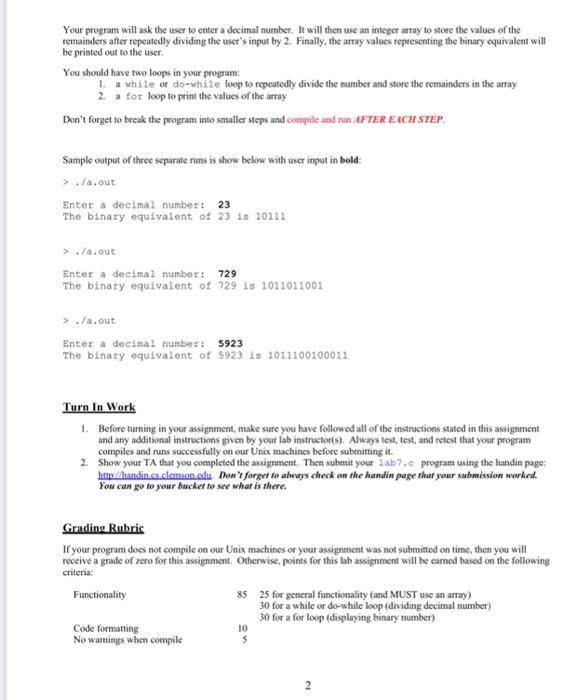
CpSc 1111 Lab 9 Arrays Overview This weck, you will gain some experience with arrays, using loops to do the following declaring and initializing arrays printing out the values in an array Background Information Arrays In lecture, you have learned that arrays are data structures that store sets of same-type data items under a single name declaration. You have seen how to declare and initialize arrays, including using a random number generator to initialize values of an array You have also seen the use loops to iterate through arrays to perform various tasks, such as finding the largest value in the array, swapping values of two elements in the array, etc. Don't forget that the index values for the elements in the array begin with. In this lab, you will write a decimal-to-binary converter. The binary value of a decimal number can be found by repeatedly dividing the decimal number by 2 and keeping track of the remainders, the remainders in reverse order make up the binary number As shown in the graphic below, the binary equivalent of 156 is 10011100 Reerander 2)56 0 2)78 2)39 1 2)19 1 1 0 2)T Lab Assignment For this week's lab assignment, you will write a program called lab?.c. Reminder About Formatting and Comments The top of your file should have a header comment, which should contain: Your name Course and semester Lab number Brief description about what the program does Any other helpful information that you think would be good to have Variables should be declared at the top of the main function, and should have meaningful names Always indent your code in a readable way. Some formatting examples may be found here: https://ople.scimendu shoshi/Assignments Formatting Examples.pdf Don't forget to use the wall flag when compiling, for example: gec-Wall lab7.c Your program will ask the user to enter a decimal number. It will then use an integer array to store the values of the remainders after repeatedly dividing the user's input by 2. Finally, the array values representing the binary equivalent will be printed out to the user You should have two loops in your program: I a while or do-while loop to repcatedly divide the number and store the remainders in the array 2. a for loop to print the values of the array Don't forget to break the program into smaller steps and compile and run AFTER EACH STEP. Sample output of three separate runs is show below with user input in bold > ./a.out Enter a decimal number: 23 The binary equivalent of 23 is 10111 >./a.out Enter a decimal number: 729 The binary equivalent of 729 18 1011011001 > ./.out Enter a decimal number: 5923 The binary equivalent of 5923 is 1011100100011 Turn In Work 1. Before turning in your assignment, make sure you have followed all of the instructions stated in this assignment and any additional instructions given by your lab instructor(s). Always test, test, and retest that your program compiles and runs successfully on our Unix machines before submitting it 2. Show your TA that you completed the assignment. Then submit your lab7. program using the handin page http://bandin.c.clemon.edu Don't forget to always check on the handin page that your submission worked. You can go to your bucket to see what is there. Grading Rubric If your program does not compile on our Unix machines or your assignment was not submitted on time, then you will receive a grade of zero for this assignment. Otherwise, points for this lab assignment will be carned based on the following criteria: Functionality 85 25 for general functionality and MUST use an array) 30 for a while or do-while loop (dividing decimal number) 30 for a for loop displaying binary number) Code formatting 10 No warings when compile $ 2
Step by Step Solution
There are 3 Steps involved in it

Get step-by-step solutions from verified subject matter experts
 Study Help