







Question: Please do project 5-4: Exploring ARP Poisonings. Take a screenshot of each step Hands on Project 5-4 Exploring ARP Poisoning 1. Open a Command Prompt
Please do project 5-4: Exploring ARP Poisonings. Take a screenshot of each step
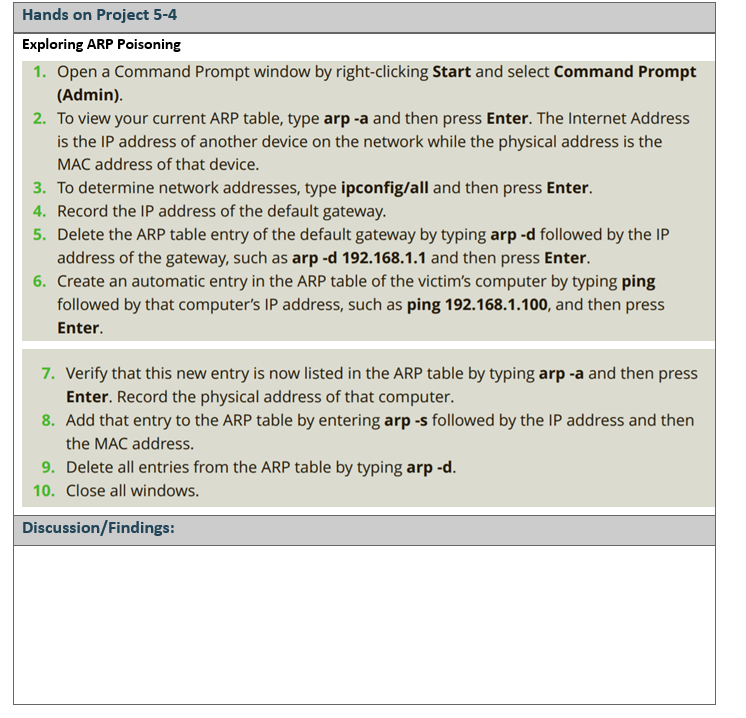
Hands on Project 5-4 Exploring ARP Poisoning 1. Open a Command Prompt window by right-clicking Start and select Command Prompt (Admin). 2. To view your current ARP table, type arp -a and then press Enter. The Internet Address is the IP address of another device on the network while the physical address is the MAC address of that device. 3. To determine network addresses, type ipconfig/all and then press Enter. 4. Record the IP address of the default gateway. 5. Delete the ARP table entry of the default gateway by typing arp -d followed by the IP address of the gateway, such as arp -d 192.168.1.1 and then press Enter. 6. Create an automatic entry in the ARP table of the victim's computer by typing ping followed by that computer's IP address, such as ping 192.168.1.100, and then press Enter. 7. Verify that this new entry is now listed in the ARP table by typing arp -a and then press Enter. Record the physical address of that computer. 8. Add that entry to the ARP table by entering arp -s followed by the IP address and then the MAC address. 9. Delete all entries from the ARP table by typing arp-d. 10. Close all windows. Discussion/Findings
Step by Step Solution
There are 3 Steps involved in it

Get step-by-step solutions from verified subject matter experts
 Study Help