







Question: please do the code part in code warrior using C this is the assembly shell needed for the code ;***************************************************************** ;* This stationery serves as
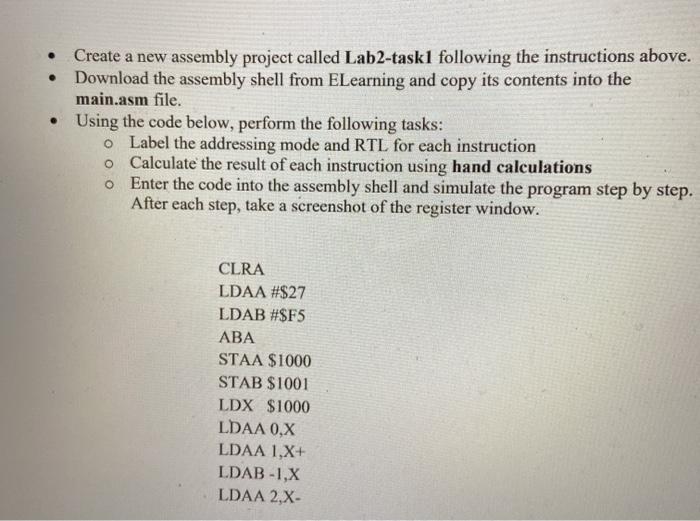
Create a new assembly project called Lab2-task1 following the instructions above. Download the assembly shell from ELearning and copy its contents into the main.asm file. Using the code below, perform the following tasks: o Label the addressing mode and RTL for each instruction o Calculate the result of each instruction using hand calculations o Enter the code into the assembly shell and simulate the program step by step. After each step, take a screenshot of the register window. CLRA LDAA #$27 LDAB #$F5 ABA STAA $1000 STAB $1001 LDX $1000 LDAA 0,X LDAA 1,X+ LDAB -1,X LDAA 2,X- Create a new assembly project called Lab2-task1 following the instructions above. Download the assembly shell from ELearning and copy its contents into the main.asm file. Using the code below, perform the following tasks: o Label the addressing mode and RTL for each instruction o Calculate the result of each instruction using hand calculations o Enter the code into the assembly shell and simulate the program step by step. After each step, take a screenshot of the register window. CLRA LDAA #$27 LDAB #$F5 ABA STAA $1000 STAB $1001 LDX $1000 LDAA 0,X LDAA 1,X+ LDAB -1,X LDAA 2,X
Step by Step Solution
There are 3 Steps involved in it

Get step-by-step solutions from verified subject matter experts
 Study Help