







Question: Please help complete the following using the simulation. Thank you! Radio Waves Name Lab Procedure - Answer questions in red. Download and run the Java
Please help complete the following using the simulation. Thank you!
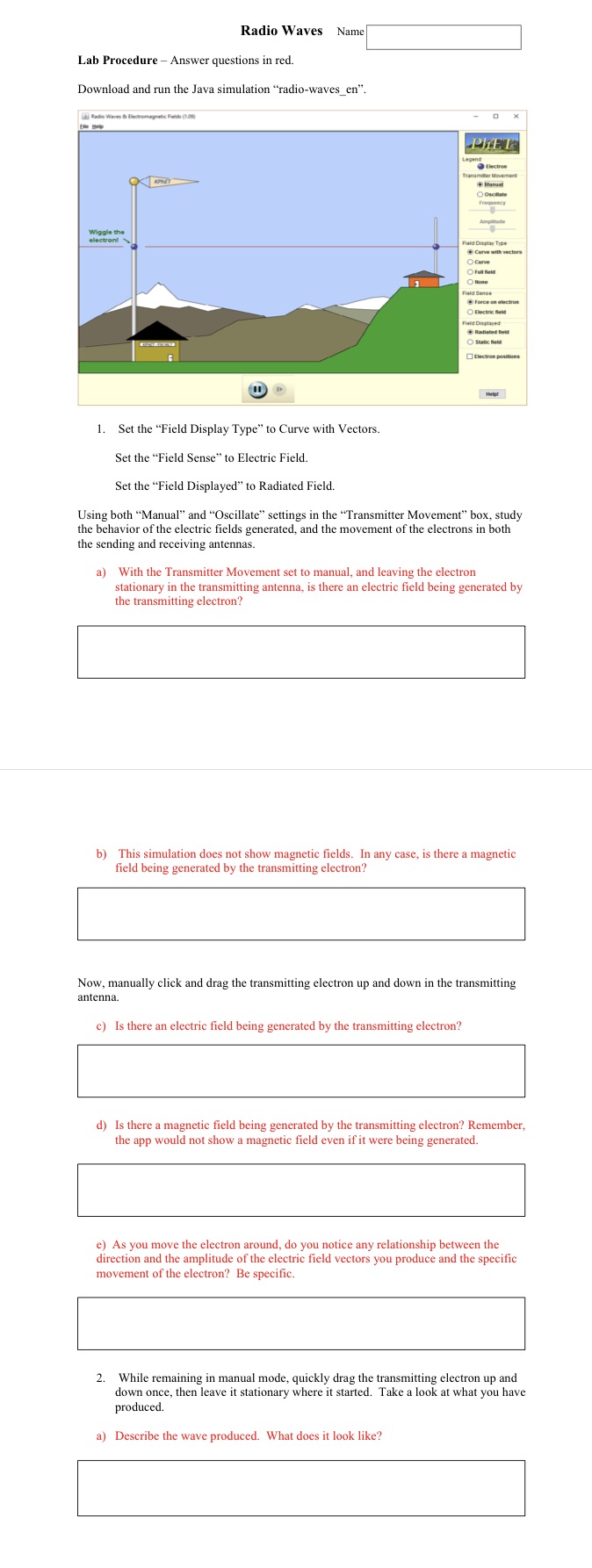
Radio Waves Name Lab Procedure - Answer questions in red. Download and run the Java simulation "radio-waves_en". PLET Electron Manual OOsonlate Wiggle the electron! laid Display Type Curve with vectors Curve Oful Met OHone force on electron OBlectric held Field Displayed Radiated field Static held Electron p 1. Set the "Field Display Type" to Curve with Vectors. Set the "Field Sense" to Electric Field. Set the "Field Displayed" to Radiated Field. Using both "Manual" and "Oscillate" settings in the "Transmitter Movement" box, study the behavior of the electric fields generated, and the movement of the electrons in both the sending and receiving antennas. a) With the Transmitter Movement set to manual, and leaving the electron stationary in the transmitting antenna, is there an electric field being generated by the transmitting electron? b) This simulation does not show magnetic fields. In any case, is there a magnetic field being generated by the transmitting electron? Now, manually click and drag the transmitting electron up and down in the transmitting antenna. c) Is there an electric field being generated by the transmitting electron? d) Is there a magnetic field being generated by the transmitting electron? Remember, the app would not show a magnetic field even if it were being generated. e) As you move the electron around, do you notice any relationship between the direction and the amplitude of the electric field vectors you produce and the specific movement of the electron? Be specific. 2. While remaining in manual mode, quickly drag the transmitting electron up and down once, then leave it stationary where it started. Take a look at what you have produced. a) Describe the wave produced. What does it look like
Step by Step Solution
There are 3 Steps involved in it

Get step-by-step solutions from verified subject matter experts
 Study Help