







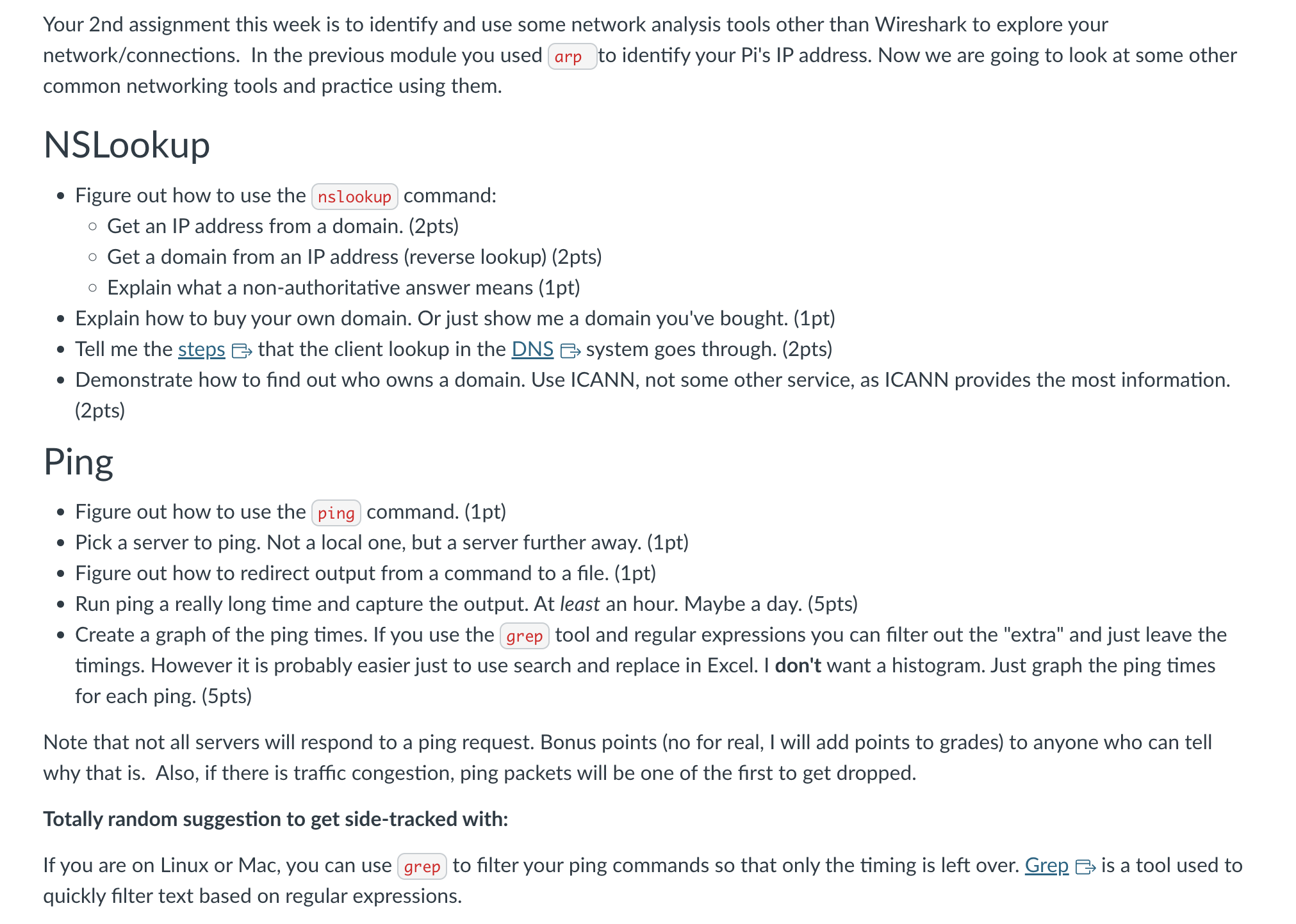
Question: PLEASE HELP HOW DO I COMPLETE THIS ON A MAC COMPUTER. PLEASE HELP STEP BY STEP FOR VISUALIZATION AND UNDERSTANDING. NSLookup Figure out how to
PLEASE HELP HOW DO I COMPLETE THIS ON A MAC COMPUTER. PLEASE HELP STEP BY STEP FOR VISUALIZATION AND UNDERSTANDING.
NSLookup
Figure out how to use the command:
Get an IP address from a domain. pts
Get a domain from an IP address reverse lookuppts
Explain what a nonauthoritative answer means pt
Explain how to buy your own domain. Or just show me a domain you've bought. pt
Tell me the steps that the client lookup in the DNS system goes through. pts
Demonstrate how to find out who owns a domain. Use ICANN, not some other service, as ICANN provides the most information.
pts
Ping
Figure out how to use the ping command. pt
Pick a server to ping. Not a local one, but a server further away. pt
Figure out how to redirect output from a command to a file. pt
Run ping a really long time and capture the output. At least an hour. Maybe a day. pts
Create a graph of the ping times. If you use the grep tool and regular expressions you can filter out the "extra" and just leave the
timings. However it is probably easier just to use search and replace in Excel. I don't want a histogram. Just graph the ping times
for each ping. pts
Note that not all servers will respond to a ping request. Bonus points no for real, I will add points to grades to anyone who can tell
why that is Also, if there is traffic congestion, ping packets will be one of the first to get dropped.
Totally random suggestion to get sidetracked with:
If you are on Linux or Mac, you can use
to filter your ping commands so that only the timing is left over. Grep is a tool used to
quickly filter text based on regular expressions.
Step by Step Solution
There are 3 Steps involved in it
1 Expert Approved Answer
Step: 1 Unlock

Question Has Been Solved by an Expert!
Get step-by-step solutions from verified subject matter experts
Step: 2 Unlock
Step: 3 Unlock
 Study Help