







Question: Please, Help me with this!! make it in the doc as steps are provided. Insert WordArt in Word, using your name as the content, and
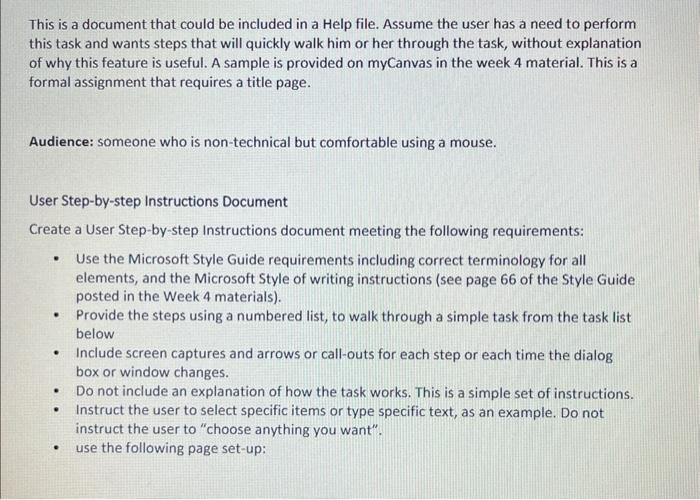
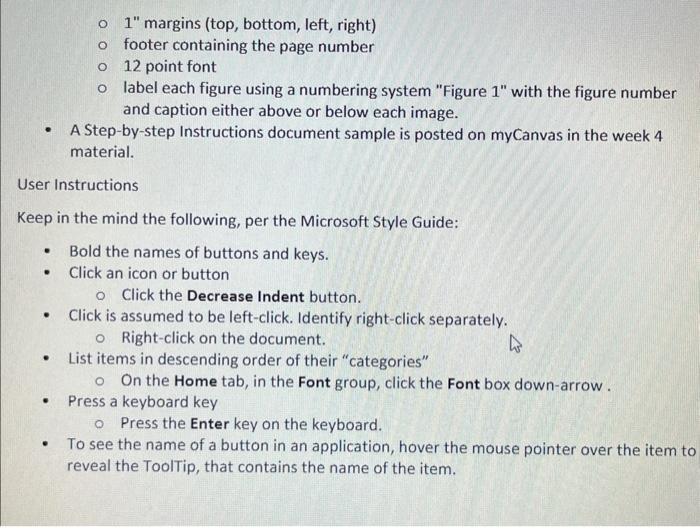
This is a document that could be included in a Help file. Assume the user has a need to perform this task and wants steps that will quickly walk him or her through the task, without explanation of why this feature is useful. A sample is provided on myCanvas in the week 4 material. This is a formal assignment that requires a title page. Audience: someone who is non-technical but comfortable using a mouse. User Step-by-step Instructions Document Create a User Step-by-step Instructions document meeting the following requirements: - Use the Microsoft Style Guide requirements including correct terminology for all elements, and the Microsoft Style of writing instructions (see page 66 of the Style Guide posted in the Week 4 materials). - Provide the steps using a numbered list, to walk through a simple task from the task list below - Include screen captures and arrows or call-outs for each step or each time the dialog box or window changes. - Do not include an explanation of how the task works. This is a simple set of instructions. - Instruct the user to select specific items or type specific text, as an example. Do not instruct the user to "choose anything you want". - use the following page set-up: 1" margins (top, bottom, left, right) footer containing the page number 12 point font label each figure using a numbering system "Figure 1 " with the figure number and caption either above or below each image. - A Step-by-step Instructions document sample is posted on myCanvas in the week 4 material. User Instructions Keep in the mind the following, per the Microsoft Style Guide: - Bold the names of buttons and keys. - Click an icon or button Click the Decrease Indent button. - Click is assumed to be left-click. Identify right-click separately. Right-click on the document. - List items in descending order of their "categories" On the Home tab, in the Font group, click the Font box down-arrow . - Press a keyboard key Press the Enter key on the keyboard. - To see the name of a button in an application, hover the mouse pointer over the item to reveal the ToolTip, that contains the name of the item
Step by Step Solution
There are 3 Steps involved in it

Get step-by-step solutions from verified subject matter experts
 Study Help