







Question: Please solve the problem below , I also added an example problme below I just don't undersatnd how to add two initial conditions instead of
Please solve the problem below I also added an example problme below I just don't undersatnd how to add two initial conditions instead of one :
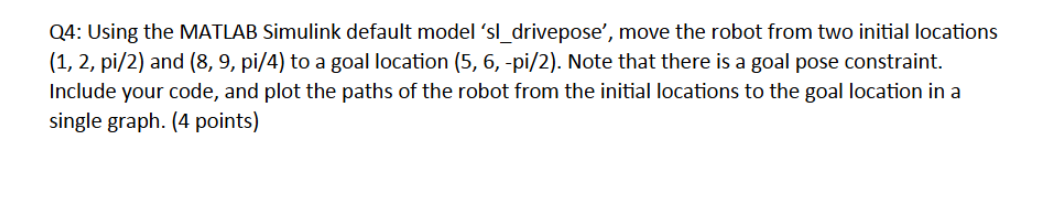
Q: Using the MATLAB Simulink default model sldrivepose', move the robot from two initial locations
and to a goal location Note that there is a goal pose constraint.
Include your code, and plot the paths of the robot from the initial locations to the goal location in a
single graph. points
Example : Move to a pose
sldrivepose load the simulink model
xg pi; goal position and pose
xpi; initial position and orientation
r simsldrivepose'; run the simulation
q rfindy;
plotq: q:;
Step by Step Solution
There are 3 Steps involved in it
1 Expert Approved Answer
Step: 1 Unlock

Question Has Been Solved by an Expert!
Get step-by-step solutions from verified subject matter experts
Step: 2 Unlock
Step: 3 Unlock
 Study Help