







Question: please solve using python code. This chapter deals with decision structures and boolean logic. So do not write the code giving me definitions or lists
please solve using python code. This chapter deals with decision structures and boolean logic. So do not write the code giving me definitions or lists or anything higher then the beginner level. Solve using if statements since that is what the chapter is dealing. note: also make sure to print out whehter the it is leap year or not on the console please, thank you.
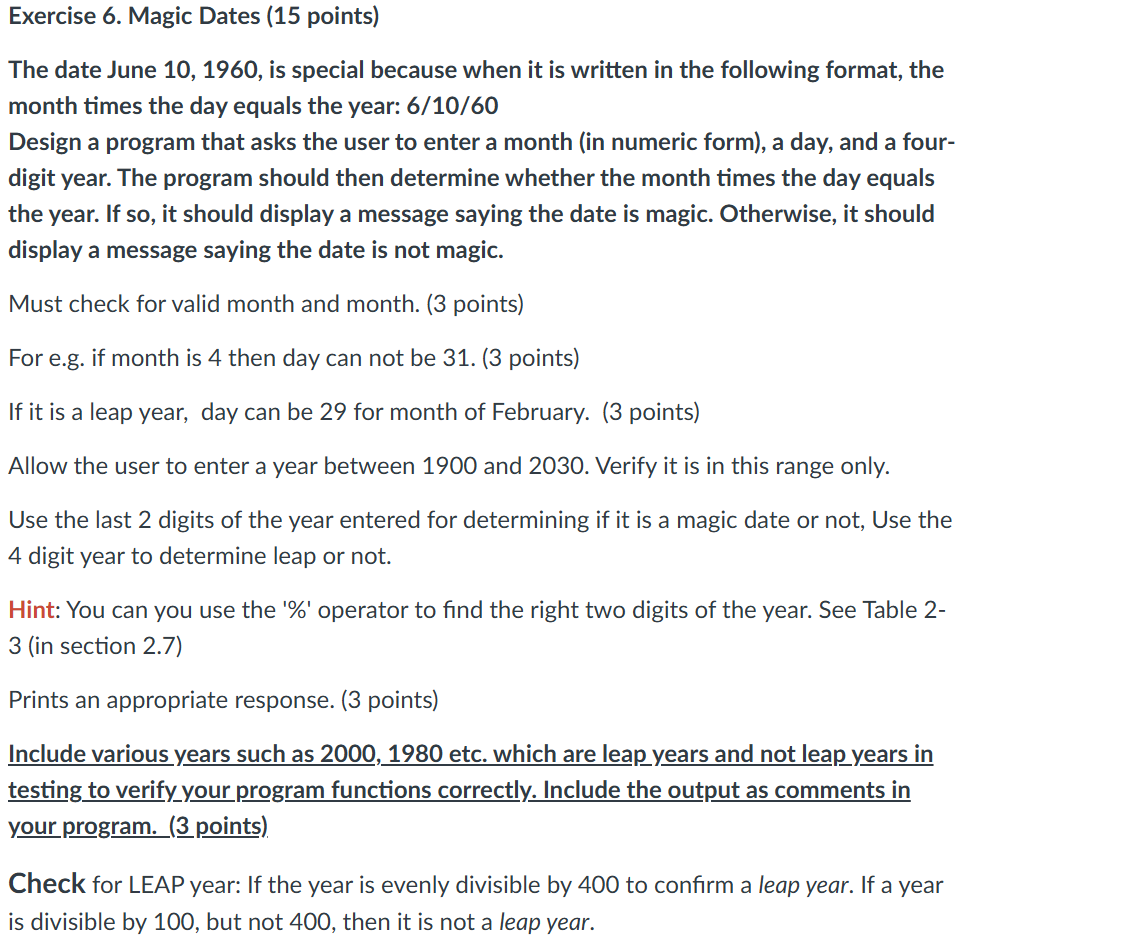
Exercise Magic Dates points
The date June is special because when it is written in the following format, the
month times the day equals the year:
Design a program that asks the user to enter a month in numeric form a day, and a four
digit year. The program should then determine whether the month times the day equals
the year. If so it should display a message saying the date is magic. Otherwise, it should
display a message saying the date is not magic.
Must check for valid month and month. points
For eg if month is then day can not be points
If it is a leap year, day can be for month of February. points
Allow the user to enter a year between and Verify it is in this range only.
Use the last digits of the year entered for determining if it is a magic date or not, Use the
digit year to determine leap or not.
Hint: You can you use the operator to find the right two digits of the year. See Table
in section
Prints an appropriate response. points
Include various years such as etc. which are leap years and not leap years in
testing to verifyyour program functions correctly. Include the output as comments in
your program. points
Check for LEAP year: If the year is evenly divisible by to confirm a leap year. If a year
is divisible by but not then it is not a leap year.
Step by Step Solution
There are 3 Steps involved in it
1 Expert Approved Answer
Step: 1 Unlock

Question Has Been Solved by an Expert!
Get step-by-step solutions from verified subject matter experts
Step: 2 Unlock
Step: 3 Unlock
 Study Help