Question: Please someone help me with draw.io Things to do: - 2 activities diagram related to your part. - Use case for your part - Event
Please someone help me with draw.io Things to do: - 2 activities diagram related to your part. - Use case for your part - Event table for all use case - 1 use case description (related to transaction) 
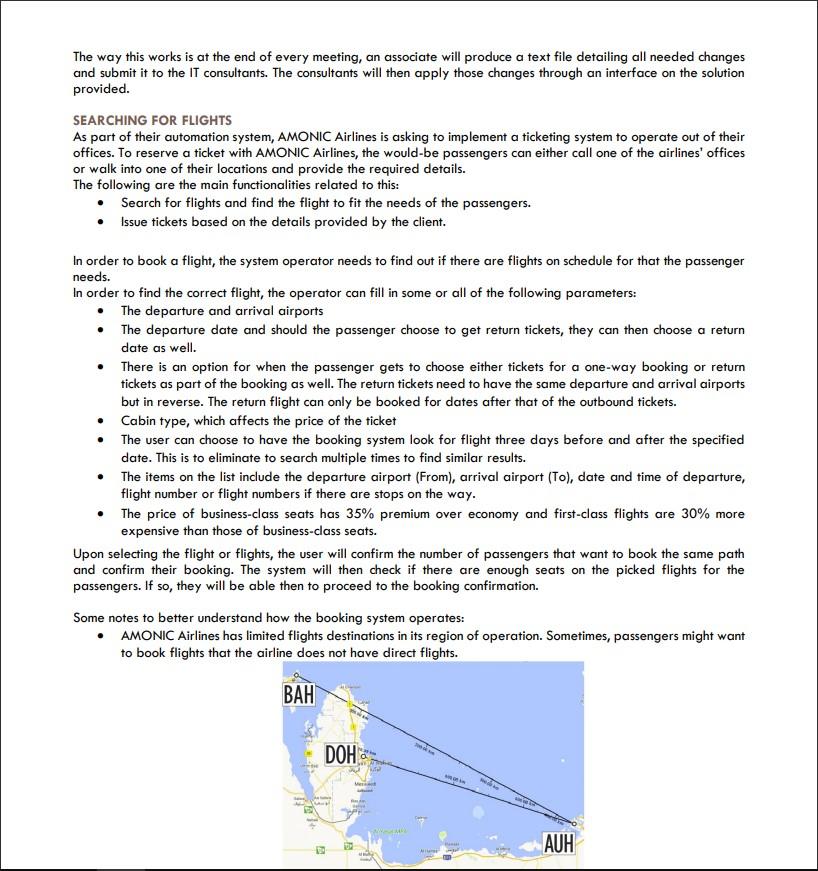
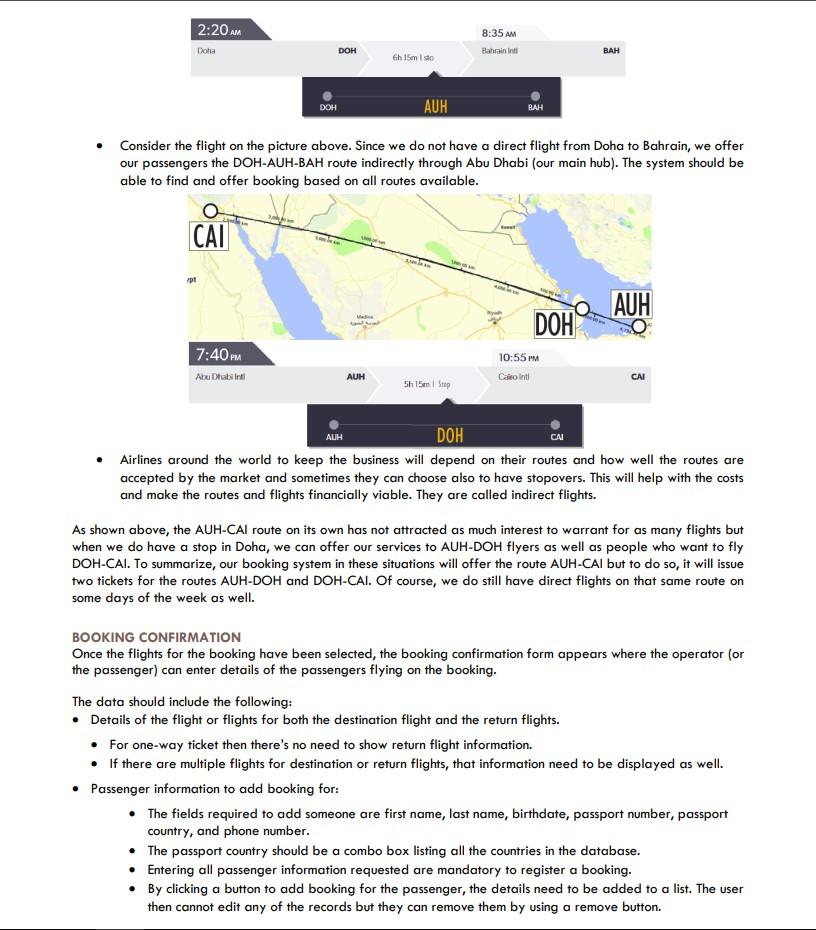
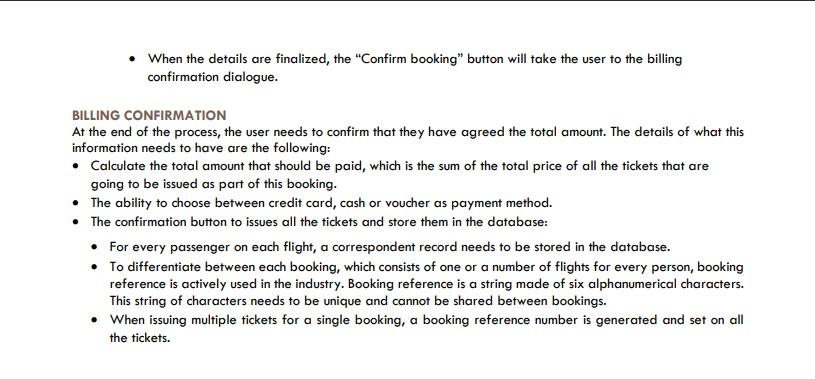
Personal work (not team) Provide the following: 2 activities diagram related to your part. Use case for your part Event table for all use case 1 use case description (related to transaction) Provide the ERD for the related part. (no need to revise if the previous one is consider good) Important UI / UX, related to transaction (minimum 10 screen) PART A MANAGING FLIGHT SCHEDULES One of the vital functionalities of any software solution provided to an airline is the ability to schedule flights and manage their status. AMONIC Airlines is no different in asking for a system that fits their needs. Apply schedule changes using the provided files Provide an interface to view and manage the schedules The management at the airlines has requested a form to facilitate the basic ability to view, edit and cancel flights. The following list defines the functionalities requested for the form: Search based on departure airport and arrival airport (they cannot be the same). Also searching for flights based on the date of departure and flight number should be included. The manager should be able to mix and match to their liking so they should be able to include or exclude any of the criteria at any time or no criteria at all (the default). The ability to sort the list descending by the one of the criterion of date and time, price for economy flights and whether they are confirmed or not. The default should be set on date and time. The list of flights scheduled on the system which is constructed as follows: The list needs to include the date, time, departure airport, arrival airport, flight number, aircraft type and prices for economy, business and first-class seats. The price of business class seats has 35% premium over economy and first-class flights are 30% more expensive than those of business class seats. In case you don't come up with rounded numbers you can round the numbers down to their nearest whole number. If a flight is marked as cancelled (not confirmed), the row corresponding to the flight should be marked with a different background color. The manager can toggle between "Cancel Flight" and "Confirm Flight" for the selected flight on the list. FLIGHT SCHEDULE CHANGES At the end of each working day, the management of all AMONIC Airlines offices hold meetings to review the flight schedules and to make changes if required. This mean they might want to submit cancellations, changes or even add flights to the registered schedules on the system. The way this works is at the end of every meeting, an associate will produce a text file detailing all needed changes and submit it to the IT consultants. The consultants will then apply those changes through an interface on the solution provided. SEARCHING FOR FLIGHTS As part of their automation system, AMONIC Airlines is asking to implement a ticketing system to operate out of their offices. To reserve a ticket with AMONIC Airlines, the would be passengers can either call one of the airlines' offices or walk into one of their locations and provide the required details. The following are the main functionalities related to this: Search for flights and find the flight to fit the needs of the passengers. Issue tickets based on the details provided by the client. In order to book a flight, the system operator needs to find out if there are flights on schedule for that the passenger needs. In order to find the correct flight, the operator can fill in some or all of the following parameters: The departure and arrival airports The departure date and should the passenger choose to get return tickets, they can then choose a return date as well. There is an option for when the passenger gets to choose either tickets for a one-way booking or return tickets as part of the booking as well. The return tickets need to have the same departure and arrival airports but in reverse. The return flight can only be booked for dates after that of the outbound tickets. Cabin type, which affects the price of the ticket The user can choose to have the booking system look for flight three days before and after the specified date. This is to eliminate to search multiple times to find similar results. The items on the list include the departure airport (From), arrival airport (To), date and time of departure, flight number or flight numbers if there are stops on the way. The price of business-class seats has 35% premium over economy and first-class flights are 30% more expensive than those of business-class seats. Upon selecting the flight or flights, the user will confirm the number of passengers that want to book the same path and confirm their booking. The system will then check if there are enough seats on the picked flights for the passengers. If so, they will be able then to proceed to the booking confirmation. Some notes to better understand how the booking system operates: AMONIC Airlines has limited flights destinations in its region of operation. Sometimes, passengers might want to book flights that the airline does not have direct flights. BAH DOH AUH 2:20 AM 8:35 AM Bahrain Intl Doha DOH BAH Ch 15m Isto DOH AUH BAH Consider the flight on the picture above. Since we do not have a direct flight from Doha to Bahrain, we offer our passengers the DOH-AUH-BAH route indirectly through Abu Dhabi (our main hub). The system should be able to find and offer booking based on all routes available. CAU pt AUH DOH 10:55 PM 7:40 PM Abu Dhabilne AUH Cln lt CAI 5h 15mm AUH CAI DOH Airlines around the world to keep the business will depend on their routes and how well the routes are accepted by the market and sometimes they can choose also to have stopovers. This will help with the costs and make the routes and flights financially viable. They are called indirect flights. As shown above, the AUH-CAI route on its own has not attracted as much interest to warrant for as many flights but when we do have a stop in Doha, we can offer our services to AUH-DOH flyers as well as people who want to fly DOH-CAI. To summarize, our booking system in these situations will offer the route AUH-CAI but to do so, it will issue two tickets for the routes AUH-DOH and DOH-CAI. Of course, we do still have direct flights on that same route on some days of the week as well. BOOKING CONFIRMATION Once the flights for the booking have been selected, the booking confirmation form appears where the operator (or the passenger) can enter details of the passengers flying on the booking. The data should include the following: Details of the flight or flights for both the destination flight and the return flights. For one-way ticket then there's no need to show return flight information. If there are multiple flights for destination or return flights, that information need to be displayed as well. Passenger information to add booking for: The fields required to add someone are first name, last name, birthdate, passport number, passport country, and phone number. The passport country should be a combo box listing all the countries in the database. Entering all passenger information requested are mandatory to register a booking. By clicking a button to add booking for the passenger, the details need to be added to a list. The user then cannot edit any of the records but they can remove them by using a remove button. When the details are finalized, the "Confirm booking" button will take the user to the billing confirmation dialogue. BILLING CONFIRMATION At the end of the process, the user needs to confirm that they have agreed the total amount. The details of what this information needs to have are the following: Calculate the total amount that should be paid, which is the sum of the total price of all the tickets that are going to be issued as part of this booking. The ability to choose between credit card, cash or voucher as payment method. The confirmation button to issues all the tickets and store them in the database: For every passenger on each flight, a correspondent record needs to be stored in the database. To differentiate between each booking, which consists of one or a number of flights for every person, booking reference is actively used in the industry. Booking reference is a string made of six alphanumerical characters. This string of characters needs to be unique and cannot be shared between bookings. When issuing multiple tickets for a single booking, a booking reference number is generated and set on all the tickets









 Study Help