







Question: Please try to respond ASAP In this lab, we will explore image processing, using some common operations. The basic code file is provided to you,
Please try to respond ASAP
In this lab, we will explore image processing, using some common operations. The basic code file is provided to you, you need to use this to start and fill in the appropriate sections, using a minimal number of lines in the code and viewing an image as a multidimensional matrix and the image provided to you. If you have any questions about the labs, please let us know. Part 1: Converting an image to Black and White and Greyscale In order to convert a color image to Black and White, you need to calculate the average of the RGB values. If the average is closer to 255, the pixel is set to white (255), otherwise to black (0). For conversion to a greyscale image, the pixel values are set to the averages of the RGB values in principle. In order to better represent how we as humans perceive colours, you should use a weighting factor for each of the RGB values. Do some research online to find those weighting values Do some research to determine how the RGB file format stores colour values if you are not familiar with it yet. Using the Python IDLE and the skeleton code provided, add code that converts a color image to a black and white image and (starting fresh) then a greyscale image. You only need to submit the greyscale code file for this part.
CODE TO BE USED:
import matplotlib.pyplot import numpy myImage = matplotlib.pyplot.imread('flower.png') height=myImage.shape[0] width=myImage.shape[1] for x in range(0, height-1): for y in range(0,width-1): INSERT YOUR CODE HERE imgplot = matplotlib.pyplot.imshow(myImage) matplotlib.pyplot.show()
Image to be used: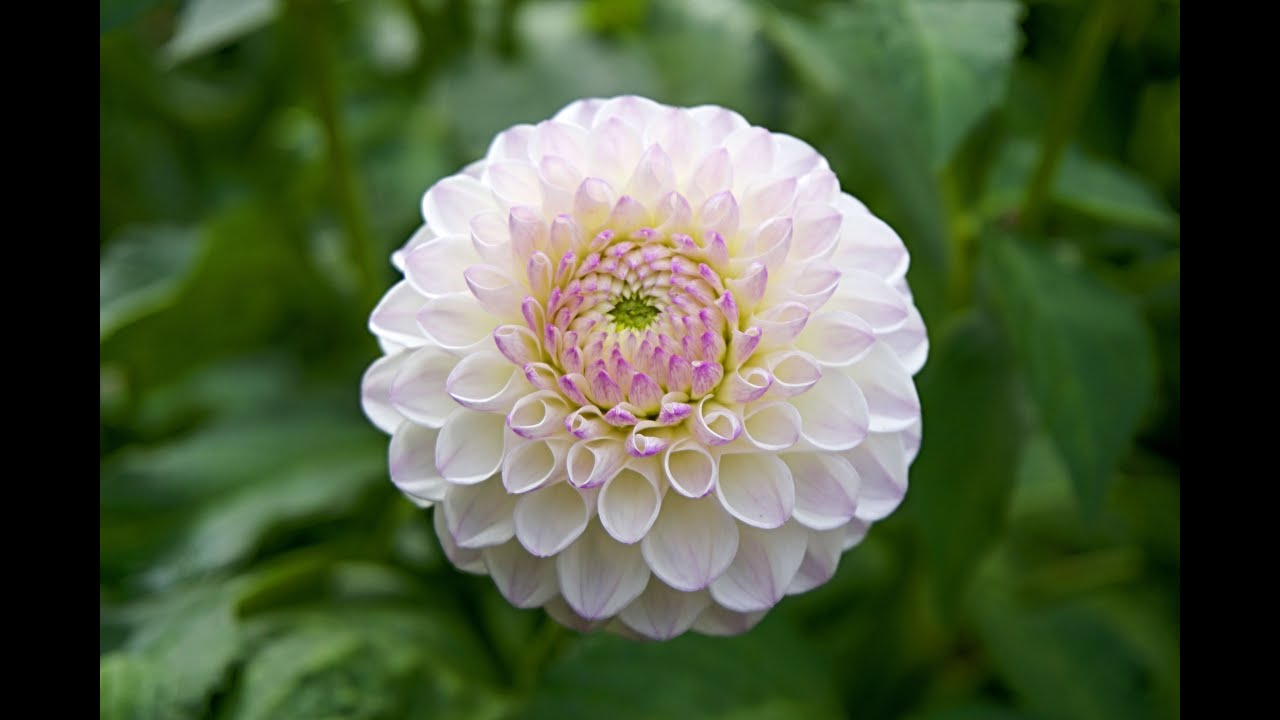
Step by Step Solution
There are 3 Steps involved in it

Get step-by-step solutions from verified subject matter experts
 Study Help