







Question: please use ExpressPCB to solve the following Arduino code a) Copy and paste the following code into the rduino. This code turns on all segments
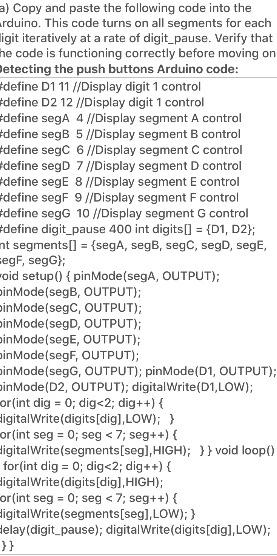
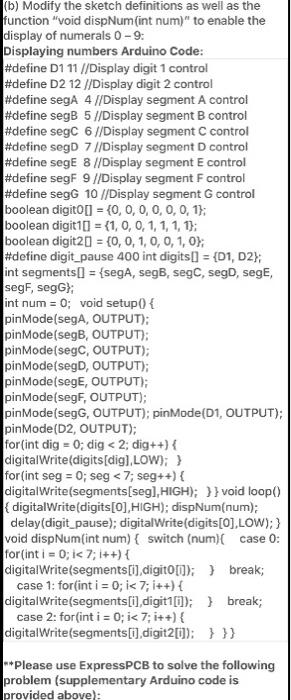
a) Copy and paste the following code into the rduino. This code turns on all segments for each igit iteratively at a rate of digit_pause. Verify that he code is functioning correctly before moving on Detecting the push buttons Arduino code: #define D1 11 //Display digit 1 control #define D2 12 //Display digit 1 control #define sega 4 //Display segment A control #define segB 5 //Display segment B control define segC 6 //Display segment C control define segD 7//Display segment D control define segE 8 //Display segment E control define segF 9 //Display segment F control #define segG 10 //Display segment control #define digit_pause 400 int digits[] = {D1, D2}; nt segments[] = {segA, segB, segC, segD, segE, regF, segG}; oid setup( {pinMode(segA, OUTPUT); inMode(segB, OUTPUT); inMode(segC, OUTPUT); inMode(segD, OUTPUT); inMode(segE, OUTPUT); inMode(segF, OUTPUT); inMode(segG, OUTPUT); pinMode(D1, OUTPUT); inMode(D2, OUTPUT); digitalWrite(D1,LOW); or(int dig = 0; dig
Step by Step Solution
There are 3 Steps involved in it

Get step-by-step solutions from verified subject matter experts
 Study Help