







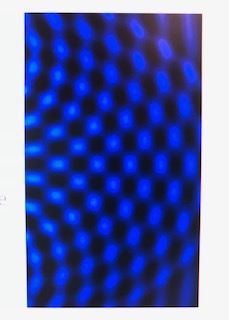
Question: Please use the simulation Simulation link: https://phet.colorado.edu/sims/html/wave-interference/latest/wave-interference_en.html Develop your understanding Open the Interference screen, then explore to make water waves with varying patterns. 3. Use
Please use the simulation
Simulation link:https://phet.colorado.edu/sims/html/wave-interference/latest/wave-interference_en.html
Develop your understanding Open the Interference screen, then explore to make water waves with varying patterns.
3. Use the Water Level tool to understand what is happening in the water tank:

\f\f
Step by Step Solution
There are 3 Steps involved in it
1 Expert Approved Answer
Step: 1 Unlock

Question Has Been Solved by an Expert!
Get step-by-step solutions from verified subject matter experts
Step: 2 Unlock
Step: 3 Unlock
 Study Help