







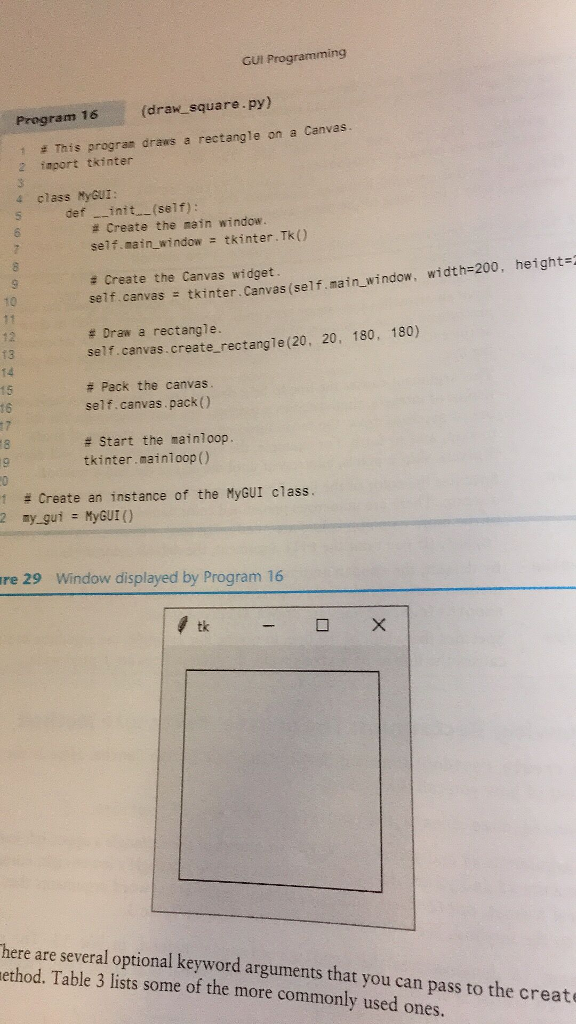
Question: Please utilize Python. Here is the program 13-16. GUI Programming (draw_square.py) Program 16 1 2 = This program draws a rectangle on a Canvas. import
Please utilize Python. 
Here is the program 13-16.
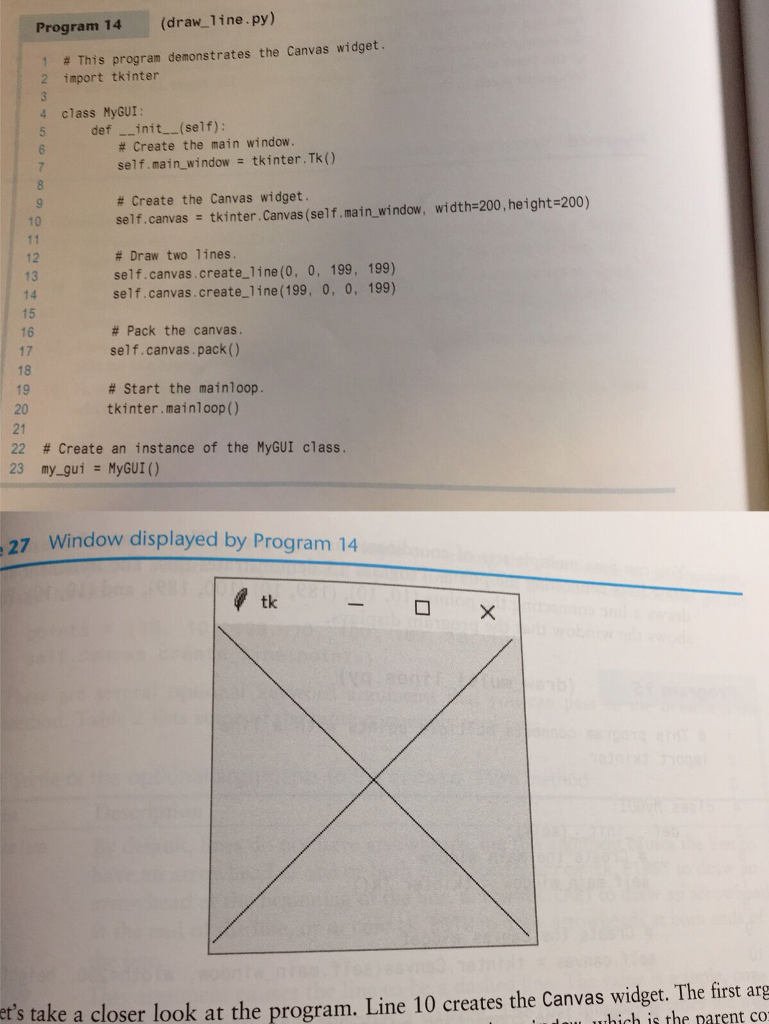
GUI Programming (draw_square.py) Program 16 1 2 = This program draws a rectangle on a Canvas. import tkinter 4 class MyGUI: def __init_(self): # Create the main window. self.main_window = tkinter.Tk() # Create the Canvas widget. seif.canvas = tkinter. Canvas(self.main window, width=200, height= # Draw a rectangle. self.canvas.create rectangle(20, 20, 180, 180) # Pack the canvas. self.canvas.pack() # Start the mainloop. tkinter.mainloop() 1 # Create an instance of the MyGUI class. 2 my_gui = MyGUI () re 29 Window displayed by Program 16 4 tk - O X There are several optional keyword arguments that you can pass to the create method. Table 3 lists some of the more commonly used ones
Step by Step Solution
There are 3 Steps involved in it

Get step-by-step solutions from verified subject matter experts
 Study Help