







Question: Please write the java code in simplest way possible for P8.1 and include the output. P8.1 Declare a class ComboLock that works like the combination
Please write the java code in simplest way possible for P8.1 and include the output.
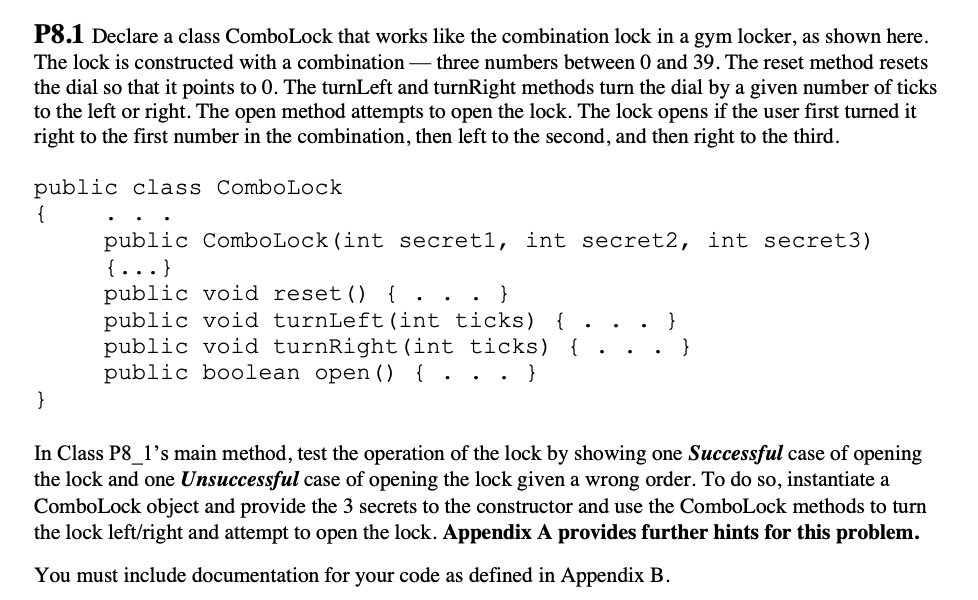
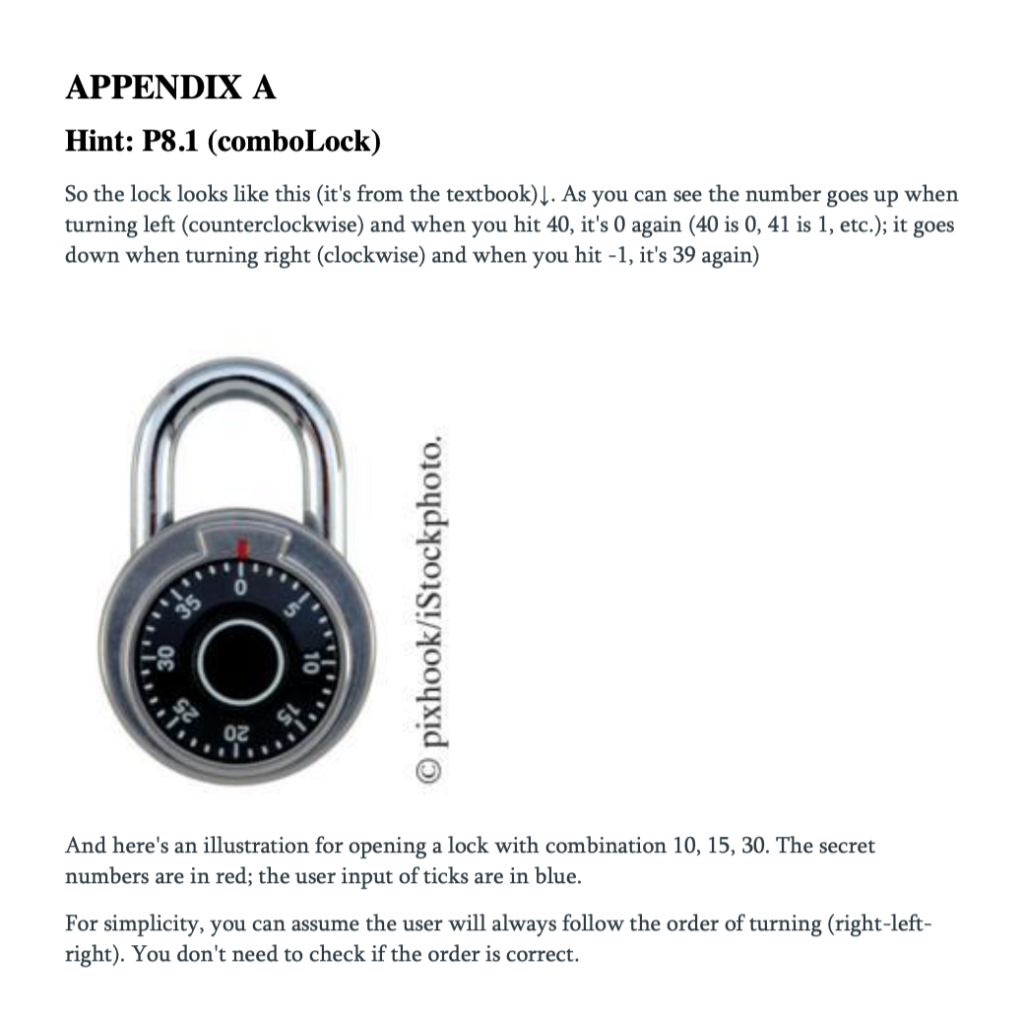
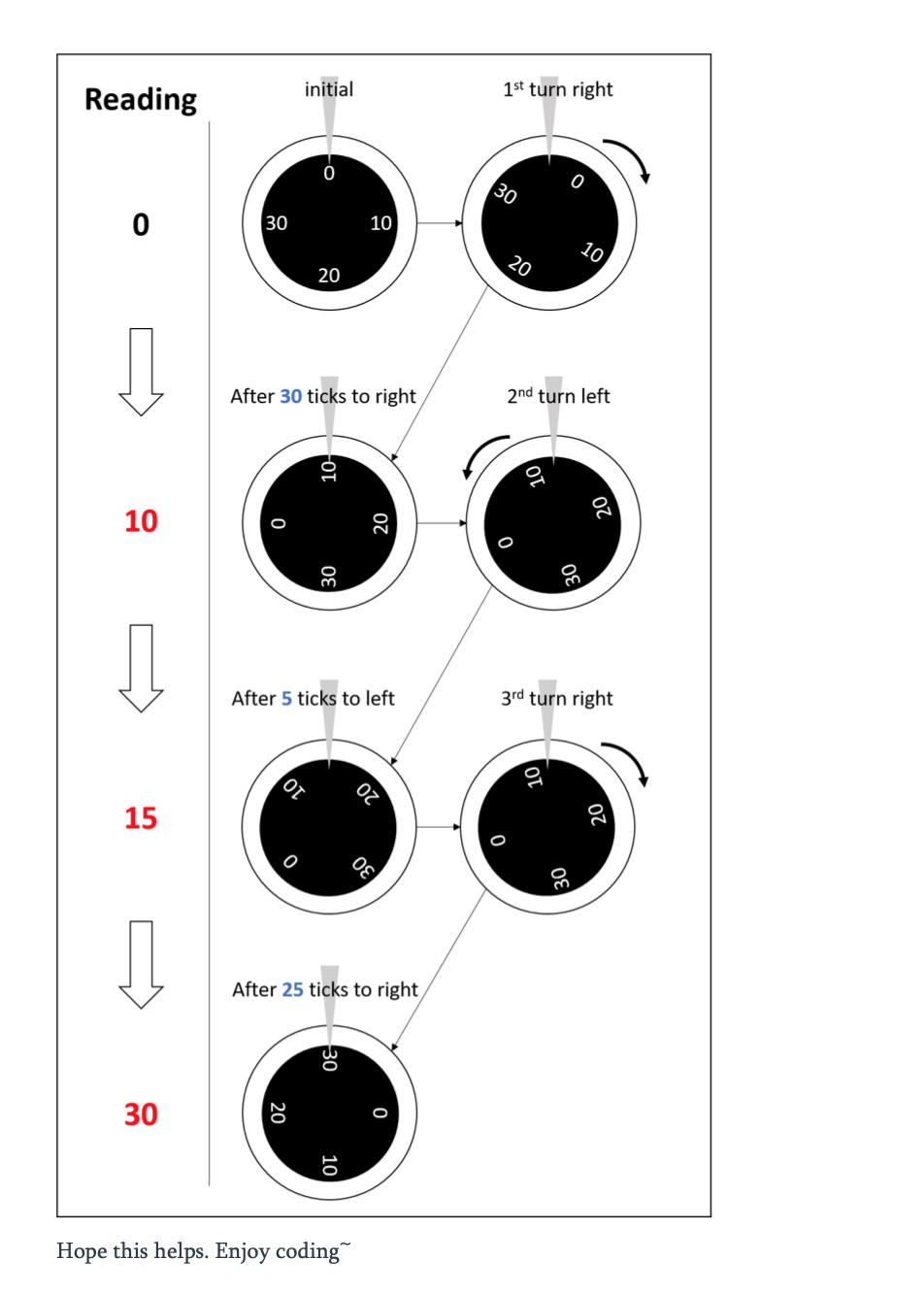
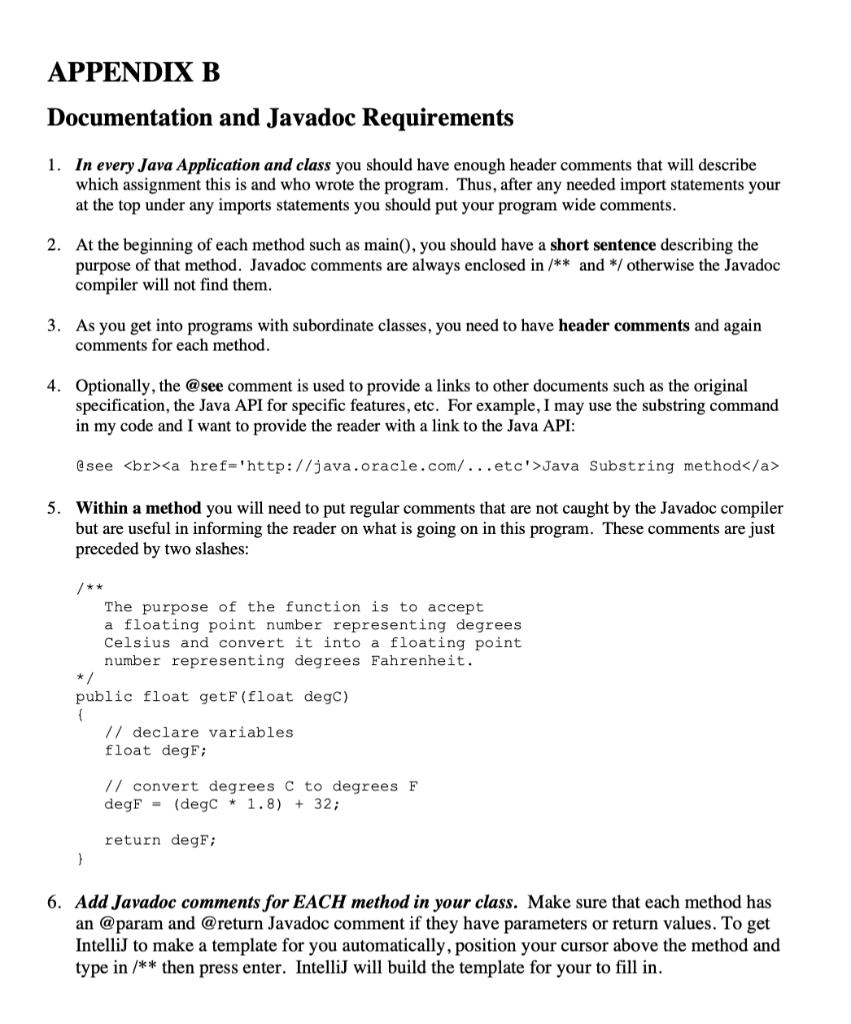
P8.1 Declare a class ComboLock that works like the combination lock in a gym locker, as shown here. The lock is constructed with a combination three numbers between 0 and 39. The reset method resets the dial so that it points to 0. The turnLeft and turnRight methods turn the dial by a given number of ticks to the left or right. The open method attempts to open the lock. The lock opens if the user first turned it right to the first number in the combination, then left to the second, and then right to the third. public class ComboLock { public ComboLock(int secreti, int secret2, int secret3) {...} public void reset() {.. } public void turnLeft (int ticks) { . public void turnRight (int ticks) { . public boolean open() {...} } In Class P8_1's main method, test the operation of the lock by showing one Successful case of opening the lock and one Unsuccessful case of opening the lock given a wrong order. To do so, instantiate a ComboLock object and provide the 3 secrets to the constructor and use the ComboLock methods to turn the lock left/right and attempt to open the lock. Appendix A provides further hints for this problem. You must include documentation for your code as defined in Appendix B. APPENDIX A Hint: P8.1 (comboLock) So the lock looks like this (it's from the textbook)]. As you can see the number goes up when turning left (counterclockwise) and when you hit 40, it's 0 again (40 is 0, 41 is 1, etc.); it goes down when turning right (clockwise) and when you hit -1, it's 39 again) pixhook/iStockphoto. And here's an illustration for opening a lock with combination 10, 15, 30. The secret numbers are in red; the user input of ticks are in blue. For simplicity, you can assume the user will always follow the order of turning (right-left- right). You don't need to check if the order is correct. initial 1st turn right Reading 0 30 0 30 10 10 20 20 After 30 ticks to right 2nd turn left 10 10 oz 10 o 20 o 30 OE After 5 ticks to left 3rd turn right 10 07 15 20 0 30 After 25 ticks to right 30 30 20 0 10 Hope this helps. Enjoy coding APPENDIX B Documentation and Javadoc Requirements 1. In every Java Application and class you should have enough header comments that will describe which assignment this is and who wrote the program. Thus, after any needed import statements your at the top under any imports statements you should put your program wide comments. 2. At the beginning of each method such as main(), you should have a short sentence describing the purpose of that method. Javadoc comments are always enclosed in /** and */ otherwise the Javadoc compiler will not find them. 3. As you get into programs with subordinate classes, you need to have header comments and again comments for each method. 4. Optionally, the @see comment is used to provide a links to other documents such as the original specification, the Java API for specific features, etc. For example, I may use the substring command in my code and I want to provide the reader with a link to the Java API: @see Java Substring method 5. Within a method you will need to put regular comments that are not caught by the Javadoc compiler but are useful in informing the reader on what is going on in this program. These comments are just preceded by two slashes: The purpose of the function is to accept a floating point number representing degrees Celsius and convert it into a floating point number representing degrees Fahrenheit. public float getF(float degC) { // declare variables float degF; // convert degrees C to degrees F degF - (degC * 1.8) + 32; return degF; } 6. Add Javadoc comments for EACH method in your class. Make sure that each method has an @param and @return Javadoc comment if they have parameters or return values. To get IntelliJ to make a template for you automatically, position your cursor above the method and type in /** then press enter. IntelliJ will build the template for your to fill in
Step by Step Solution
There are 3 Steps involved in it

Get step-by-step solutions from verified subject matter experts
 Study Help