







Question: Postfix Revenge Problem Description We went over an Expression Tree in class which was able to . Parse a Postfix expression into an Expression Tree
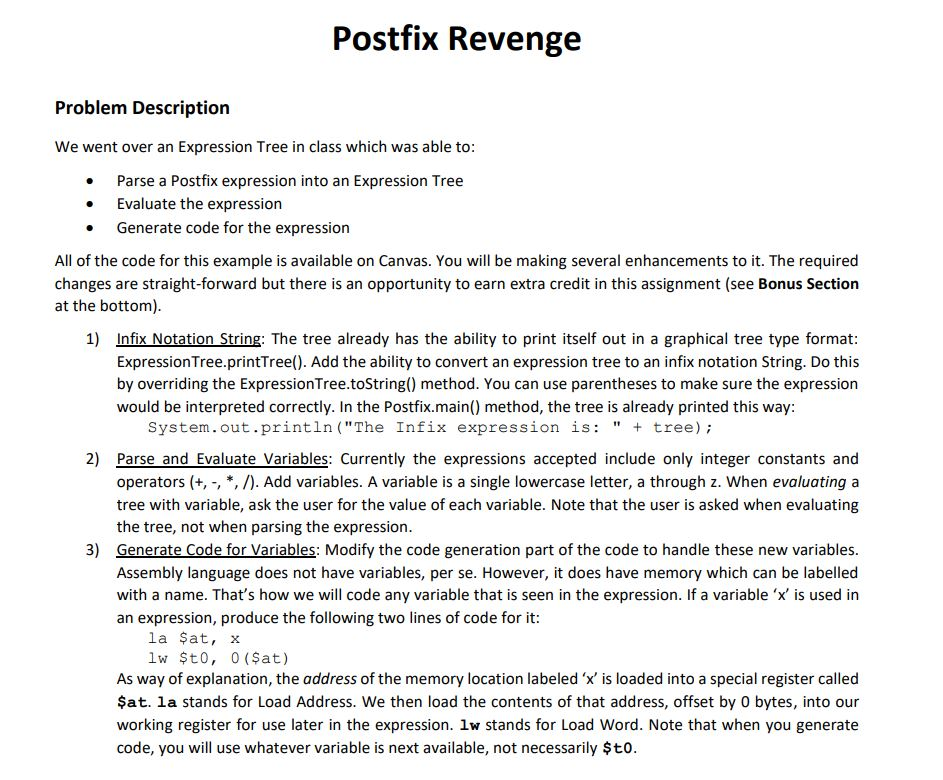
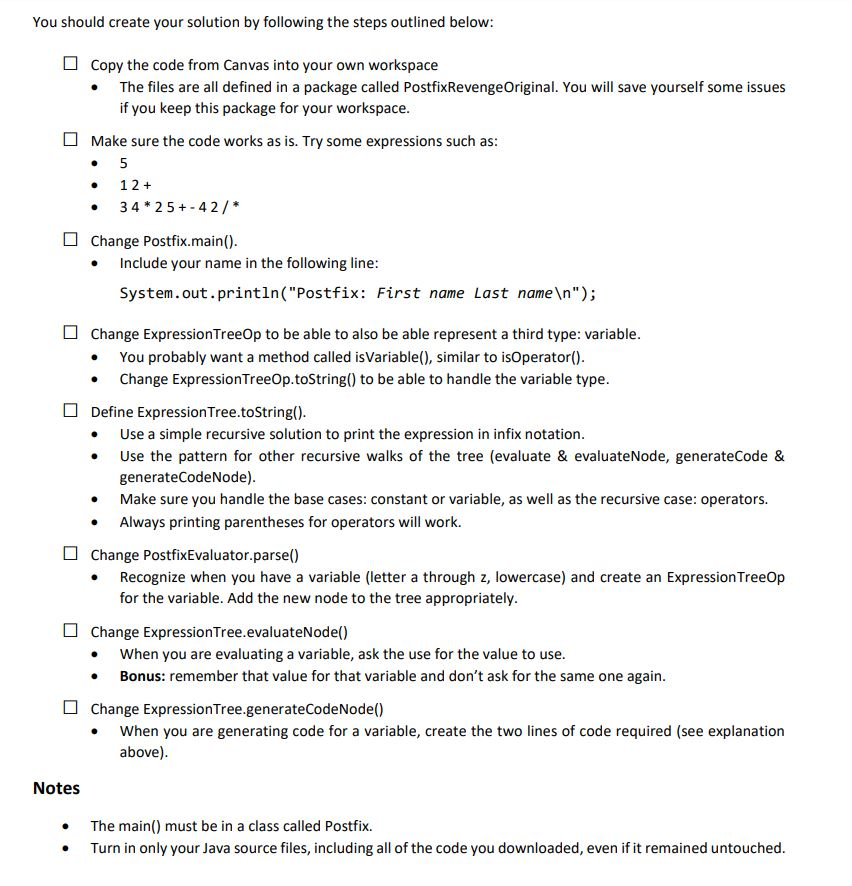
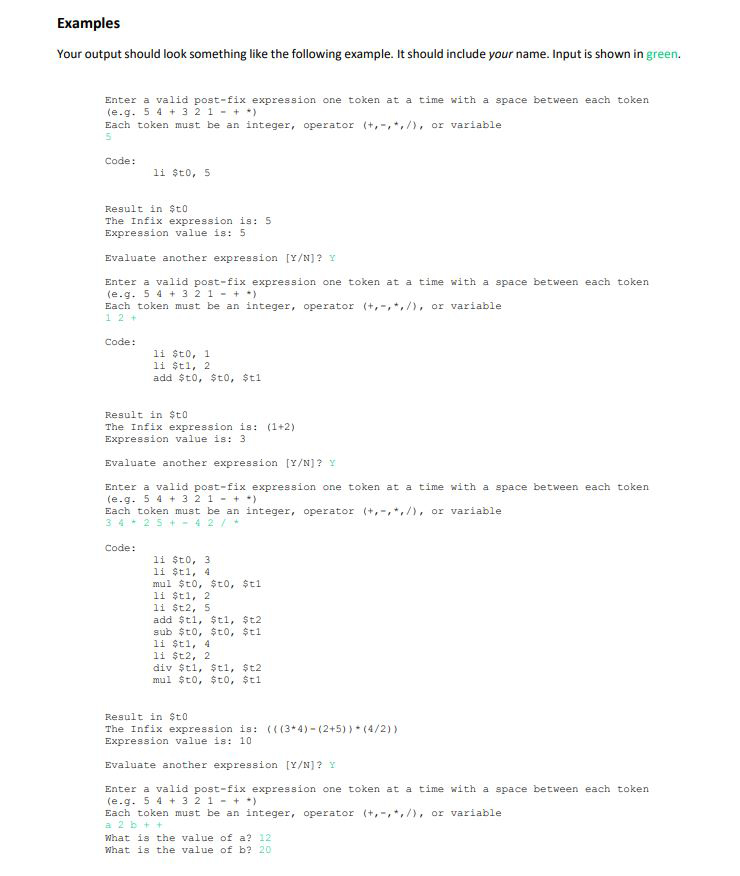
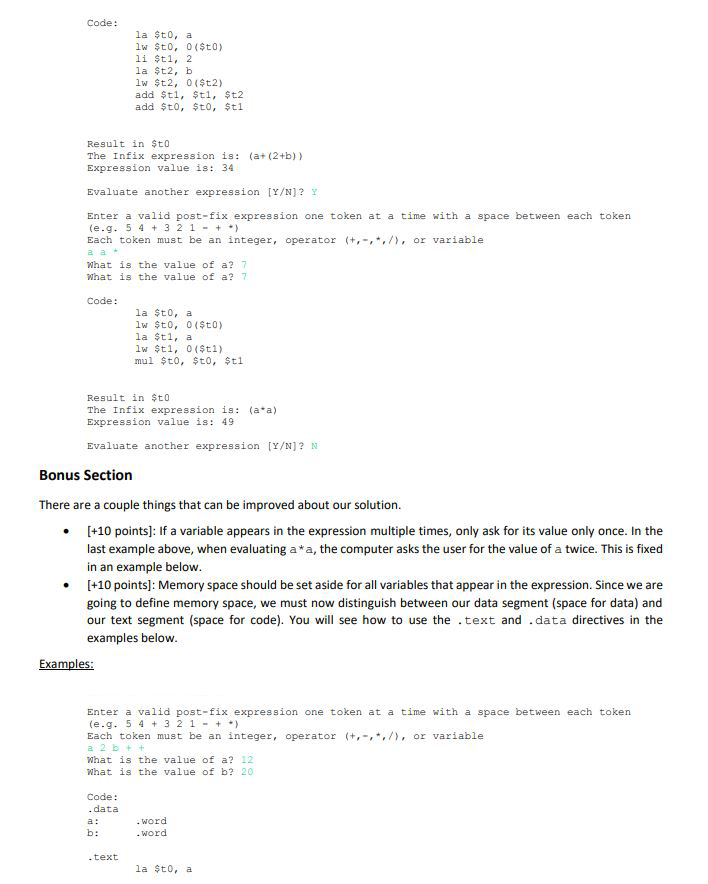
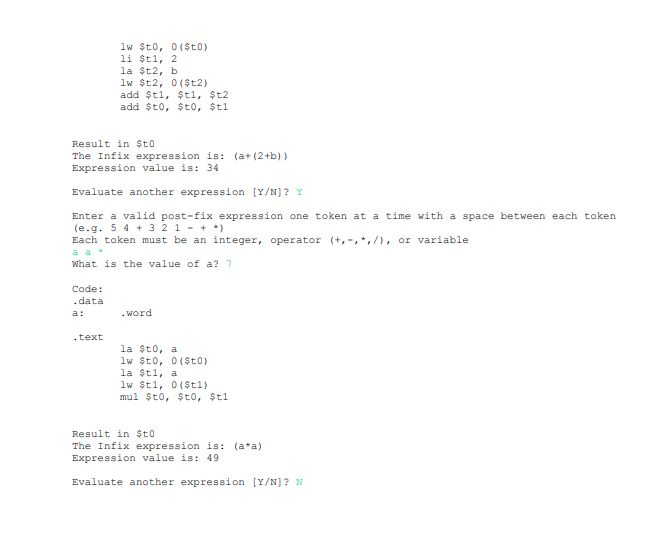
Postfix Revenge Problem Description We went over an Expression Tree in class which was able to . Parse a Postfix expression into an Expression Tree Evaluate the expression . Generate code for the expression All of the code for this example is available on Canvas. You will be making several enhancements to it. The required changes are straight-forward but there is an opportunity to earn extra credit in this assignment (see Bonus Section at the bottom) 1) Infix Notation String: The tree already has the ability to print itself out in a graphical tree type format ExpressionTree.printTree(). Add the ability to convert an expression tree to an infix notation String. Do this by overriding the ExpressionTree.toString() method. You can use parentheses to make sure the expression would be interpreted correctly. In the Postfix.main() method, the tree is already printed this way System.out.println ("The Infix expression is: " + tree) 2) Parse and Evaluate Variables: Currently the expressions accepted include only integer constants and operators (+, -, *, /). Add variables. A variable is a single lowercase letter, a through z. When evaluating a tree with variable, ask the user for the value of each variable. Note that the user is asked when evaluating the tree, not when parsing the expression 3) for Variables: Modify the code generation part of the code to handle these new variables. Assembly language does not have variables, per se. However, it does have memory which can be labelled with a name. That's how we will code any variable that is seen in the expression. If a variable 'x' is used in an expression, produce the following two lines of code for it la ?at, x lw $t0, 0 (?at) As way of explanation, the address of the memory location labeled 'x is loaded into a special register called ?at. la stands for Load Address. We then load the contents of that address, offset by 0 bytes, into our working register for use later in the expression. lw stands for Load Word. Note that when you generate code, you will use whatever variable is next available, not necessarily $to
Step by Step Solution
There are 3 Steps involved in it

Get step-by-step solutions from verified subject matter experts
 Study Help