







Question: Practical Design Using Counter and Compare Instructions You are to design a traffic light control system. It controls North - South and East - West
Practical Design Using Counter and Compare Instructions
You are to design a traffic light control system. It controls NorthSouth and EastWest lights at an
intersection according to the following steps.
When the program starts running, all lights including walk turn for second light bulb test
Following step the system starts operating normally by repeating steps to automatically:
Red in both directions for second.
Occasional extra step: See Walk light below.
NorthSouth goes green for seconds and EastWest stays red.
NorthSouth goes yellow for second and EastWest stays red.
Red in both directions for second.
East West goes green for seconds and NorthSouth stays red.
EastWest goes yellow for second and NorthSouth stays red.
IMPORTANT: A master reset switch is required on the system.
The sequencer reset must force the system back to step light bulb test
Walk light
To be able to get the full marks for this lab a Walk light must be implemented as described below.
You may choose to omit the Walk feature but
your lab demo will only be worth a maximum of
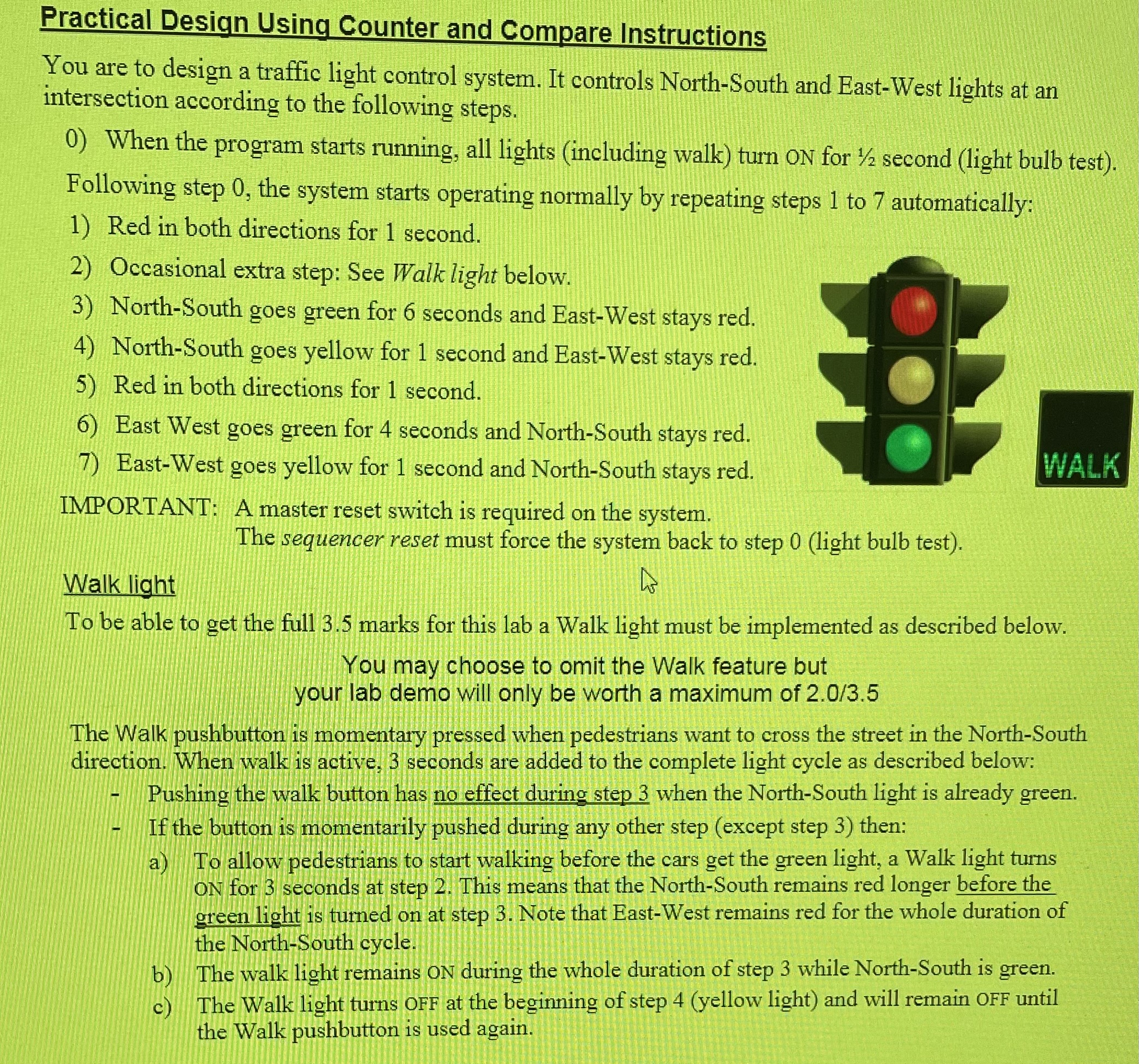
The Walk pushbutton is momentary pressed when pedestrians want to cross the street in the NorthSouth
direction. When walk is active, seconds are added to the complete light cycle as described below:
Pushing the walk button has no effect during step when the NorthSouth light is already green.
If the button is momentarily pushed during any other step except step then:
a To allow pedestrians to start walking before the cars get the green light, a Walk light turns
oN for seconds at step This means that the NorthSouth remains red longer before the
green light is turned on at step Note that EastWest remains red for the whole duration of
the NorthSouth cycle.
b The walk light remains oN during the whole duration of step while NorthSouth is green.
c The Walk light turns OFF at the beginning of step yellow light and will remain OFF until
the Walk pushbutton is used again.
Step by Step Solution
There are 3 Steps involved in it
1 Expert Approved Answer
Step: 1 Unlock

Question Has Been Solved by an Expert!
Get step-by-step solutions from verified subject matter experts
Step: 2 Unlock
Step: 3 Unlock
 Study Help