







Question: Problem 1 Sliding Window Animation. Use a web browser to bring up the animation at http://www2.rad.cometworks/2004/sliding window/ Play around a bit with setting the window
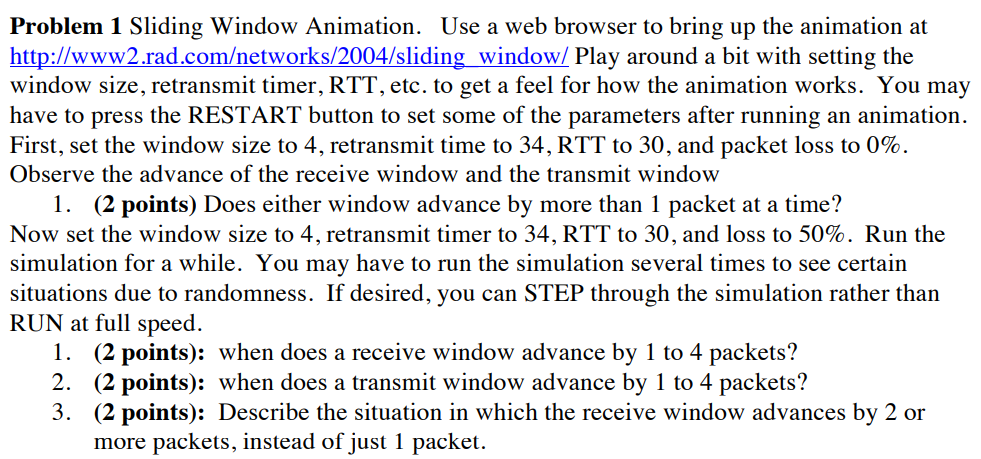
Problem 1 Sliding Window Animation. Use a web browser to bring up the animation at http://www2.rad.cometworks/2004/sliding window/ Play around a bit with setting the window size, retransmit timer, RTT, etc. to get a feel for how the animation works. You may have to press the RESTART button to set some of the parameters after running an animation. First, set the window size to 4, retransmit time to 34, RTT to 30, and packet loss to 0% Observe the advance of the receive window and the transmit window 1. (2 points) Does either window advance by more than 1 packet at a time? Now set the window size to 4, retransmit timer to 34, RTT to 30, and loss to 50%. Run the simulation for a while. You may have to run the simulation several times to see certain situations due to randomness. If desired, you can STEP through the simulation rather than RUN at full speed. 1. 2. 3. (2 points): when does a receive window advance by 1 to 4 packets? (2 points): when does a transmit window advance by 1 to 4 packets? (2 points): Describe the situation in which the receive window advances by 2 or more packets, instead of just 1 packet. Problem 1 Sliding Window Animation. Use a web browser to bring up the animation at http://www2.rad.cometworks/2004/sliding window/ Play around a bit with setting the window size, retransmit timer, RTT, etc. to get a feel for how the animation works. You may have to press the RESTART button to set some of the parameters after running an animation. First, set the window size to 4, retransmit time to 34, RTT to 30, and packet loss to 0% Observe the advance of the receive window and the transmit window 1. (2 points) Does either window advance by more than 1 packet at a time? Now set the window size to 4, retransmit timer to 34, RTT to 30, and loss to 50%. Run the simulation for a while. You may have to run the simulation several times to see certain situations due to randomness. If desired, you can STEP through the simulation rather than RUN at full speed. 1. 2. 3. (2 points): when does a receive window advance by 1 to 4 packets? (2 points): when does a transmit window advance by 1 to 4 packets? (2 points): Describe the situation in which the receive window advances by 2 or more packets, instead of just 1 packet
Step by Step Solution
There are 3 Steps involved in it

Get step-by-step solutions from verified subject matter experts
 Study Help