







Question: Problem 3. Hands-on Practice: Wire Shark (10 pt.) Capture a HTTP GET request packet. Expand the section of Hypertext Transfer Protocol for details in the
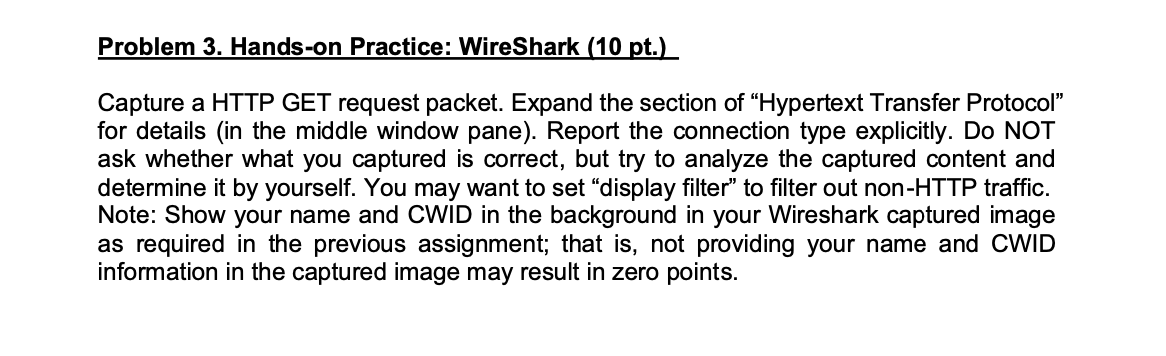
Problem 3. Hands-on Practice: Wire Shark (10 pt.) Capture a HTTP GET request packet. Expand the section of "Hypertext Transfer Protocol" for details in the middle window pane). Report the connection type explicitly. Do NOT ask whether what you captured is correct, but try to analyze the captured content and determine it by yourself. You may want to set "display filter" to filter out non-HTTP traffic. Note: Show your name and CWID in the background in your Wireshark captured image as required in the previous assignment; that is, not providing your name and CWID information in the captured image may result in zero points. Problem 3. Hands-on Practice: Wire Shark (10 pt.) Capture a HTTP GET request packet. Expand the section of "Hypertext Transfer Protocol" for details in the middle window pane). Report the connection type explicitly. Do NOT ask whether what you captured is correct, but try to analyze the captured content and determine it by yourself. You may want to set "display filter" to filter out non-HTTP traffic. Note: Show your name and CWID in the background in your Wireshark captured image as required in the previous assignment; that is, not providing your name and CWID information in the captured image may result in zero points
Step by Step Solution
There are 3 Steps involved in it

Get step-by-step solutions from verified subject matter experts
 Study Help