







Question: Problem (70 points): Learn, among others, tk.Text, tk.Listbox, tk.Checkbutton, tk.Radiobutton, ttk.Combobox, and built-in event binding where possible 1. Create a Python project in Eclipse with
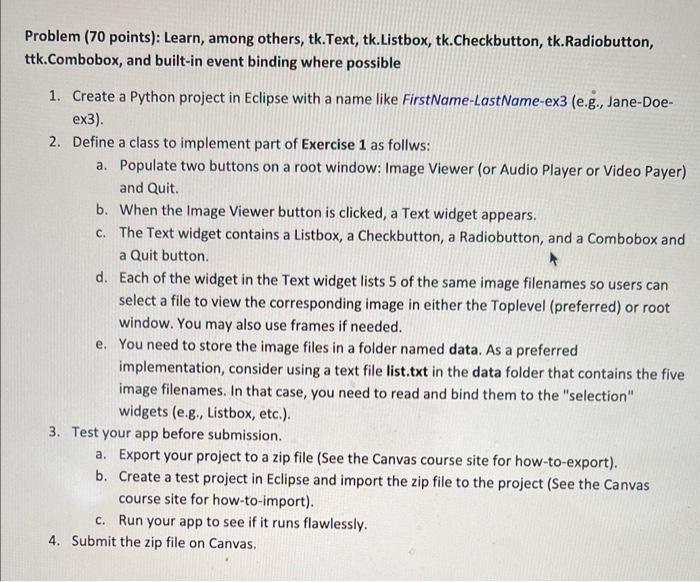
Problem (70 points): Learn, among others, tk.Text, tk.Listbox, tk.Checkbutton, tk.Radiobutton, ttk.Combobox, and built-in event binding where possible 1. Create a Python project in Eclipse with a name like FirstName-LastName-ex3 (e.g., Jane-Doeex3). 2. Define a class to implement part of Exercise 1 as follws: a. Populate two buttons on a root window: Image Viewer (or Audio Player or Video Payer) and Quit. b. When the Image Viewer button is clicked, a Text widget appears. c. The Text widget contains a Listbox, a Checkbutton, a Radiobutton, and a Combobox and a Quit button. d. Each of the widget in the Text widget lists 5 of the same image filenames so users can select a file to view the corresponding image in either the Toplevel (preferred) or root window. You may also use frames if needed. e. You need to store the image files in a folder named data. As a preferred implementation, consider using a text file list.txt in the data folder that contains the five image filenames. In that case, you need to read and bind them to the "selection" widgets (e.g., Listbox, etc.). 3. Test your app before submission. a. Export your project to a zip file (See the Canvas course site for how-to-export). b. Create a test project in Eclipse and import the zip file to the project (See the Canvas course site for how-to-import). c. Run your app to see if it runs flawlessly. 4. Submit the zip file on Canvas
Step by Step Solution
There are 3 Steps involved in it

Get step-by-step solutions from verified subject matter experts
 Study Help