







Question: Problem: Image Processing Load image uah_aerial.jpg Image file: uab aerialing Create new image A1 by copying Image A Calculate the mean value of ALL pixel
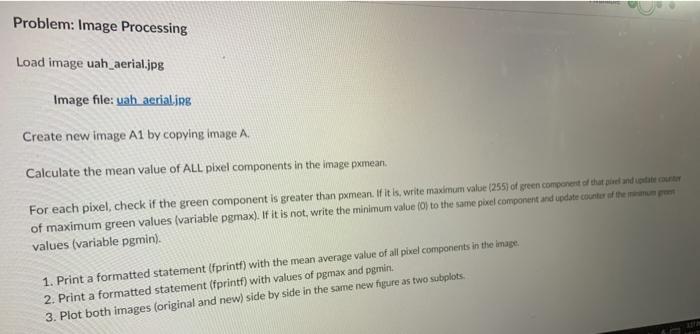
Problem: Image Processing Load image uah_aerial.jpg Image file: uab aerialing Create new image A1 by copying Image A Calculate the mean value of ALL pixel components in the image pxmean. For each pixel, check if the green component is greater than pxmean. If it is, write maximum value (255) of green component of that peel and state counter of maximum green values (variable pgmax). If it is not, write the minimum value fo to the same poel component and update counter the past values (variable pgmin). 1. Print a formatted statement (fprintf) with the mean average value of all pixel components in the image 2. Print a formatted statement fprintf) with values of pgmax and pgmin. 3. Plot both images (original and new) side by side in the same new figure as two subplots
Step by Step Solution
There are 3 Steps involved in it

Get step-by-step solutions from verified subject matter experts
 Study Help