







Question: Program: Work with Census Data Use this file:http:/www.census.gov/population/www/censusdata/files/urpopo090.bxt The census file is a text file with data for the 10-year census from 1900 to 1990
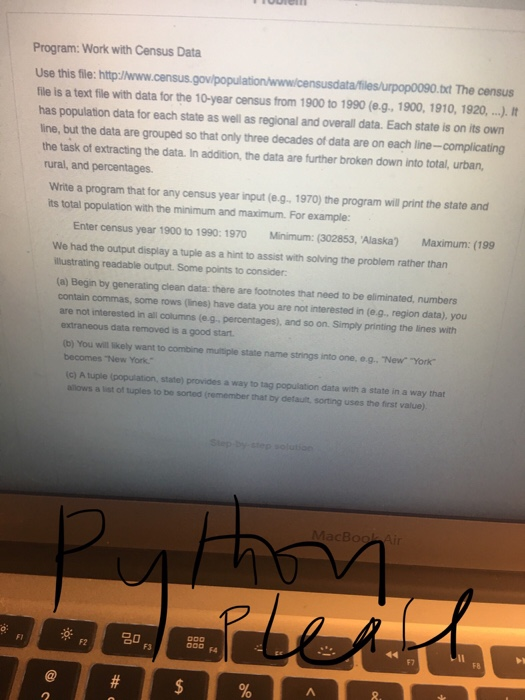
Program: Work with Census Data Use this file:http:/www.census.gov/population/www/censusdata/files/urpopo090.bxt The census file is a text file with data for the 10-year census from 1900 to 1990 (e.g. 1900, 1910, 1920, It has population data for each state as well as regional and overall data. Each state is on its own line, but the data are grouped so that only three decades of data are on each line-complicating the task of extracting the data. In addition, the data are further broken down into total, urban, rural, and percentages. Write a program that for any census year input (e.g. 1970) the program will print the state and its total population with the minimum and maximum. For example: Enter census year 1900 t0 1990: 1970 Minimum: (302853, 'Alaska) Maximum: (199 We had the output display a tuple as a hint to assist with solving the problem rather than illustrating readable output. Some points to consider (a) Begin by generating clean data: there are footnotes that need to be eliminated, numbers contain commas, some rows (lines) have data you are not interested in (e.g, region data), you are not interested in all columns (e.g.percentages), and so on. Simply printing the lines with extraneous data removed is a good start. (b) You will likely want to combine mutiple state name strings into one, o.g. "New York becomes "New York. (c) A tuple (population, state) provides a way to tag population data with a state in a way that allows a list of tuples to be sorted (remember that by detauilt, sorting uses the first value) FI F3 F7 F8 2
Step by Step Solution
There are 3 Steps involved in it

Get step-by-step solutions from verified subject matter experts
 Study Help