







Question: Q1 (50%): Create an app with an activity called MapViewActivity. The activity will have an intent filter in order to view coordinates from a URI
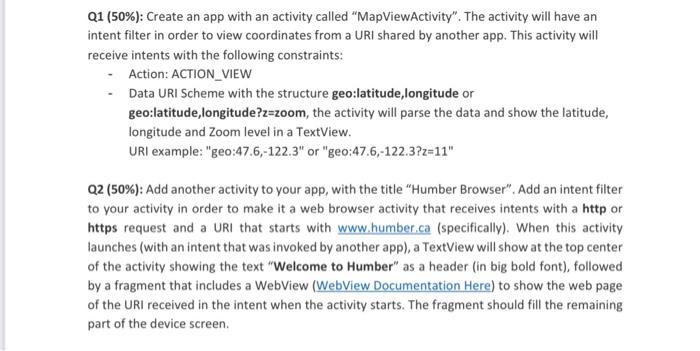
Q1 (50\%): Create an app with an activity called "MapViewActivity". The activity will have an intent filter in order to view coordinates from a URI shared by another app. This activity will receive intents with the following constraints: - Action: ACTION_VIEW - Data URI Scheme with the structure geo:latitude,longitude or geo:latitude,longitude?z=zoom, the activity will parse the data and show the latitude, longitude and Zoom level in a TextView. URI example: "geo:47.6,-122.3" or "geo:47.6,-122.3?z=11" Q2 (50\%): Add another activity to your app, with the title "Humber Browser". Add an intent filter to your activity in order to make it a web browser activity that receives intents with a http or https request and a URI that starts with www.humber.ca (specifically). When this activity launches (with an intent that was invoked by another app), a TextView will show at the top center of the activity showing the text "Welcome to Humber" as a header (in big bold font), followed by a fragment that includes a WebView to show the web page of the URI received in the intent when the activity starts. The fragment should fill the remaining part of the device screen
Step by Step Solution
There are 3 Steps involved in it

Get step-by-step solutions from verified subject matter experts
 Study Help