







Question: Q1: Implement the 'Gaussian Blur algorithm for smoothing (filtering noise) in MATLAB/C++/Python/Java, test and compare the results. Here is the step by step procedure. Create
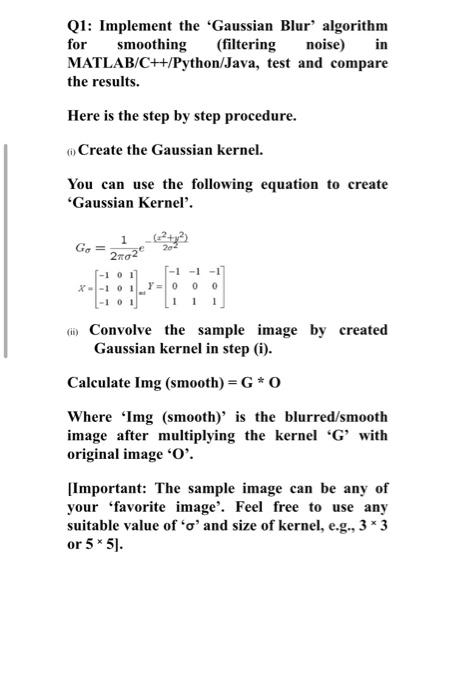
Q1: Implement the 'Gaussian Blur algorithm for smoothing (filtering noise) in MATLAB/C++/Python/Java, test and compare the results. Here is the step by step procedure. Create the Gaussian kernel. You can use the following equation to create 'Gaussian Kernel'. G = 22 -101 X-101 -1 0 1 -1-1-1 YO 0 * Convolve the sample image by created Gaussian kernel in step (i). Calculate Img (smooth)=G* 0 Where 'Img (smooth)' is the blurred/smooth image after multiplying the kernel 'G' with original image 'O'. [Important: The sample image can be any of your 'favorite image'. Feel free to use any suitable value of 'o' and size of kernel, e.g., 3*3 or 5* 5)
Step by Step Solution
There are 3 Steps involved in it
1 Expert Approved Answer
Step: 1 Unlock

Question Has Been Solved by an Expert!
Get step-by-step solutions from verified subject matter experts
Step: 2 Unlock
Step: 3 Unlock
 Study Help