







Question: Q3: Implement a text editor using JCheckBox, JComboBox, JTextField GUI components with options for setting different font styles (BOLD, Italic, BOLD+Italic, PLAIN), font sizes ranging
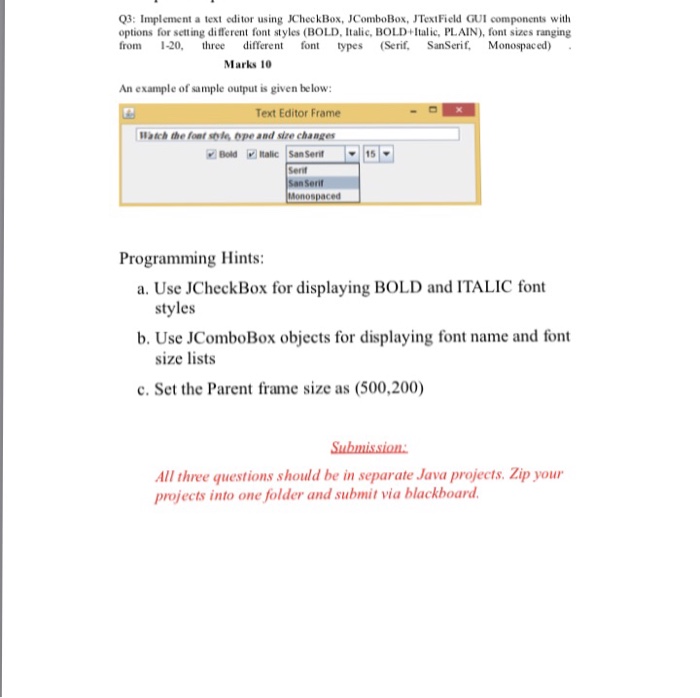
Q3: Implement a text editor using JCheckBox, JComboBox, JTextField GUI components with options for setting different font styles (BOLD, Italic, BOLD+Italic, PLAIN), font sizes ranging from 1-20 thee different on type (Serif, SanSerf, Monospaced) Marks 10 An example of sample output is given be low Text Editor Frame Waich the foat sole ope and size changes Serif San Serit Monospaced Programming Hints: a. Use JCheckBox for displaying BOLD and ITALIC font styles b. Use JComboBox objects for displaying font name and font size lists c. Set the Parent frame size as (500,200) All three questions should be in separate Java projects. Zip your projects into one folder and submit via blackboard
Step by Step Solution
There are 3 Steps involved in it

Get step-by-step solutions from verified subject matter experts
 Study Help