







Question: Question 1 30 pts Note: Students must submit a PDF document with screenshots, showing each step taken to complete the following questions. Students MUST
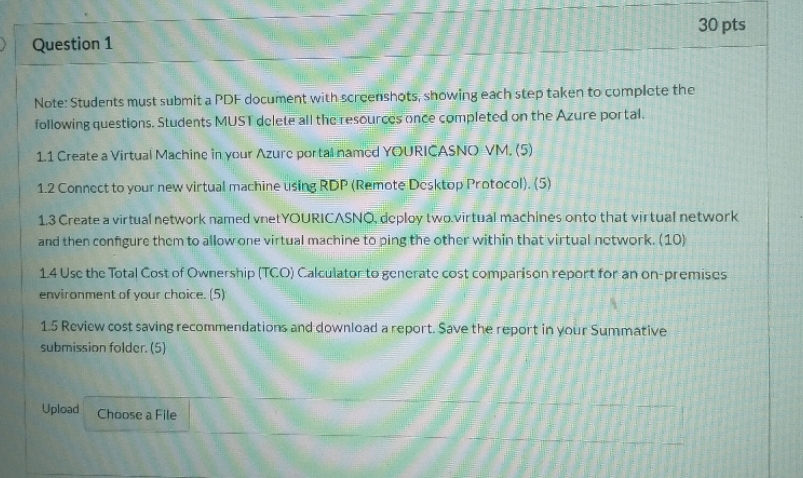
Question 1 30 pts Note: Students must submit a PDF document with screenshots, showing each step taken to complete the following questions. Students MUST delete all the resources once completed on the Azure portal. 1.1 Create a Virtual Machine in your Azure portal named YOURICASNO VM. (5) 1.2 Connect to your new virtual machine using RDP (Remote Desktop Protocol). (5) 1.3 Create a virtual network named vnet YOURICASNO, deploy two virtual machines onto that virtual network and then configure them to allow one virtual machine to ping the other within that virtual network. (10) 1.4 Use the Total Cost of Ownership (TCO) Calculator to generate cost comparison report for an on-premises environment of your choice. (5) 1.5 Review cost saving recommendations and download a report. Save the report in your Summative submission folder. (5) Upload Choose a File
Step by Step Solution
There are 3 Steps involved in it

Get step-by-step solutions from verified subject matter experts
 Study Help