



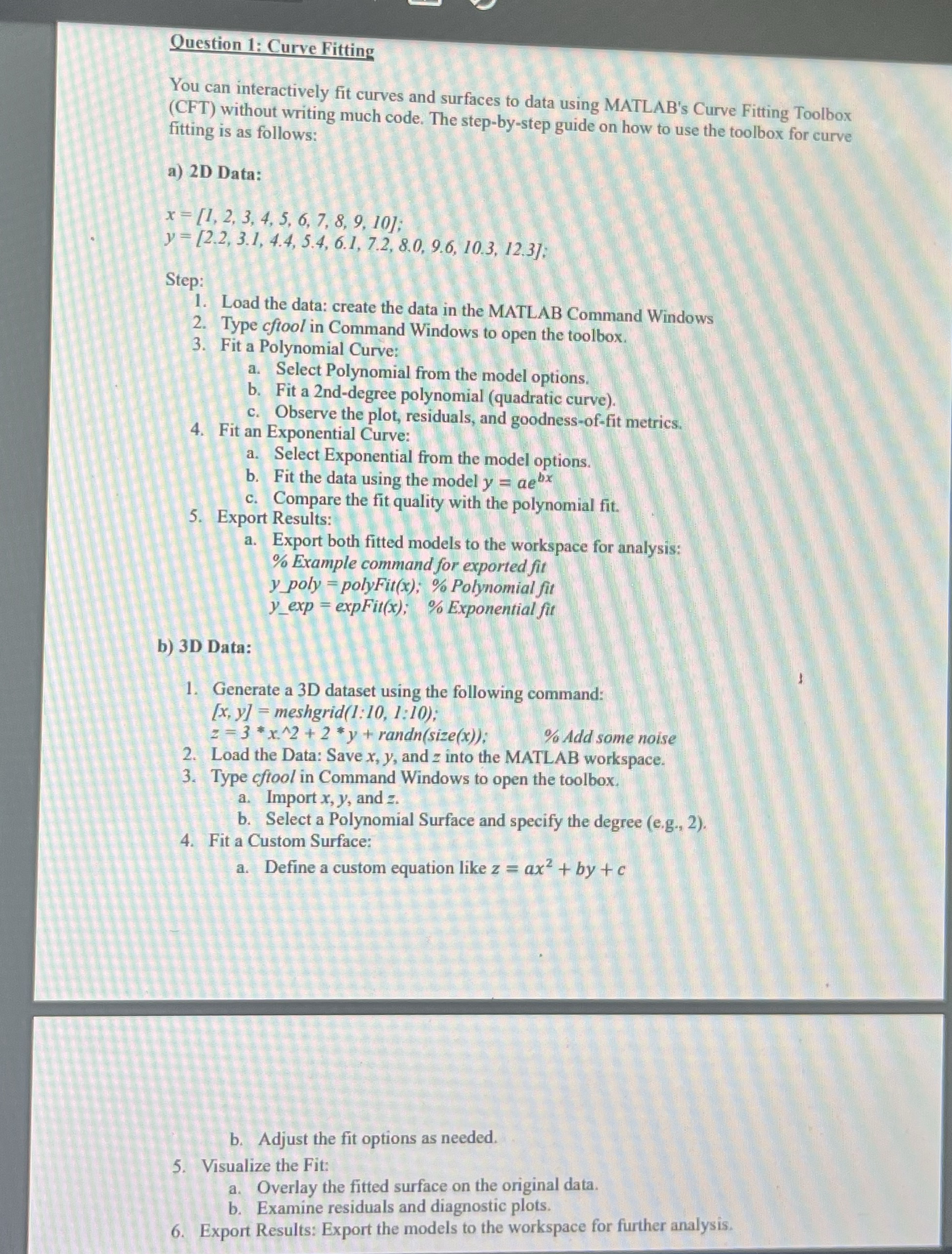
Question: Question 1 : Curve Fitting You can interactively fit curves and surfaces to data using MATLAB's Curve Fitting Toolbox ( CFT ) without writing much
Question : Curve Fitting
You can interactively fit curves and surfaces to data using MATLAB's Curve Fitting Toolbox CFT without writing much code. The stepbystep guide on how to use the toolbox for curve fitting is as follows:
aD Data:
Step:
Load the data: create the data in the MATLAB Command Windows
Type cftool in Command Windows to open the toolbox.
Fit a Polynomial Curve:
a Select Polynomial from the model options.
b Fit a nddegree polynomial quadratic curve
c Observe the plot, residuals, and goodnessoffit metrics.
Fit an Exponential Curve:
a Select Exponential from the model options.
b Fit the data using the model
c Compare the fit quality with the polynomial fit.
Export Results:
a Export both fitted models to the workspace for analysis:
Example command for exported fit
polyFit ; Polynomial fit
Exponential fit
bD Data:
Generate a D dataset using the following command:
meshgrid ::;
randn
Add some noise
Load the Data: Save and into the MATLAB workspace.
Type cftool in Command Windows to open the toolbox.
a Import and
b Select a Polynomial Surface and specify the degree eg
Fit a Custom Surface:
a Define a custom equation like
b Adjust the fit options as needed.
Visualize the Fit:
a Overlay the fitted surface on the original data.
b Examine residuals and diagnostic plots.
Export Results: Export the models to the workspace for further analysis.
Step by Step Solution
There are 3 Steps involved in it
1 Expert Approved Answer
Step: 1 Unlock

Question Has Been Solved by an Expert!
Get step-by-step solutions from verified subject matter experts
Step: 2 Unlock
Step: 3 Unlock