







Question: Question 1 Git repository. Execute the following commands and take screenshots demonstrating each execution. 1- Clone the repository at https://github.com/omalam/ComputerProject.git 2- Create a branch using
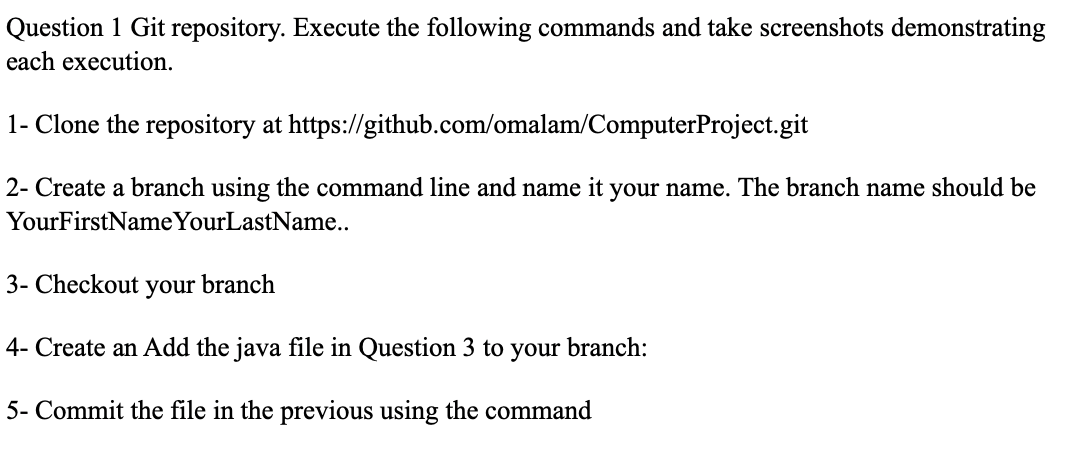
Question 1 Git repository. Execute the following commands and take screenshots demonstrating each execution. 1- Clone the repository at https://github.com/omalam/ComputerProject.git 2- Create a branch using the command line and name it your name. The branch name should be YourFirstNameYourLastName.. 3- Checkout your branch 4- Create an Add the java file in Question 3 to your branch: 5- Commit the file in the previous using the command
Step by Step Solution
There are 3 Steps involved in it
1 Expert Approved Answer
Step: 1 Unlock

Question Has Been Solved by an Expert!
Get step-by-step solutions from verified subject matter experts
Step: 2 Unlock
Step: 3 Unlock
 Study Help