







Question: Question 1:Create a simple sequence diagram to illustrate the online booking process based on the requirements below. The diagram should include one actor (the user)
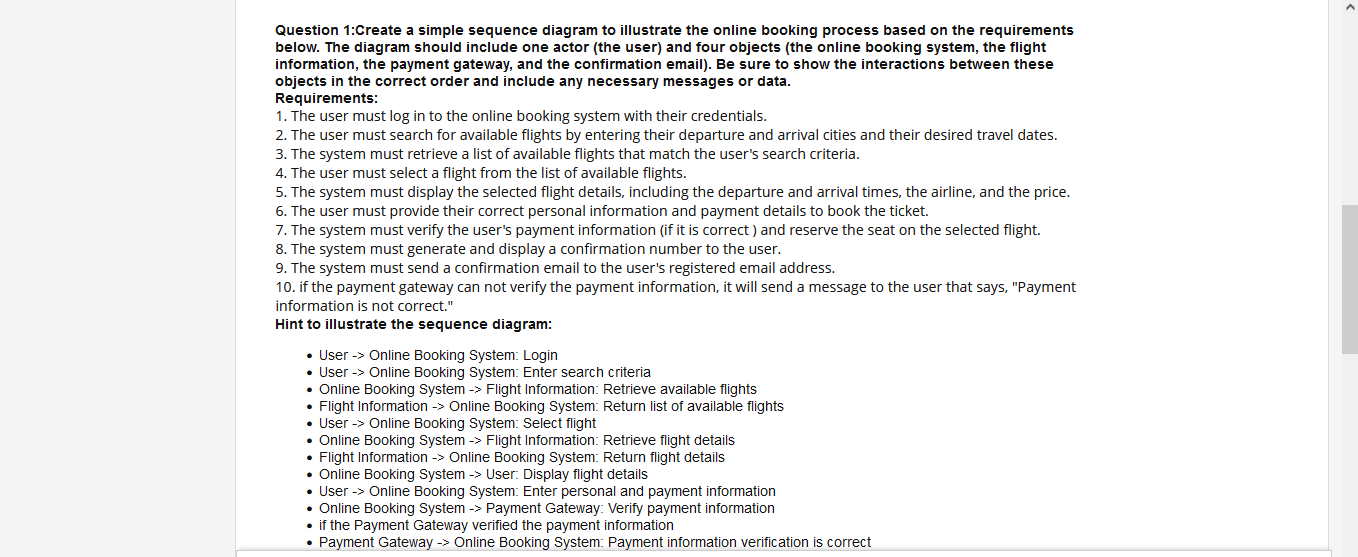

Question 1:Create a simple sequence diagram to illustrate the online booking process based on the requirements below. The diagram should include one actor (the user) and four objects (the online booking system, the flight information, the payment gateway, and the confirmation email). Be sure to show the interactions between these objects in the correct order and include any necessary messages or data. Requirements: 1. The user must log in to the online booking system with their credentials. 2. The user must search for available flights by entering their departure and arrival cities and their desired travel dates. 3. The system must retrieve a list of available flights that match the user's search criteria. 4. The user must select a flight from the list of available flights. 5. The system must display the selected flight details, including the departure and arrival times, the airline, and the price. 6. The user must provide their correct personal information and payment details to book the ticket. 7. The system must verify the user's payment information (if it is correct ) and reserve the seat on the selected flight. 8. The system must generate and display a confirmation number to the user. 9. The system must send a confirmation email to the user's registered email address. 10. if the payment gateway can not verify the payment information, it will send a message to the user that says, "Payment information is not correct." Hint to illustrate the sequence diagram: - User Online Booking System: Login - User Online Booking System: Enter search criteria - Online Booking System -> Flight Information: Retrieve available flights - Flight Information > Online Booking System: Return list of available flights - User Online Booking System: Select flight - Online Booking System -> Flight Information: Retrieve flight details - Flight Information Online Booking System: Return flight details - Online Booking System -> User: Display flight details - User Online Booking System: Enter personal and payment information - Online Booking System -> Payment Gateway: Verify payment information - if the Payment Gateway verified the payment information - Payment Gateway -> Online Booking System: Payment information verification is correct - Online Booking System -> Flight Information: Reserve a seat on the selected flight - Flight Information -> Online Booking System: Reservation confirmation number - Online Booking System User: Display confirmation number - Online Booking System Confirmation Email: Send a confirmation email - Confirmation Email User: Send a confirmation email - Else Payment Gateway -> User: Display message " Payment information is incorrect
Step by Step Solution
There are 3 Steps involved in it

Get step-by-step solutions from verified subject matter experts
 Study Help