







Question: Question 2 (1 point) 2) Using command cd Type the following command and press Enter. It will bring you to your home folder. cd Note
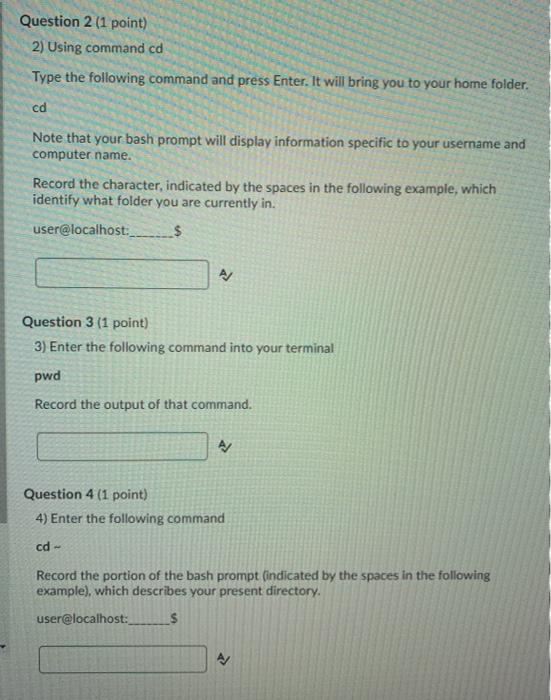
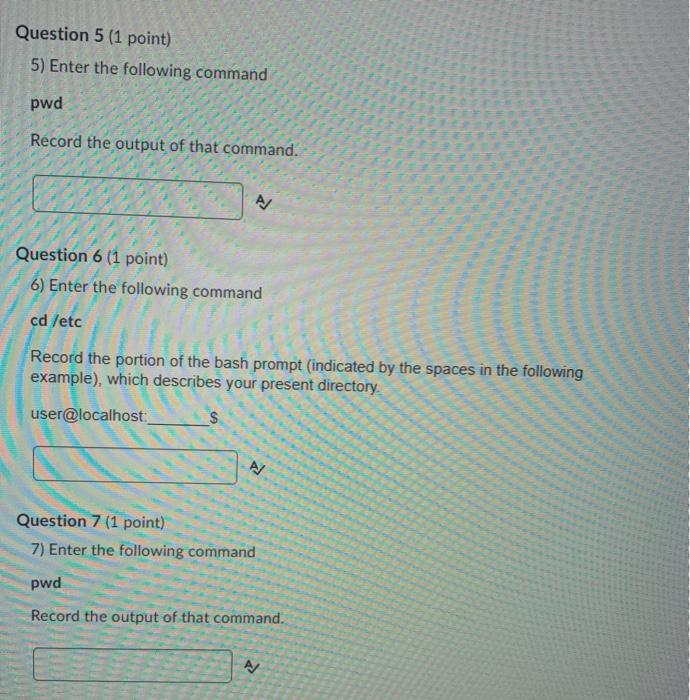
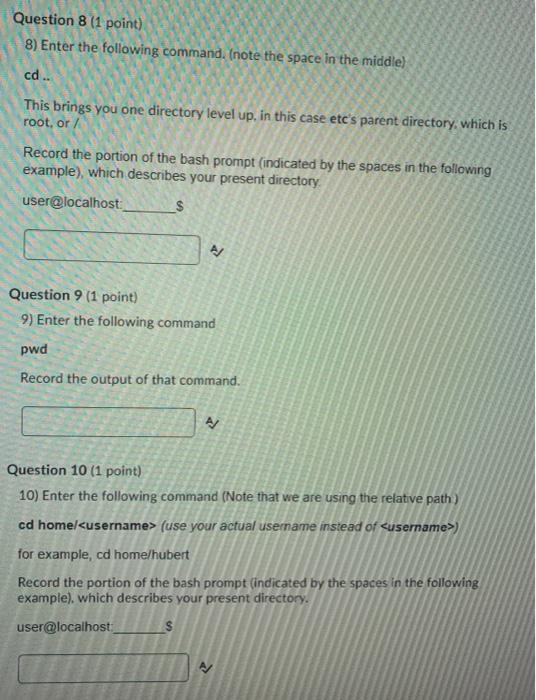
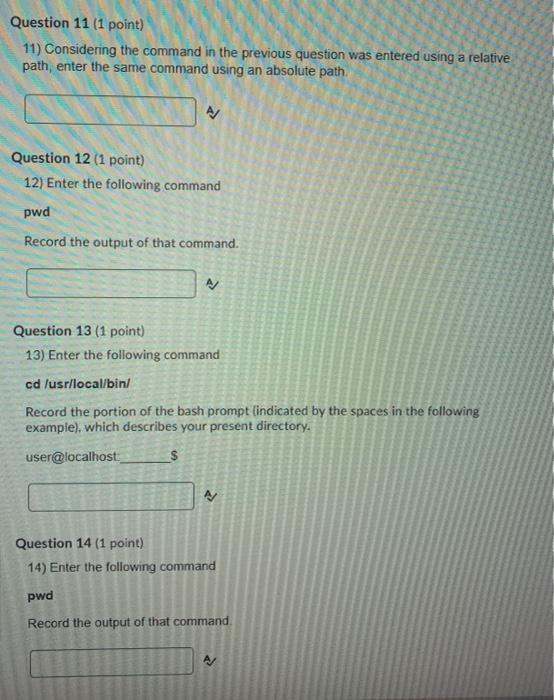
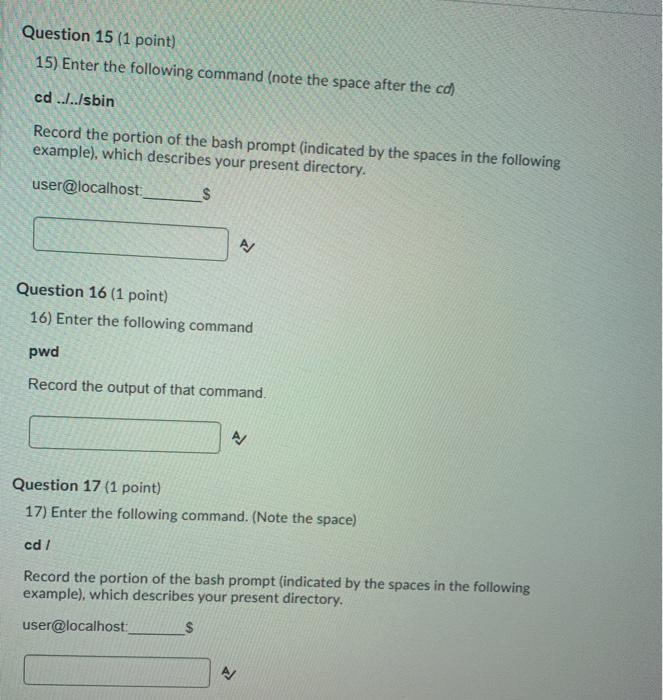
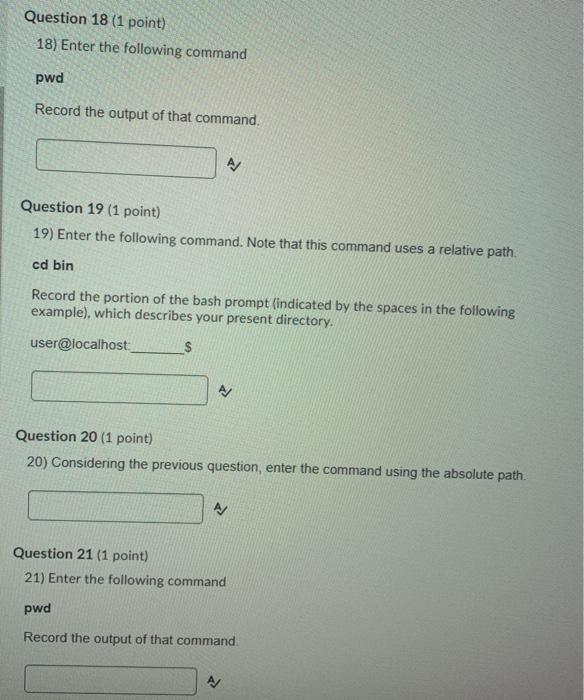
Question 2 (1 point) 2) Using command cd Type the following command and press Enter. It will bring you to your home folder. cd Note that your bash prompt will display information specific to your username and computer name. Record the character, indicated by the spaces in the following example, which identify what folder you are currently in. user@localhost. $ Question 3 (1 point) 3) Enter the following command into your terminal pwd Record the output of that command. A Question 4 (1 point) 4) Enter the following command cd- Record the portion of the bash prompt (indicated by the spaces in the following example), which describes your present directory. user@localhost: $ Question 5 (1 point) 5) Enter the following command pwd Rcord the output of that command. Question 6 (1 point) 6) Enter the following command cd /etc Record the portion of the bash prompt (indicated by the spaces in the following example), which describes your present directory user@localhost: AJ Question 7 (1 point) 7) Enter the following command pwd Record the output of that command. A Question 8 (1 point) 8) Enter the following command. (note the space in the middle) cd .. This brings you one directory level up, in this case etc's parent directory, which is root, or Record the portion of the bash prompt indicated by the spaces in the following example), which describes your present directory user@localhost > Question 9 (1 point) 9) Enter the following command pwd Record the output of that command. Question 10 (1 point) 10) Enter the following command (Note that we are using the relative path) cd home/
Step by Step Solution
There are 3 Steps involved in it

Get step-by-step solutions from verified subject matter experts
 Study Help