







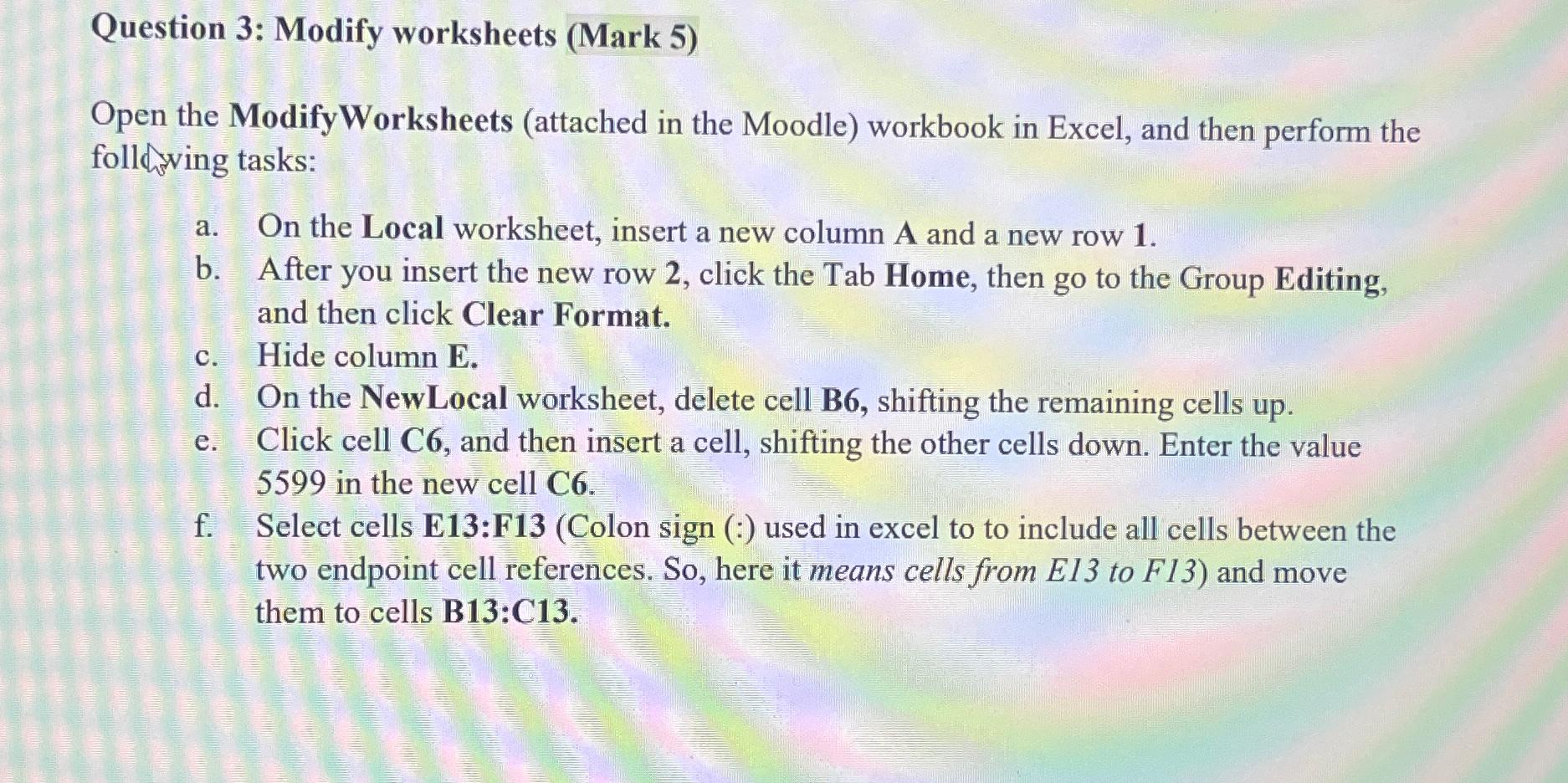
Question: Question 3 : Modify worksheets ( Mark 5 ) Open the ModifyWorksheets ( attached in the Moodle ) workbook in Excel, and then perform the
Question : Modify worksheets Mark
Open the ModifyWorksheets attached in the Moodle workbook in Excel, and then perform the following tasks:
a On the Local worksheet, insert a new column A and a new row
b After you insert the new row click the Tab Home, then go to the Group Editing, and then click Clear Format.
c Hide column
d On the NewLocal worksheet, delete cell B shifting the remaining cells up
e Click cell C and then insert a cell, shifting the other cells down. Enter the value in the new cell
f Select cells E:FColon sign used in excel to to include all cells between the two endpoint cell references. So here it means cells from EI to F and move them to cells B:C
Step by Step Solution
There are 3 Steps involved in it
1 Expert Approved Answer
Step: 1 Unlock

Question Has Been Solved by an Expert!
Get step-by-step solutions from verified subject matter experts
Step: 2 Unlock
Step: 3 Unlock
 Study Help