







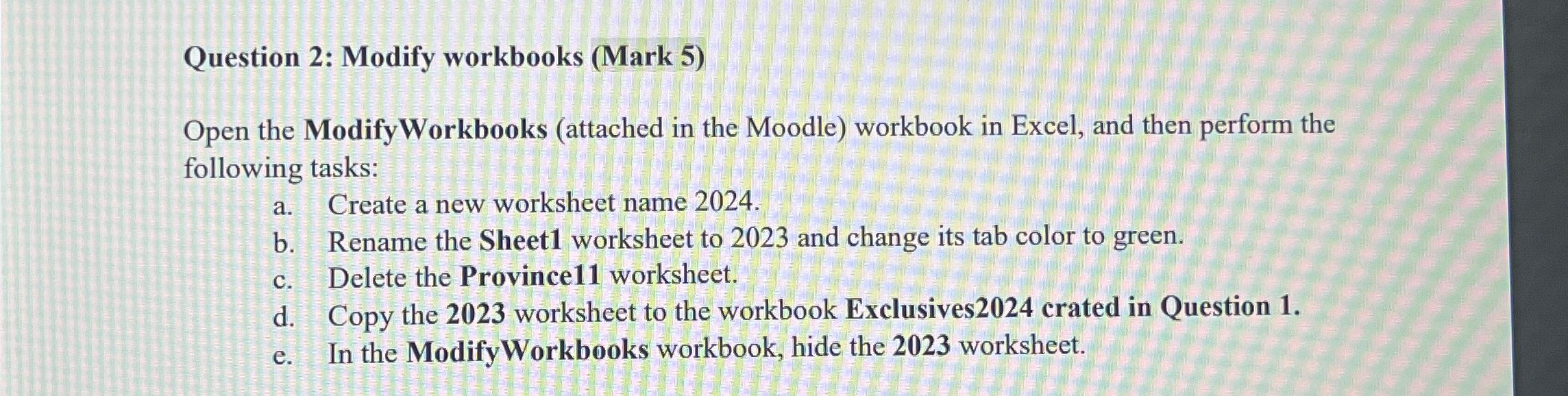
Question: Question 2 : Modify workbooks ( Mark 5 ) Open the ModifyWorkbooks ( attached in the Moodle ) workbook in Excel, and then perform the
Question : Modify workbooks Mark
Open the ModifyWorkbooks attached in the Moodle workbook in Excel, and then perform the following tasks:
a Create a new worksheet name
b Rename the Sheet worksheet to and change its tab color to green.
c Delete the Province worksheet.
d Copy the worksheet to the workbook Exclusives crated in Question
e In the ModifyWorkbooks workbook, hide the worksheet.
Step by Step Solution
There are 3 Steps involved in it
1 Expert Approved Answer
Step: 1 Unlock

Question Has Been Solved by an Expert!
Get step-by-step solutions from verified subject matter experts
Step: 2 Unlock
Step: 3 Unlock
 Study Help