







Question: Question 3: Start capturing the Packets and do the below tasks. 3.1) Execute the command to check the connection with one of the following server?
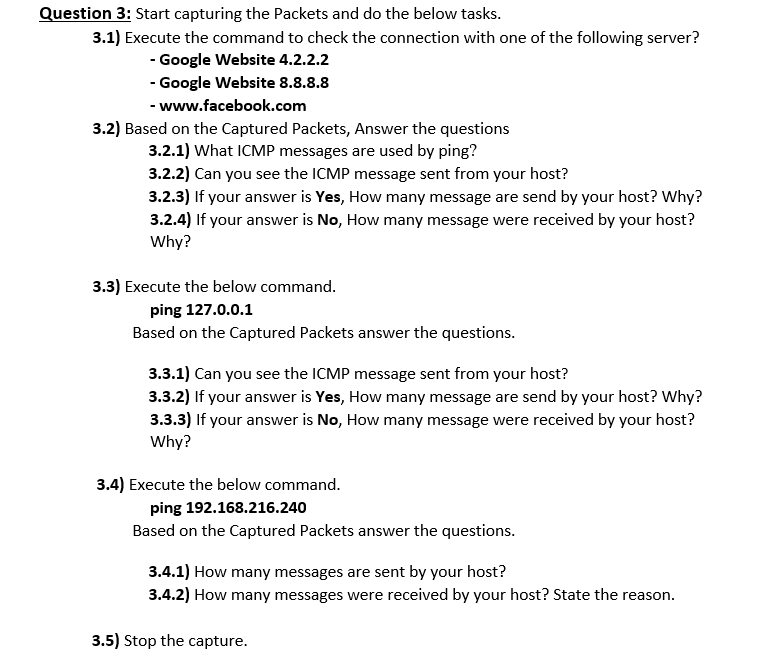
Question 3: Start capturing the Packets and do the below tasks. 3.1) Execute the command to check the connection with one of the following server? - Google Website 4.2.2.2 - Google Website 8.8.8.8 - www.facebook.com 3.2) Based on the Captured Packets, Answer the questions 3.2.1) What ICMP messages are used by ping? 3.2.2) Can you see the ICMP message sent from your host? 3.2.3) If your answer is Yes, How many message are send by your host? Why? 3.2.4) If your answer is No, How many message were received by your host? Why? 3.3) Execute the below command. ping 127.0.0.1 Based on the Captured Packets answer the questions. 3.3.1) Can you see the ICMP message sent from your host? 3.3.2) If your answer is Yes, How many message are send by your host? Why? 3.3.3) If your answer is No, How many message were received by your host? Why? 3.4) Execute the below command. ping 192.168.216.240 Based on the Captured Packets answer the questions. 3.4.1) How many messages are sent by your host? 3.4.2) How many messages were received by your host? State the reason. 3.5) Stop the capture
Step by Step Solution
There are 3 Steps involved in it

Get step-by-step solutions from verified subject matter experts
 Study Help