







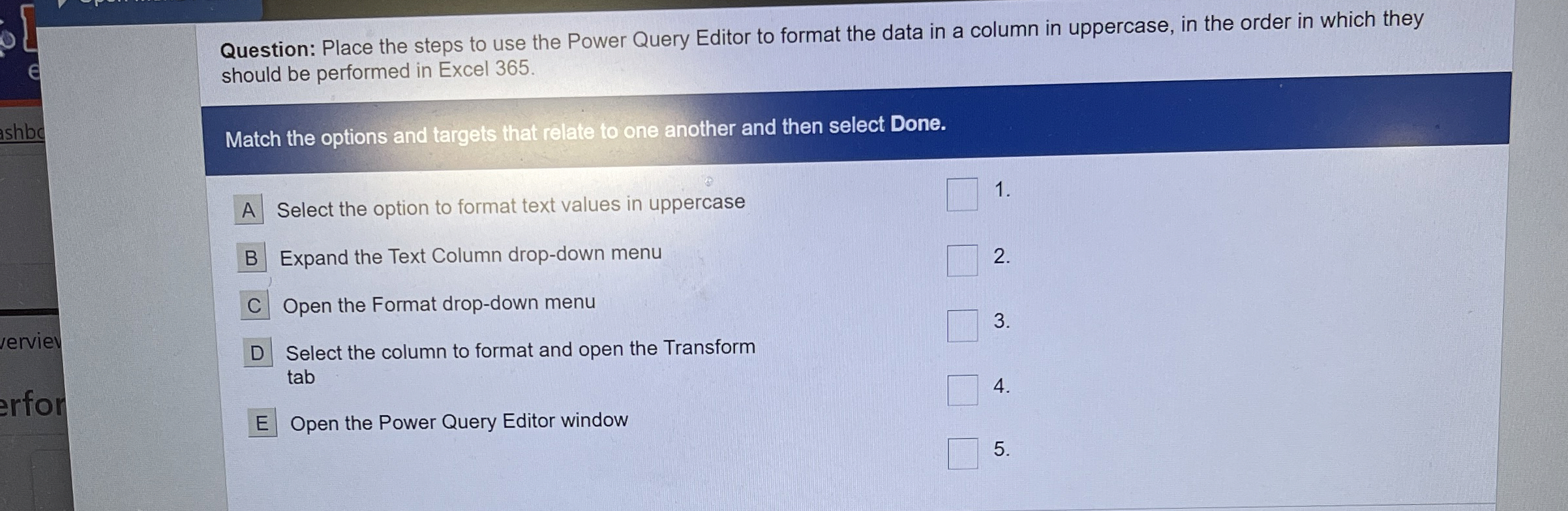
Question: Question: Place the steps to use the Power Query Editor to format the data in a column in uppercase, in the order in which they
Question: Place the steps to use the Power Query Editor to format the data in a column in uppercase, in the order in which they should be performed in Excel
Match the options and targets that relate to one another and then select Done.
A Select the option to format text values in uppercase
Expand the Text Column dropdown menu
Open the Format dropdown menu
Select the column to format and open the Transform tab
Open the Power Query Editor window
Step by Step Solution
There are 3 Steps involved in it
1 Expert Approved Answer
Step: 1 Unlock

Question Has Been Solved by an Expert!
Get step-by-step solutions from verified subject matter experts
Step: 2 Unlock
Step: 3 Unlock
 Study Help