







Question: Q-Write generalized bash-shell scripts that are able to work correctly on any Unix/Linux computer, with any user account, and starting from any working directory without
Q-Write generalized bash-shell scripts that are able to work correctly on any Unix/Linux computer, with any user account, and starting from any working directory without any modification, to carry out each of the following tasks:
Use environment variables, string patterns, and wild-card characters to generalize the script, make sure possible errors are handled correctly.
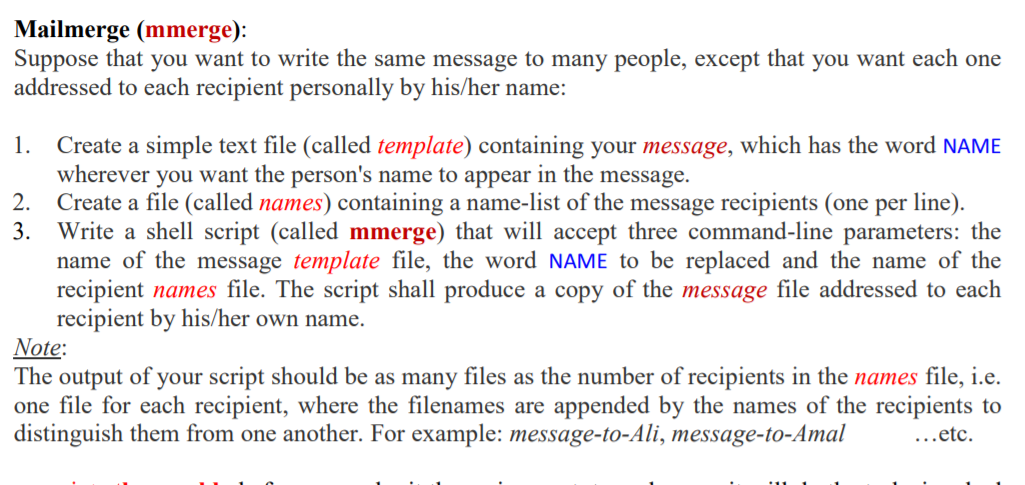
Mailmerge (mmerge): Suppose that you want to write the same message to many people, except that you want each one addressed to each recipient personally by his/her name: 1. Create a simple text file (called template) containing your message, which has the word NAME wherever you want the person's name to appear in the message. 2. Create a file (called names) containing a name-list of the message recipients (one per line). 3. Write a shell script (called mmerge) that will accept three command-line parameters: the name of the message template file, the word NAME to be replaced and the name of the recipient names file. The script shall produce a copy of the message file addressed to each recipient by his/her own name. Note: The output of your script should be as many files as the number of recipients in the names file, i.e. one file for each recipient, where the filenames are appended by the names of the recipients to distinguish them from one another. For example: message-to-Ali, message-to-Amal ...etc. Mailmerge (mmerge): Suppose that you want to write the same message to many people, except that you want each one addressed to each recipient personally by his/her name: 1. Create a simple text file (called template) containing your message, which has the word NAME wherever you want the person's name to appear in the message. 2. Create a file (called names) containing a name-list of the message recipients (one per line). 3. Write a shell script (called mmerge) that will accept three command-line parameters: the name of the message template file, the word NAME to be replaced and the name of the recipient names file. The script shall produce a copy of the message file addressed to each recipient by his/her own name. Note: The output of your script should be as many files as the number of recipients in the names file, i.e. one file for each recipient, where the filenames are appended by the names of the recipients to distinguish them from one another. For example: message-to-Ali, message-to-Amal ...etc
Step by Step Solution
There are 3 Steps involved in it

Get step-by-step solutions from verified subject matter experts
 Study Help