







Question: Read https://git-scm.com/book/en/v2/Git-Branching-Basic-Branching-and-Merging Select all of the following statements that are true: The git push command update remote files along with associated information such as commit
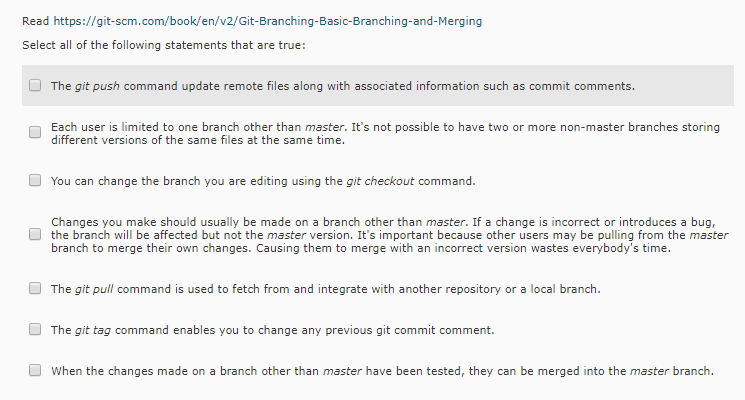
Read https://git-scm.com/book/en/v2/Git-Branching-Basic-Branching-and-Merging Select all of the following statements that are true: The git push command update remote files along with associated information such as commit comments Each user is limited to one branch other than master. It's not possible to have two or more non-master branches storing different versions of the same files at the same time. You can change the branch you are editing using the git checkout command. Changes you make should usually be made on a branch other than master. If a change is incorrect or introduces a bug the branch will be affected but not the master version. It's important because other users may be pulling from the master branch to merge their own changes. Causing them to merge with an incorrect version wastes everybody's time. The git pull command is used to fetch from and integrate with another repository or a local branch The git tag command enables you to change any previous git commit comment. When the changes made on a branch other than master have been tested, they can be merged into the master branch
Step by Step Solution
There are 3 Steps involved in it

Get step-by-step solutions from verified subject matter experts
 Study Help