







Question: Read Only - Save a copy to edit. Save a co Go to the Client Invoices worksheet. In cell B 3 , insert a formula
Read Only Save a copy to edit.
Save a co
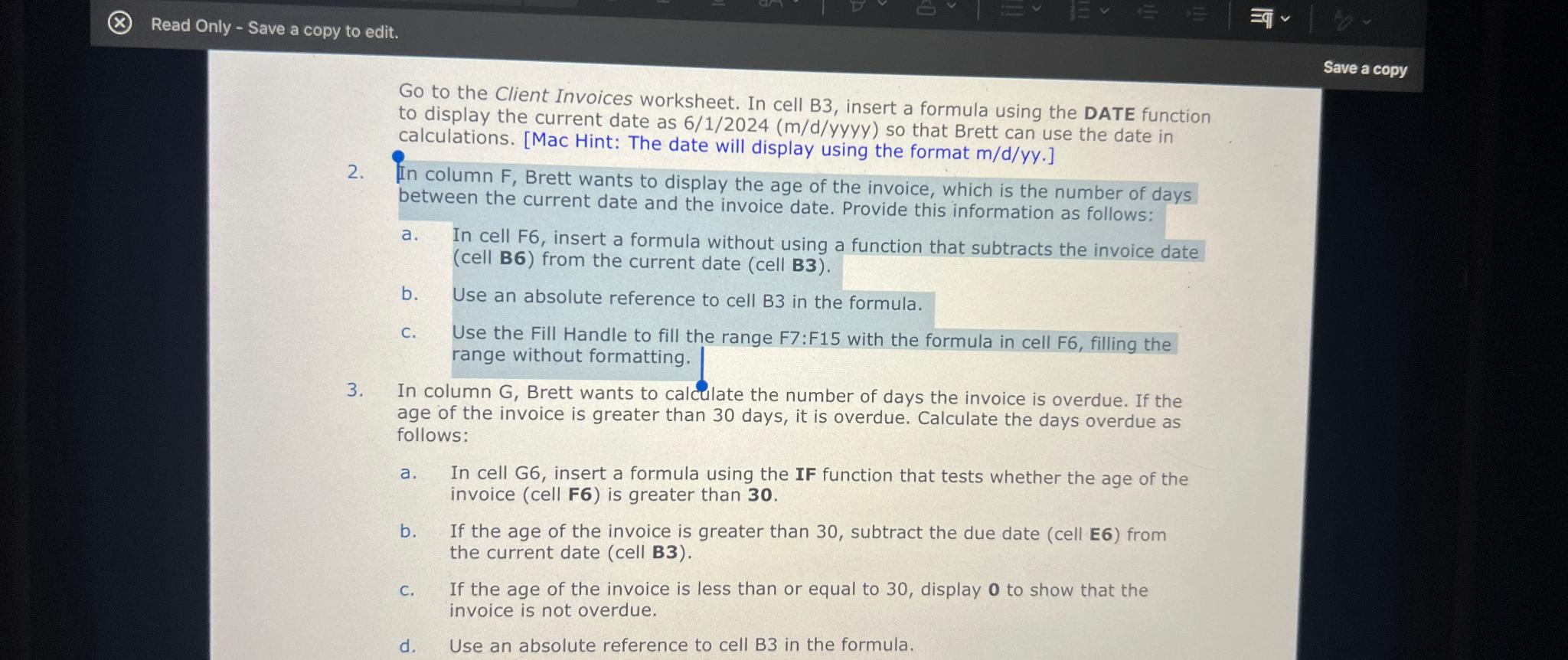
Go to the Client Invoices worksheet. In cell B insert a formula using the DATE function to display the current date as mdyyyy so that Brett can use the date in calculations. Mac Hint: The date will display using the formaT.
In column F Brett wants to display the age of the invoice, which is the number of days between the current date and the invoice date. Provide this information as follows:
a In cell F insert a formula without using a function that subtracts the invoice date cell B from the current date cell B
b Use an absolute reference to cell in the formula.
c Use the Fill Handle to fill the range F:F with the formula in cell F filling the range without formatting.
In column G Brett wants to calculate the number of days the invoice is overdue. If the age of the invoice is greater than days, it is overdue. Calculate the days overdue as follows:
a In cell G insert a formula using the IF function that tests whether the age of the invoice cell is greater than
b If the age of the invoice is greater than subtract the due date cell E from the current date cell B
c If the age of the invoice is less than or equal to display to show that the invoice is not overdue.
d Use an absolute reference to cell B in the formula.
Step by Step Solution
There are 3 Steps involved in it
1 Expert Approved Answer
Step: 1 Unlock

Question Has Been Solved by an Expert!
Get step-by-step solutions from verified subject matter experts
Step: 2 Unlock
Step: 3 Unlock
 Study Help