







Question: Read the case below -- Develop a non-profit management application. Then write ten user stories based for the case below. Upload the user stories in
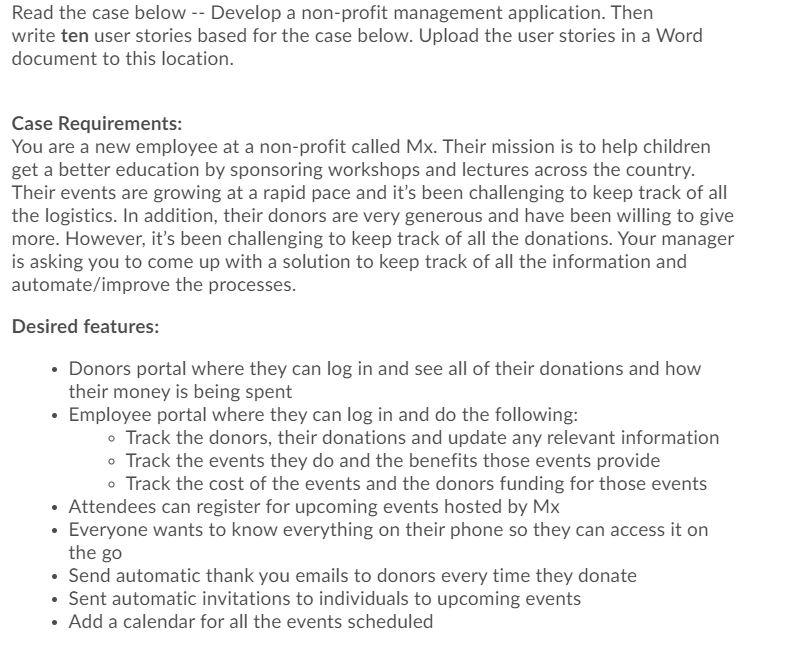
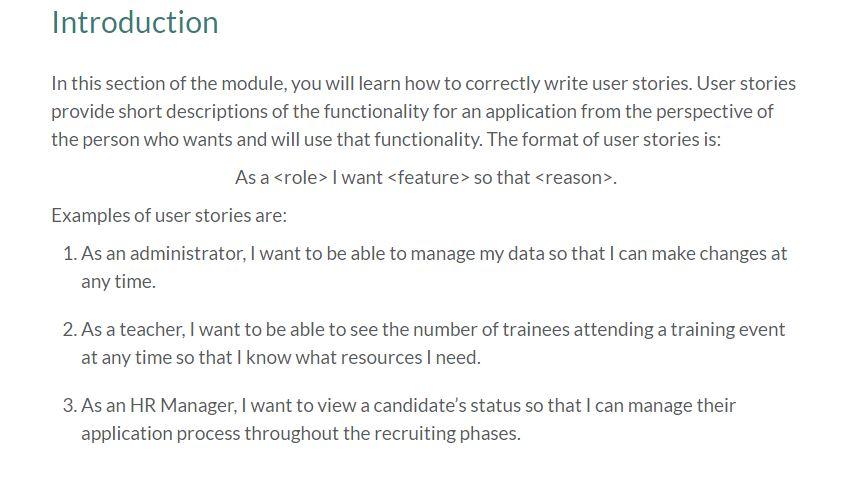
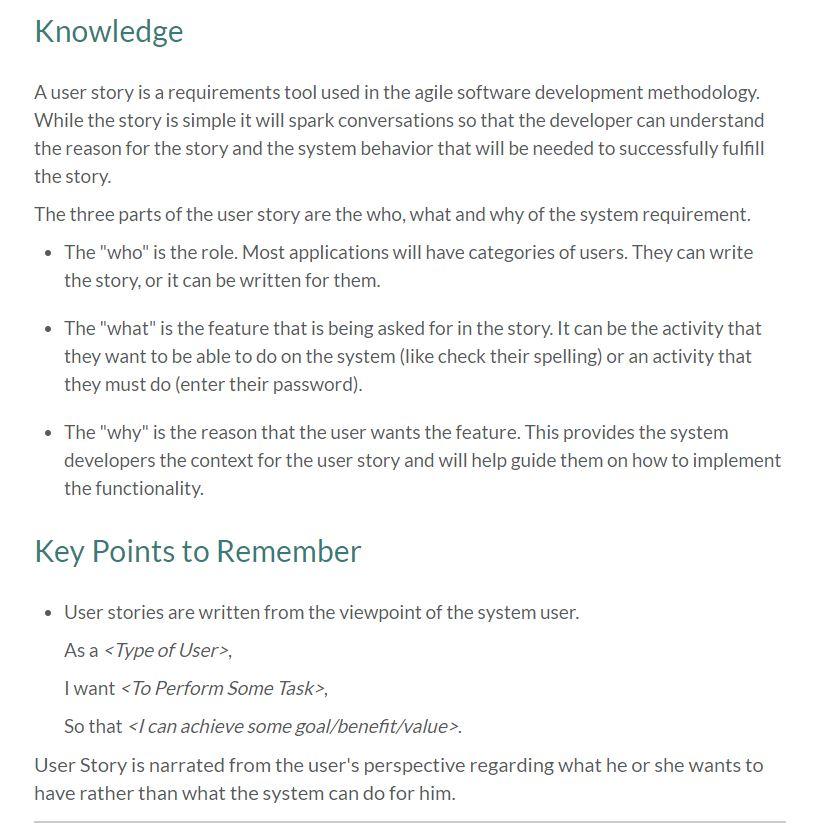
Read the case below -- Develop a non-profit management application. Then write ten user stories based for the case below. Upload the user stories in a Word document to this location. Case Requirements: You are a new employee at a non-profit called Mx. Their mission is to help children get a better education by sponsoring workshops and lectures across the country. Their events are growing at a rapid pace and it's been challenging to keep track of all the logistics. In addition, their donors are very generous and have been willing to give more. However, it's been challenging to keep track of all the donations. Your manager is asking you to come up with a solution to keep track of all the information and automate/improve the processes. Desired features: Donors portal where they can log in and see all of their donations and how their money is being spent Employee portal where they can log in and do the following: Track the donors, their donations and update any relevant information Track the events they do and the benefits those events provide Track the cost of the events and the donors funding for those events Attendees can register for upcoming events hosted by Mx Everyone wants to know everything on their phone so they can access it on the go Send automatic thank you emails to donors every time they donate Sent automatic invitations to individuals to upcoming events Add a calendar for all the events scheduled . Introduction In this section of the module, you will learn how to correctly write user stories. User stories provide short descriptions of the functionality for an application from the perspective of the person who wants and will use that functionality. The format of user stories is: As a
Step by Step Solution
There are 3 Steps involved in it

Get step-by-step solutions from verified subject matter experts
 Study Help