







Question: Remo 1. How do you re name a table? 2. How do you switch the screen to presentation mode? 3. How do you go to
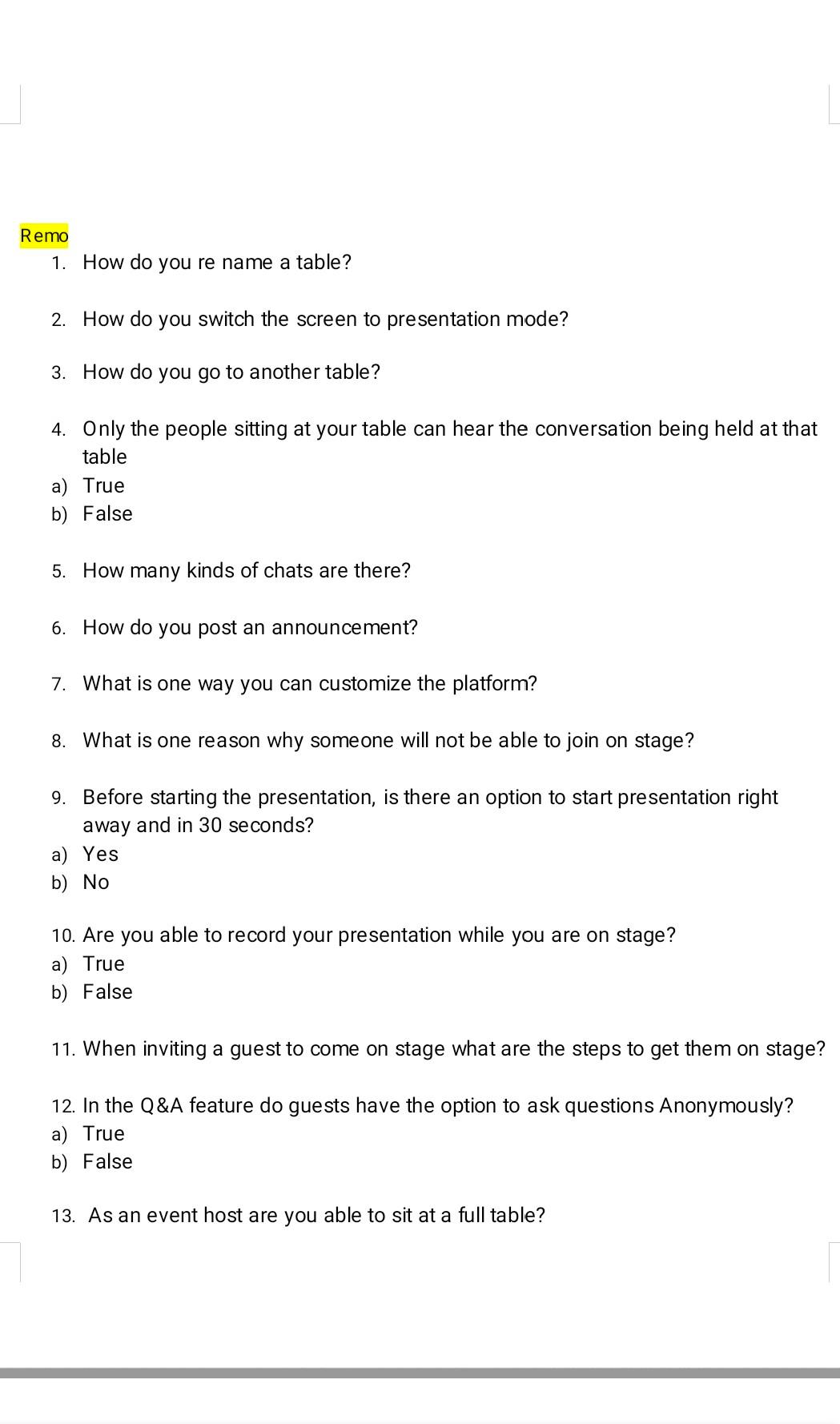
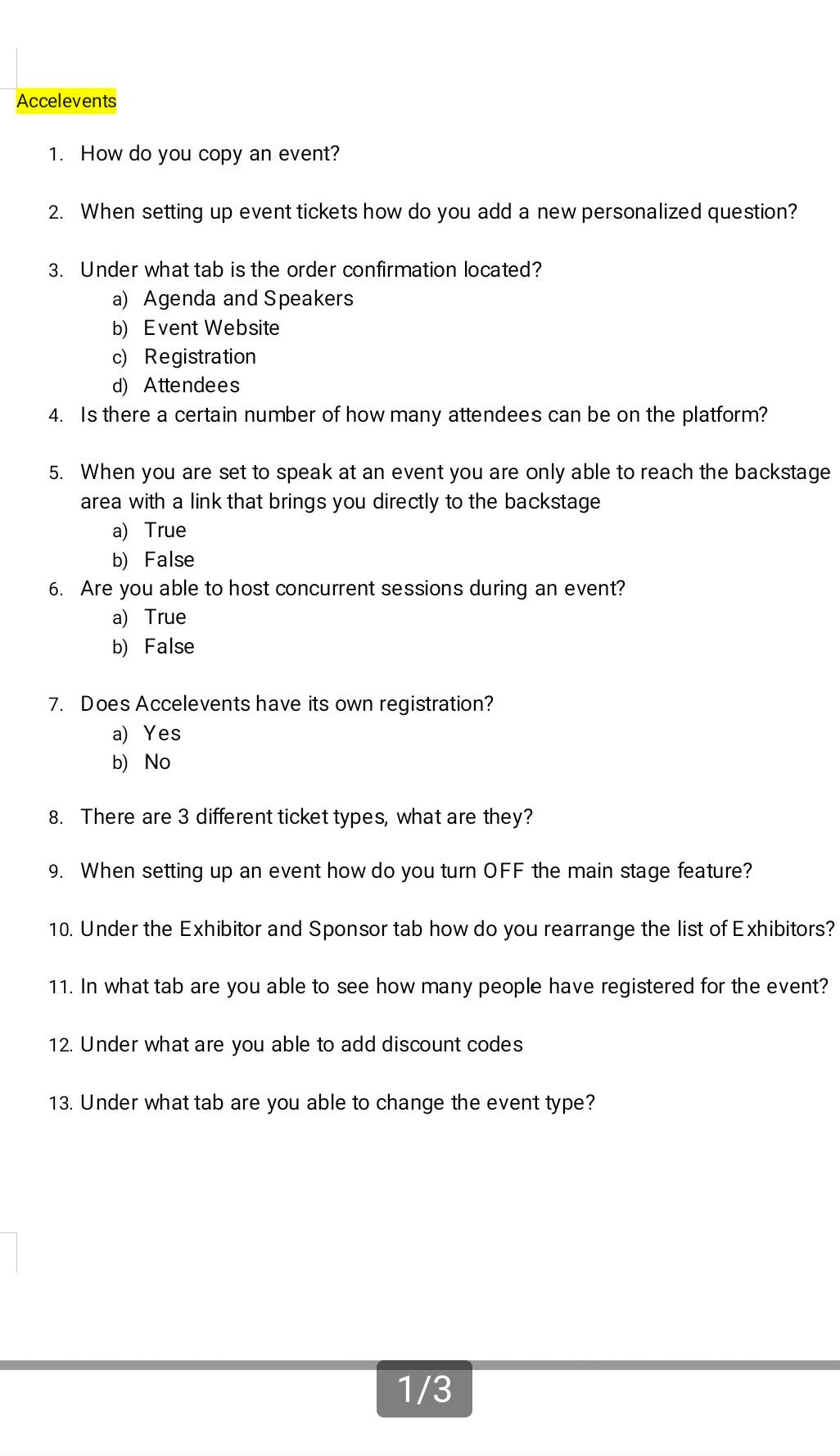
Remo 1. How do you re name a table? 2. How do you switch the screen to presentation mode? 3. How do you go to another table? 4. Only the people sitting at your table can hear the conversation being held at that table a) True b) False 5. How many kinds of chats are there? 6. How do you post an announcement? 7. What is one way you can customize the platform? 8. What is one reason why someone will not be able to join on stage? 9. Before starting the presentation, is there an option to start presentation right away and in 30 seconds? a) Yes b) No 10. Are you able to record your presentation while you are on stage? a) True b) False 11. When inviting a guest to come on stage what are the steps to get them on stage? 12. In the Q&A feature do guests have the option to ask questions Anonymously? a) True b) False 13. As an event host are you able to sit at a full table? Accelevents 1. How do you copy an event? 2. When setting up event tickets how do you add a new personalized question? 3. Under what tab is the order confirmation located? a) Agenda and Speakers b) Event Website c) Registration d) Attendees 4. Is there a certain number of how many attendees can be on the platform? 5. When you are set to speak at an event you are only able to reach the backstage area with a link that brings you directly to the backstage a) True b) False 6. Are you able to host concurrent sessions during an event? a) True b) False 7. Does Accelevents have its own registration? a) Yes b) No 8. There are 3 different ticket types, what are they? 9. When setting up an event how do you turn OFF the main stage feature? 10. Under the Exhibitor and Sponsor tab how do you rearrange the list of Exhibitors? 11. In what tab are you able to see how many people have registered for the event? 12. Under what are you able to add discount codes 13. Under what tab are you able to change the event type? 1/3
Step by Step Solution
There are 3 Steps involved in it
1 Expert Approved Answer
Step: 1 Unlock

Question Has Been Solved by an Expert!
Get step-by-step solutions from verified subject matter experts
Step: 2 Unlock
Step: 3 Unlock
 Study Help