







Question: REQUIREMENTS: Create a project document (Word or Acrobat file formats) that you will submit to the Course Project / Peer Review area in Module 4
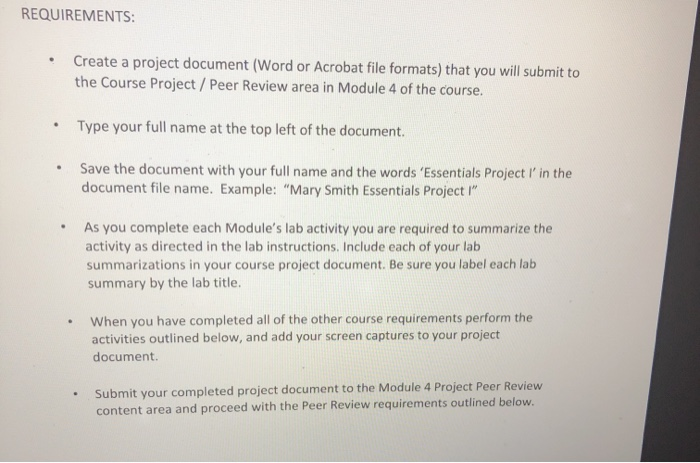
REQUIREMENTS: Create a project document (Word or Acrobat file formats) that you will submit to the Course Project / Peer Review area in Module 4 of the course. Type your full name at the top left of the document. Save the document with your full name and the words 'Essentials Project l' in the document file name. Example: "Mary Smith Essentials Project " As you complete each Module's lab activity you are required to summarize the activity as directed in the lab instructions. Include each of your lab summarizations in your course project document. Be sure you label each lab summary by the lab title. When you have completed all of the other course requirements perform the activities outlined below, and add your screen captures to your project document Submit your completed project document to the Module 4 Project Peer Review content area and proceed with the Peer Review requirements outlined below. REQUIREMENTS: Create a project document (Word or Acrobat file formats) that you will submit to the Course Project / Peer Review area in Module 4 of the course. Type your full name at the top left of the document. Save the document with your full name and the words 'Essentials Project l' in the document file name. Example: "Mary Smith Essentials Project " As you complete each Module's lab activity you are required to summarize the activity as directed in the lab instructions. Include each of your lab summarizations in your course project document. Be sure you label each lab summary by the lab title. When you have completed all of the other course requirements perform the activities outlined below, and add your screen captures to your project document Submit your completed project document to the Module 4 Project Peer Review content area and proceed with the Peer Review requirements outlined below
Step by Step Solution
There are 3 Steps involved in it

Get step-by-step solutions from verified subject matter experts
 Study Help