







Question: REQUIREMENTS: DO NOT USE A TEMPLATE! Format your own worksheet - be creative! Items in blue should be at the top of the worksheet. Your
REQUIREMENTS:
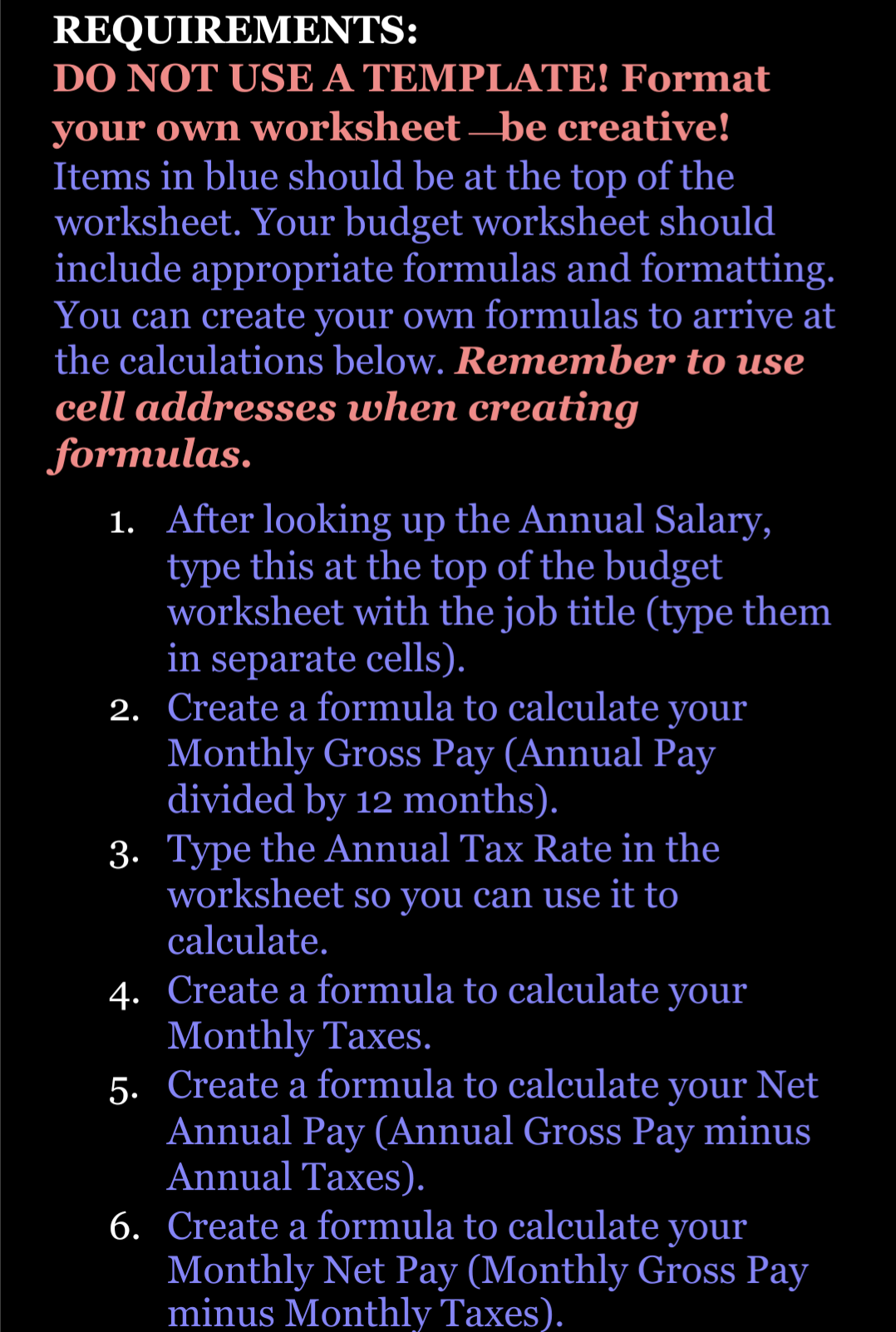
DO NOT USE A TEMPLATE! Format your own worksheet be creative! Items in blue should be at the top of the worksheet. Your budget worksheet should include appropriate formulas and formatting. You can create your own formulas to arrive at the calculations below. Remember to use cell addresses when creating formulas.
After looking up the Annual Salary, type this at the top of the budget worksheet with the job title type them in separate cells
Create a formula to calculate your Monthly Gross Pay Annual Pay divided by months
Type the Annual Tax Rate in the worksheet so you can use it to calculate.
Create a formula to calculate your Monthly Taxes.
Create a formula to calculate your Net Annual Pay Annual Gross Pay minus Annual Taxes
Create a formula to calculate your Monthly Net Pay Monthly Gross Pay minus Monthly Taxes
Step by Step Solution
There are 3 Steps involved in it
1 Expert Approved Answer
Step: 1 Unlock

Question Has Been Solved by an Expert!
Get step-by-step solutions from verified subject matter experts
Step: 2 Unlock
Step: 3 Unlock
 Study Help