







Question: Running HyperV https://docs.microsoft.com/en-us/sysinternals/downloads/sysinternals-suite Running HyperV The first step in running Hyper-V is to determine if your system supports virtualization. Perform the following steps. 1 Go
Running HyperV
https://docs.microsoft.com/en-us/sysinternals/downloads/sysinternals-suite
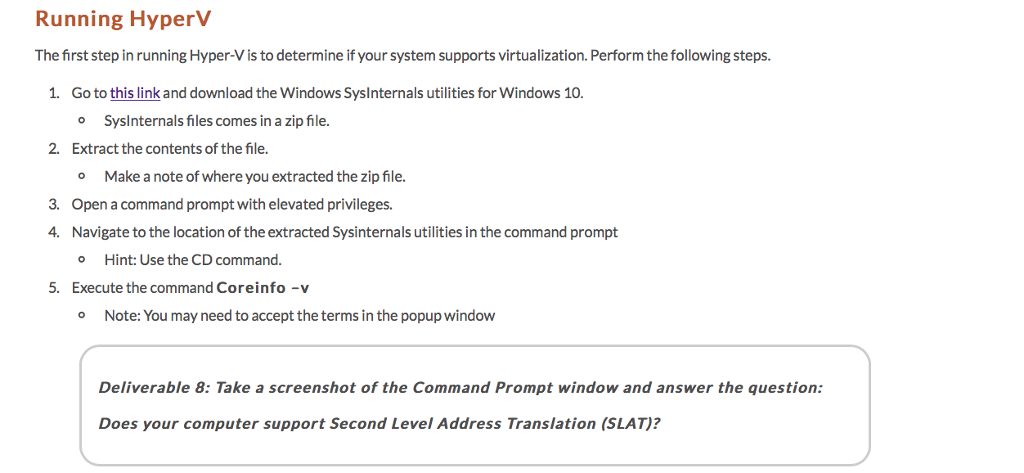
Running HyperV The first step in running Hyper-V is to determine if your system supports virtualization. Perform the following steps. 1 Go to this link and download the Windows Syslnternals utilities for Windows 10. o Syslnternals files comes in a zip file. 2. Extract the contents of the file. o Make a note of where you extracted the zip file. Open a command prompt with elevated privileges. Navigate to the location of the extracted Sysinternals utilities in the command prompt o Hint: Use the CD command. Execute the command Coreinfo -v 3. 4. 5. Note: You may need to accept the terms in the popup window O Deliverable 8: Take a screenshot of the Command Prompt window and answer the question: Does your computer support Second Level Address Translation (SLAT)
Step by Step Solution
There are 3 Steps involved in it

Get step-by-step solutions from verified subject matter experts
 Study Help