







Question: Sample doc used in problem : https://drive.google.com/open?id=19MBkN-VJnfiu4JDOmK59Lsn-CLvydUSH In python please, screenshot of code helps 1. Write a function uniqueWords0 that takes two strings as parameters,
Sample doc used in problem : https://drive.google.com/open?id=19MBkN-VJnfiu4JDOmK59Lsn-CLvydUSH
In python please, screenshot of code helps
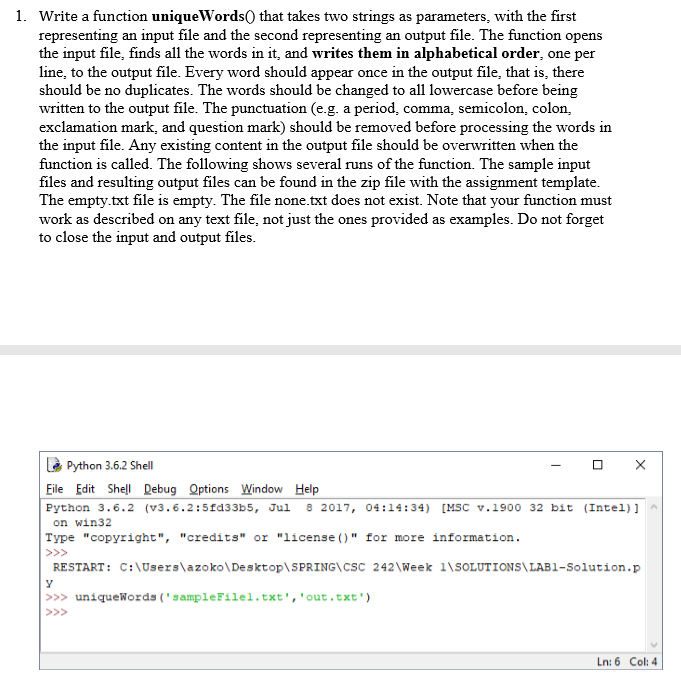
1. Write a function uniqueWords0 that takes two strings as parameters, with the first representing an input file and the second representing an output file. The function opens the input file, finds all the words in it, and writes them in alphabetical order, one per line, to the output file. Every word should appear once in the output file, that is, there should be no duplicates. The words should be changed to all lowercase before being written to the output file. The punctuation (e.g. a period, comma, semicolon, colon, exclamation mark, and question mark) should be removed before processing the words in the input file. Any existing content in the output file should be overwritten when the function is called. The following shows several runs of the function. The sample input files and resulting output files can be found in the zip file with the assignment template The empty.txt file is empty. The file none.txt does not exist. Note that your function must work as described on any text file, not just the ones provided as examples. Do not forget to close the input and output files Python 3.6.2 Shell Eile Edit She Debug Qptions Window Help Python 3.6.2 (V3.6.2:5fd33b, Jul 2017, 04:14:34) [MSC v.1900 32 bit (Intel)] on win32 Type "copyright", "credits" or "license ()" for more information. RESTART: C:\Users\azoko\Desktop\SPRING\CSC 242 Week 1NSoLUTIONS LAB1-Solution.p >>uniquewords'sampleFilel.txt","out.txt Ln: 6 Col: 4
Step by Step Solution
There are 3 Steps involved in it

Get step-by-step solutions from verified subject matter experts
 Study Help