



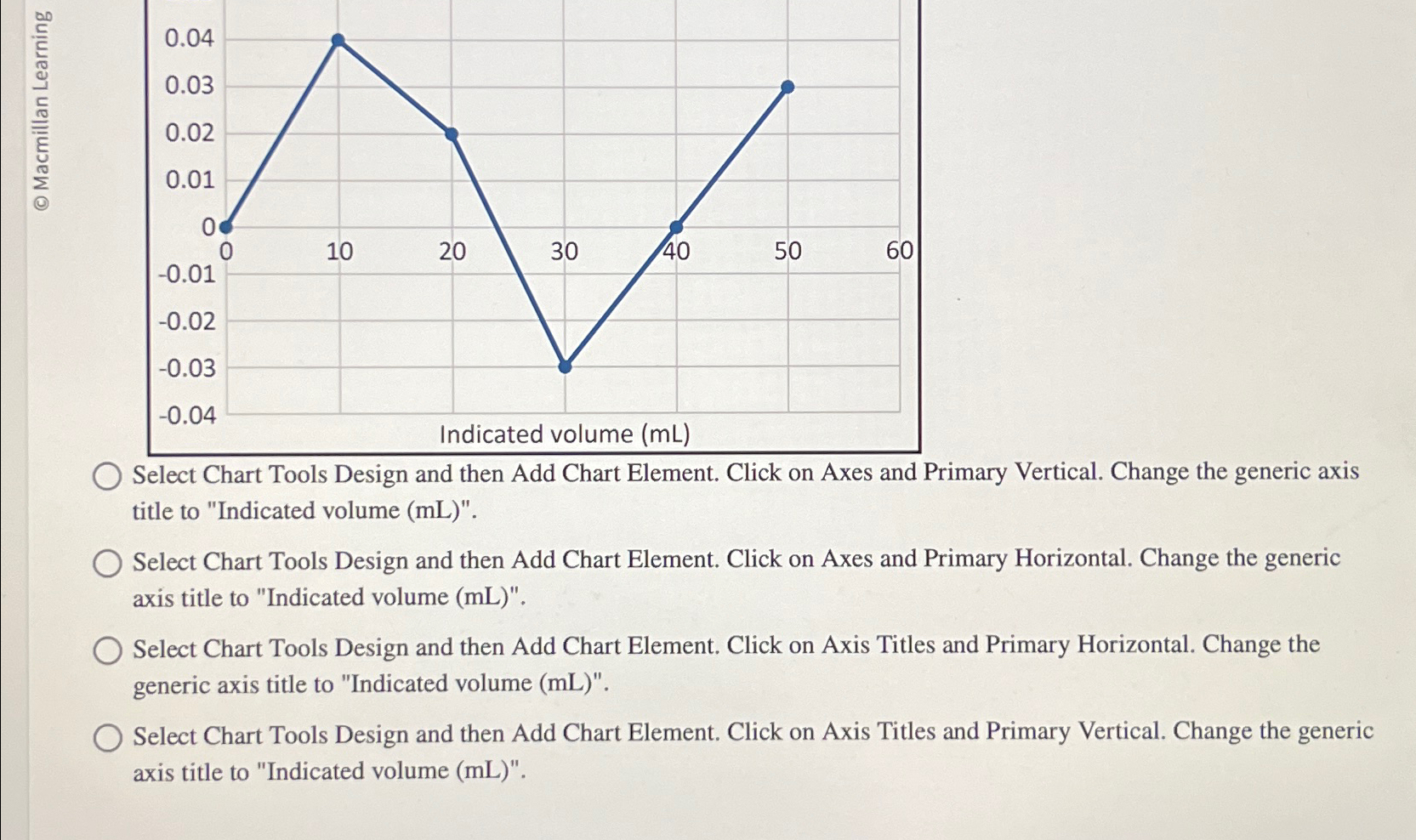
Question: Select Chart Tools Design and then Add Chart Element. Click on Axes and Primary Vertical. Change the generic axis title to Indicated volume ( mL
Select Chart Tools Design and then Add Chart Element. Click on Axes and Primary Vertical. Change the generic axis title to "Indicated volume mL
Select Chart Tools Design and then Add Chart Element. Click on Axes and Primary Horizontal. Change the generic axis title to "Indicated volume
Select Chart Tools Design and then Add Chart Element. Click on Axis Titles and Primary Horizontal. Change the generic axis title to "Indicated volume
Select Chart Tools Design and then Add Chart Element. Click on Axis Titles and Primary Vertical. Change the generic axis title to "Indicated volume mL
Step by Step Solution
There are 3 Steps involved in it
1 Expert Approved Answer
Step: 1 Unlock

Question Has Been Solved by an Expert!
Get step-by-step solutions from verified subject matter experts
Step: 2 Unlock
Step: 3 Unlock