



Question: Select the LASER _. and click on the checkbox for screen Select One Slit and use the presets provided. Turn on the light source by
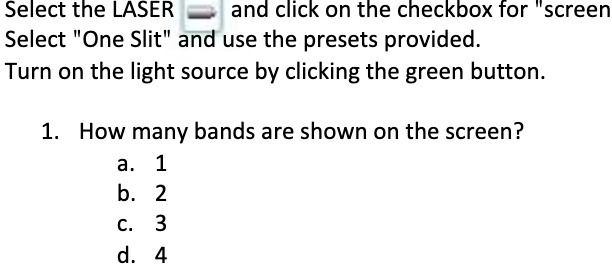
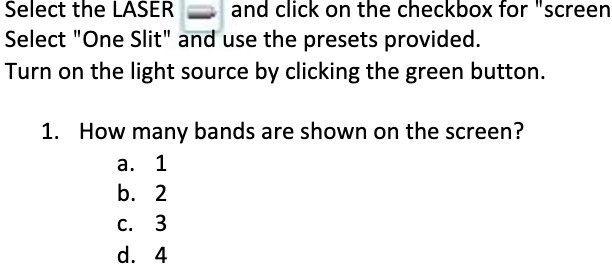
Select the LASER _. and click on the checkbox for "screen Select "One Slit" and use the presets provided. Turn on the light source by clicking the green button. 1. How many bands are shown on the screen? a 1 b.2 c. 3 (L4
Step by Step Solution
There are 3 Steps involved in it
1 Expert Approved Answer
Step: 1 Unlock

Question Has Been Solved by an Expert!
Get step-by-step solutions from verified subject matter experts
Step: 2 Unlock
Step: 3 Unlock