







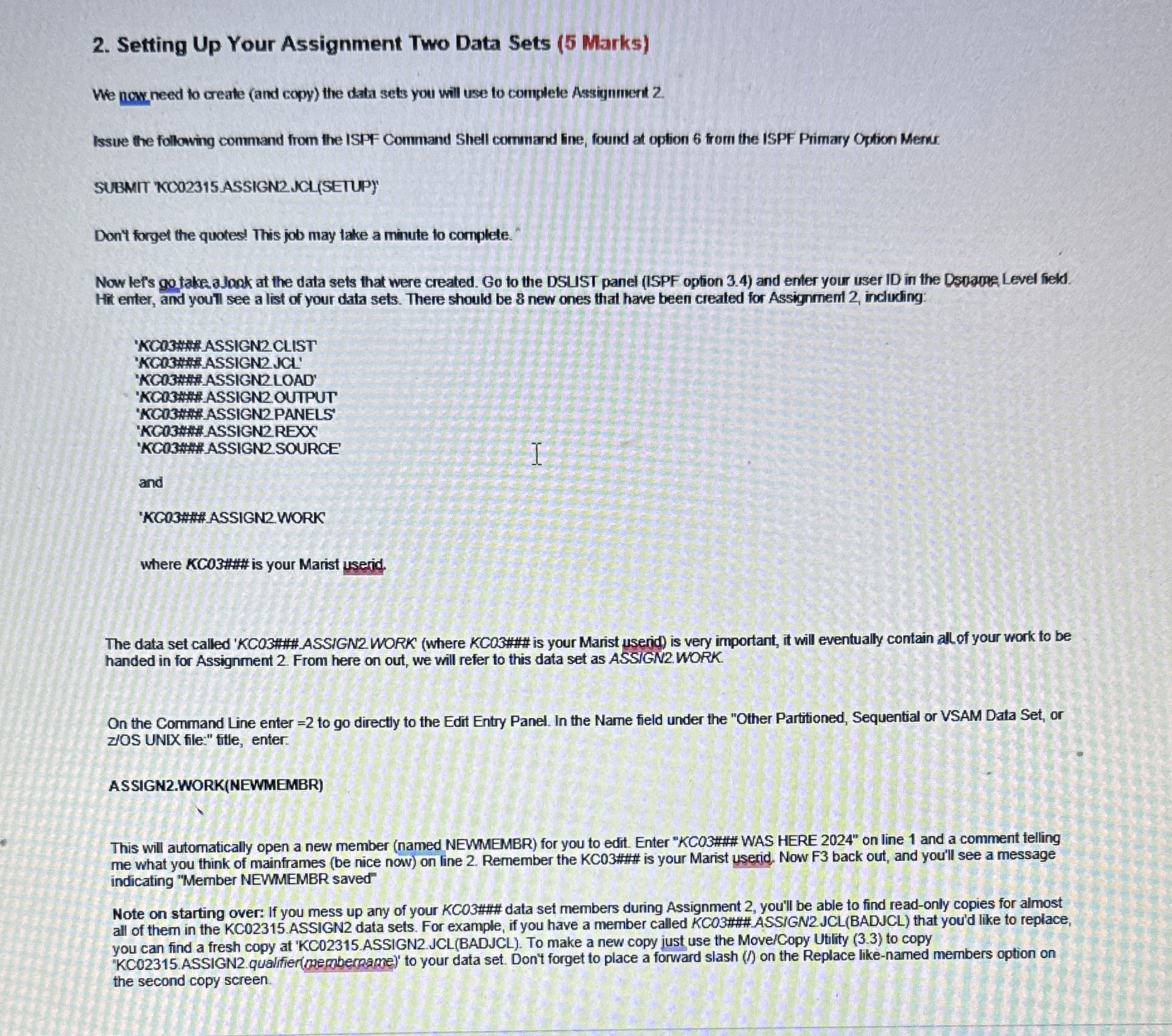
Question: Setting Up Your Assignment Two Data Sets ( 5 Marks ) We nowneed to create ( and copy ) the data sets you will use
Setting Up Your Assignment Two Data Sets Marks
We nowneed to create and copy the data sets you will use to complete Assignment
Issue the following command from the ISPF Command Shell cormmand line, found at option from the ISPF Primary Option Merus.
SUBMIT KCOASSIGN JCLSETUP
Don't forget the quoted This job may take a minute to complete.
Now lef's go take a Jook at the data sets that were created. Go to the DSUST panel ISPF option and enter your user ID in the Dsparpe Level fiekd. Hit enter, and youtl see a list of your data sets. There should be new ones that have been created for Assignment inclucing:
KG ASSIGN CLIST
KG ASSIGN JCL
KCASSIGN LOAD'
'KCO#ASSIGN OUTPUT
KC#ASSIGNREXX
KC#ASSIGN SOURCE
and
KC#ASSIGN WORK
where KC## is your Marist userid.
The data set called KC##ASSIGN WORK' where KCO## is your Marist userid is very important, it will eventually contain allof your work to be handed in for Assignment From here on out, we will refer to this data set as ASSIGN WORK.
On the Command Line enter to go directly to the Edit Entry Panel. In the Name field under the "Other Partitioned, Sequential or VSAM Data Set, or zIOS UNIX file:" title, enter.
ASSIGNWORKNEWMEMBR
This will automatically open a new member named NEWMEMBR for you to edit. Enter "KCO## WAS HERE on line and a comment telling me what you think of mainframes be nice now on line Remember the KC### is your Marist userid. Now F back out, and you'll see a message indicating "Member NEWMEMBR saved"
Note on starting over: If you mess up any of your KCO## data set members during Assignment you'll be able to find readonly copies for almost all of them in the KC ASSIGN data sets. For example, if you have a member called KCOASSGNJCLBADJCL that you'd like to replace, you can find a fresh copy at KCASSIGNJCLBADJCL To make a new copy just use the MoveCopy Utility to copy KCASSIGNqualifiermpepherpame to your data set. Don't forget to place a forward slash on the Replace likenamed members option on the second copy screen.
Step by Step Solution
There are 3 Steps involved in it
1 Expert Approved Answer
Step: 1 Unlock

Question Has Been Solved by an Expert!
Get step-by-step solutions from verified subject matter experts
Step: 2 Unlock
Step: 3 Unlock
 Study Help