







Question: Simple String Builder: import java.util.ArrayList; public class SimpleStringBuilder { /** * A private member variable used to hold the internal state of the * SimpleStringBuilder.
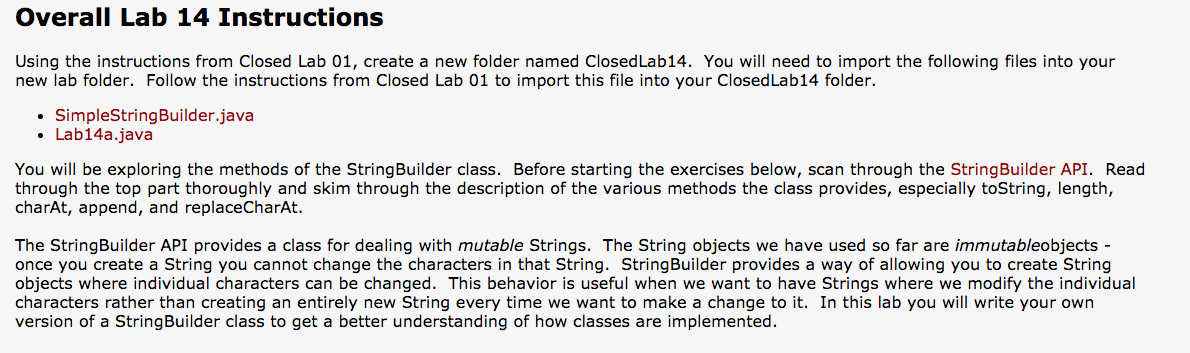
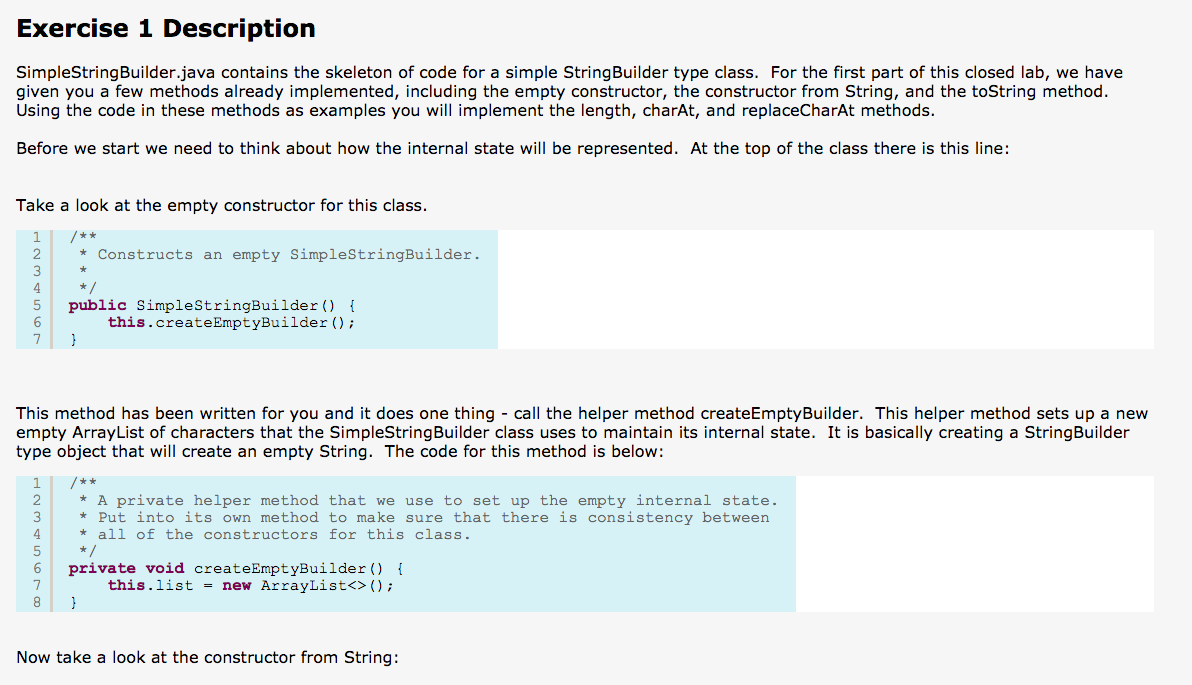
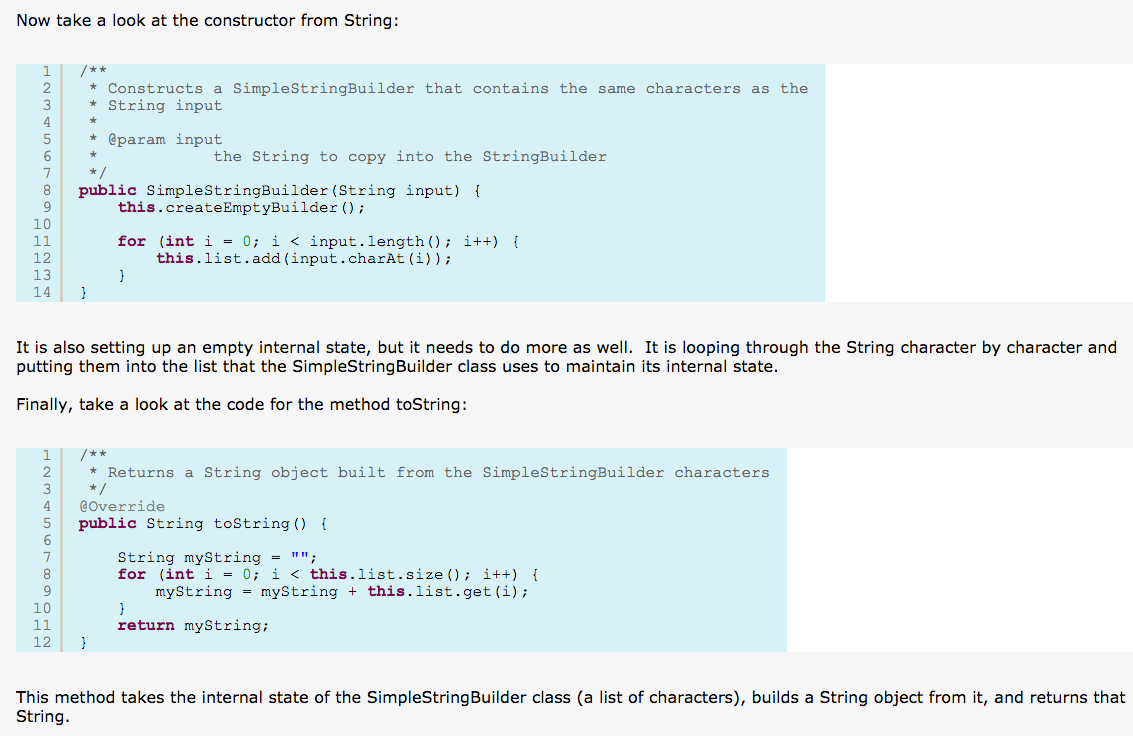

Simple String Builder: import java.util.ArrayList; public class SimpleStringBuilder { /** * A private member variable used to hold the internal state of the * SimpleStringBuilder. This ArrayList holds the characters of the String * that will be built. So the String "Hello" would be represented by an * ArrayList containing the characters ['H', 'e', 'l', 'l', 'o']. */ ArrayList list; private void createEmptyBuilder() { this.list = new ArrayList(); } /** * Constructs an empty SimpleStringBuilder. * */ public SimpleStringBuilder() { this.createEmptyBuilder(); } /** * Constructs a SimpleStringBuilder that contains the same characters as the * String input * * @param input * the String to copy into the StringBuilder */ public SimpleStringBuilder(String input) { this.createEmptyBuilder(); for (int i = 0; i Lab14a:
public class Lab14a { /* * A simple program used to test the SimpleStringBuilder class */ public static void main(String[] args) { SimpleStringBuilder myBuilder = new SimpleStringBuilder("Hello World"); System.out.println(myBuilder.toString()); // Code below this comment will not work until you complete Exercise 1 System.out.println(myBuilder.length()); System.out.println(myBuilder.charAt(3)); myBuilder.replaceCharAt(3, 'p'); System.out.println(myBuilder.toString()); // Code below this comment will not work until you complete Exercise 2 // myBuilder.append('!'); // System.out.println(myBuilder.toString()); // myBuilder.deleteCharAt(3); // System.out.println(myBuilder.toString()); // System.out.println(myBuilder.length()); // myBuilder.insert(3, 'z'); // System.out.println(myBuilder.toString()); // System.out.println(myBuilder.length()); } }
Step by Step Solution
There are 3 Steps involved in it
1 Expert Approved Answer
Step: 1 Unlock

Question Has Been Solved by an Expert!
Get step-by-step solutions from verified subject matter experts
Step: 2 Unlock
Step: 3 Unlock
 Study Help